




















Madalin Cars Multiplayer: open-world driving with friends
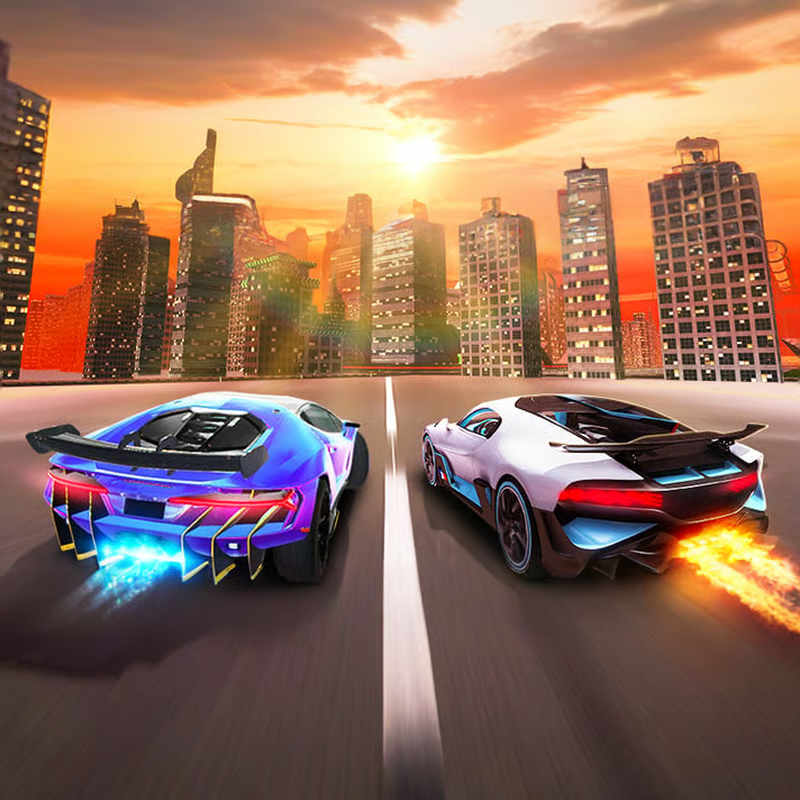
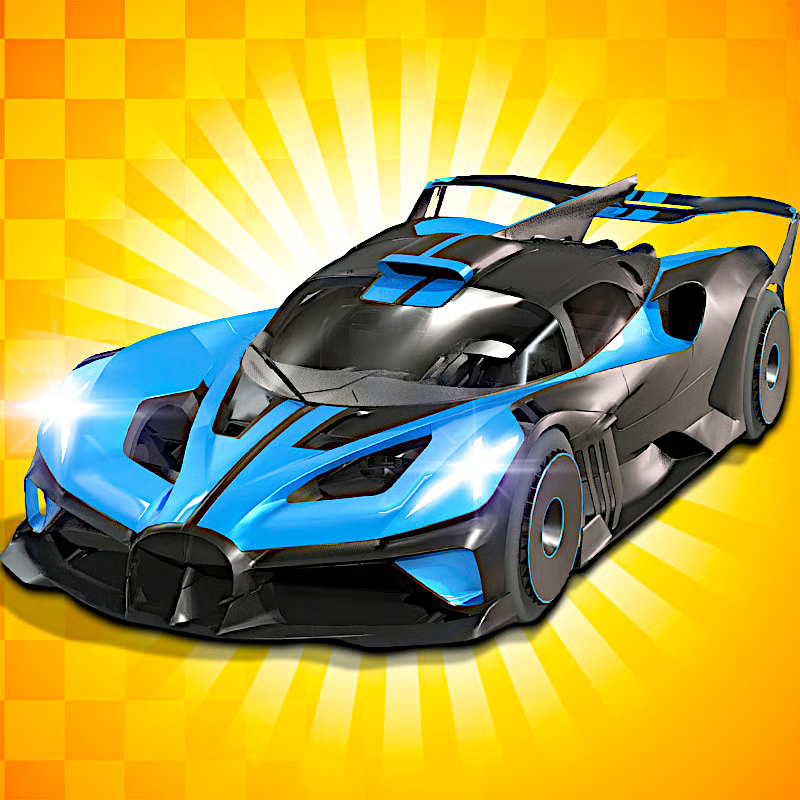
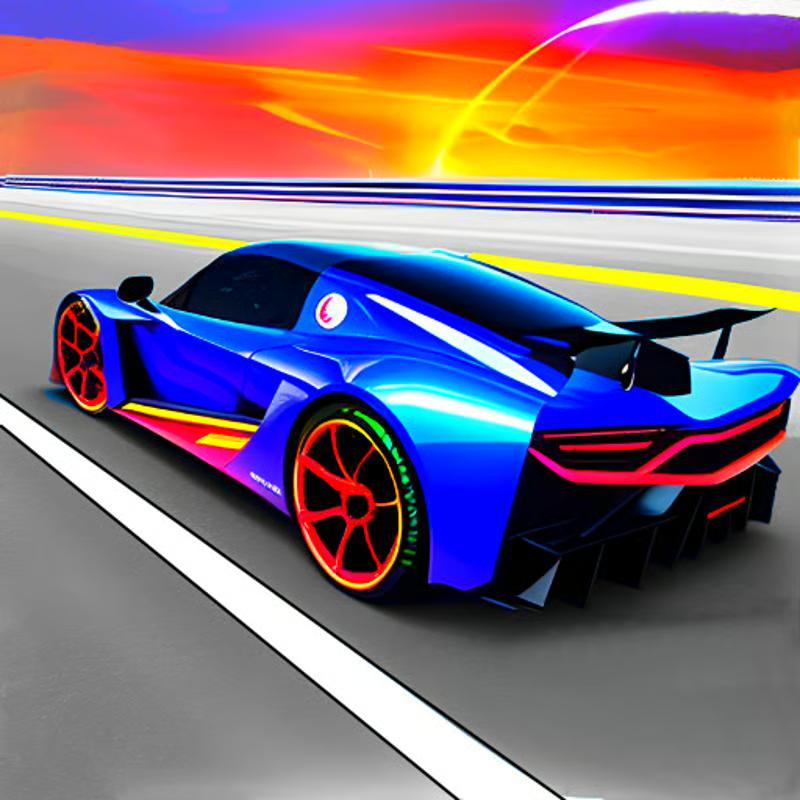
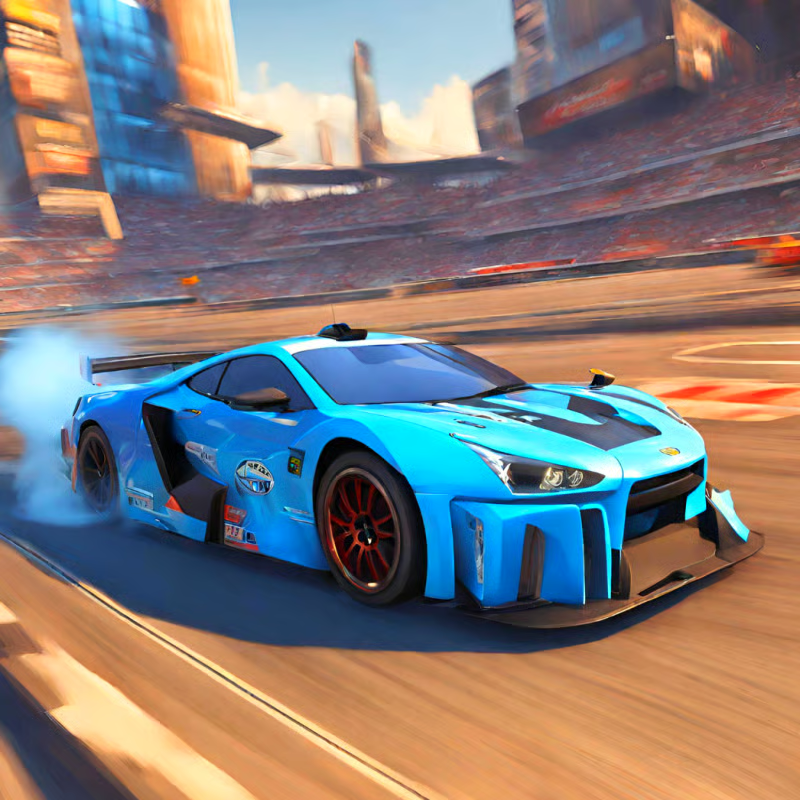
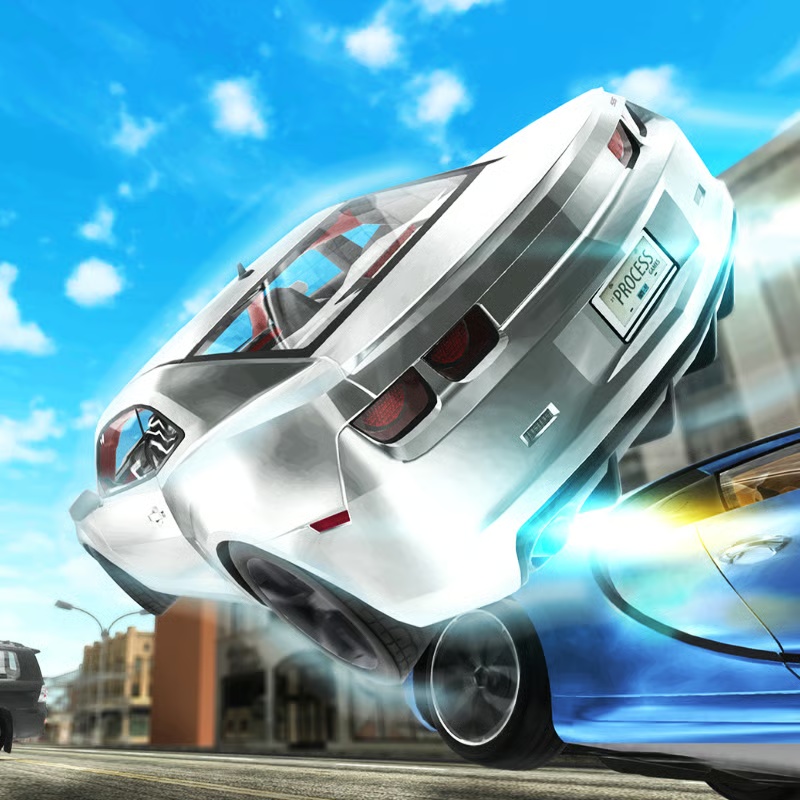
Madalin Cars Multiplayer is a free browser 3D driving sandbox where you pick a supercar, choose a color, and drive open maps with ramps, loops, highways, and stunt areas. There is no career or required missions. You make your own fun: cruise, practice drifts, hit ramps, run top-speed tests, or set informal races with other players.
Start in single player to learn a car and a map, then join multiplayer when your lines feel consistent. Solo is calm practice. Multiplayer adds traffic, timing pressure, and social races.
How to play with friends in a private room
The most useful multiplayer option is creating your own room instead of only joining crowded public lobbies. Menu wording can differ slightly by version, but the flow is generally the same:
- Pick a car and color in the garage, then choose Multiplayer.
- Create a room or private server rather than choosing Join Random.
- Share the room link or room name with friends and have everyone join the same lobby.
- Meet at an easy landmark such as the main straight, port entrance, or stunt arena, then call the start and finish in chat.
- Set simple rules: drag race, point-to-point sprint, best drift, biggest clean jump, or cruise and photo meet.
If a room feels laggy or chaotic, switch to a lobby with fewer players. If friends cannot find you, check that everyone selected the same map and room, then use the top map view and chat to regroup. A small private room is best for clean races and drift competitions.
Full PC controls and what to use them for
Keyboard is the default and most precise way to play on desktop. You can use either WASD or arrow keys for driving.
| Key | Action | When to use it |
|---|---|---|
| W / Up arrow | Accelerate | Throttle control, drift exits, ramp run-ups |
| S / Down arrow | Brake / reverse | Slow before corners and crowded stunt entrances |
| A,D / Left,Right arrow | Steer | Small corrections work better than hard steering |
| Space | Handbrake | Start drifts and rotate in tight areas |
| F | Nitro boost | Straights and ramp approaches, not mid-corner |
| C | Change camera | Switch views for jumps, tight streets, and drifting |
| R | Reset car | Recover instantly after flips and bad landings |
| T | Top map view | Find friends, ramps, and open straights |
| B | Restart | Restart the current run |
| I | Start / stop engine | Role-play and meetups |
| M | Show / hide rear mirror | Extra awareness in multiplayer |
| U | km/h / mph | Speed-unit preference |
| H | Police light | Compatible cars only |
| J | Change engine sound | Audio preference |
| L | Fullscreen | Better visibility for stunts |
| O | Options | Settings |
| Left Shift / Left Control | Manual gear up / down | Manual driving if you prefer it |
Three keys matter most. Use nitro before a ramp, handbrake to start a drift, and reset quickly instead of struggling with a wrecked car. Press C if your current camera hides the car angle before a jump or corner exit.
Are all cars unlocked? Garage, colors, and fastest car
You do not need to earn credits or complete missions to unlock cars. The garage is open from the start, so you can try different supercars immediately. Exact roster size varies by build, so focus on handling rather than memorizing a car count.
Performance customization is limited, but visual customization is flexible. The garage uses red, green, and blue sliders to mix almost any paint color, plus a random-color option when you want a fast choice.
- Fastest car: the Bugatti Veyron is commonly listed as the fastest option, with a top speed around 431 km/h. Use it for highway runs and top-speed tests.
- For drifting: try balanced rear-drive-style muscle cars such as Mustang- or Challenger-style models and practice throttle control first.
- For stunts: try a lighter, agile supercar that is easier to keep straight in the air and land cleanly.
- For beginners: avoid the fastest car at first. Choose a stable car, learn braking points, then move up in speed.
A fast car does not automatically give better stunts. High speed leaves less time to correct your line, especially at loop entrances.
Maps, ramps, loops, and drift basics
Maps can be described differently across versions, but players generally get large stunt-friendly areas rather than closed race tracks. Commonly documented areas include:
- Desert airstrip: long runway-style straights, a full loop, and rows of ramps. Best for top speed and big jumps.
- Shipping yard / port: containers, cranes, tighter structures, and ramps made for technical driving and handbrake turns.
- Open road / stunt arena: highways for speed plus dedicated loops, jumps, half-pipes, and landing zones.
How to clear ramps and land cleanly
- Approach straight and centered. Use a wide run-up and avoid steering hard on the ramp face.
- Build speed before the ramp. Use nitro on the run-up, then release it just before the lip so the nose does not lift too much.
- Make only small corrections in the air. Watch your shadow and landing zone rather than oversteering.
- Touch down straight on four wheels. Let the car settle before turning or boosting again.
- Press R after a flip. Resetting is faster than trying to save an upside-down landing.
How to do the loop
Enter fast, centered, and straight. Avoid steering at the top because sudden corrections can push the car off line. Many players use nitro through the loop while learning, then try slower entries once they know the line.
How to drift
- Enter a wide corner from the outside at a controlled speed.
- Turn in, tap Space briefly to swing the rear out, then release the handbrake before the car spins.
- Balance throttle and counter-steer gently to hold the slide.
- If the angle gets too big, ease off the gas or tap the handbrake to recover.
- Save nitro for the exit and straight, not for starting the drift.
Powerful cars prefer faster, smoother drifts. Too much angle scrubs speed. Practice on wide corners before attempting drift lines that lead directly into ramps.
Unblocked, Chromebook, mobile, and lag fixes
Madalin Cars Multiplayer is an online browser game built on WebGL, so it needs internet access, especially for multiplayer rooms. Desktop gives the smoothest result.
- School or work networks: some players can access it where other game sites are blocked, but this varies by network. There is no guaranteed unblocked version.
- Chromebook: use an updated Chrome or another modern Chromium-based browser with hardware acceleration enabled. Plug in if possible, close heavy tabs, and try fullscreen for better focus.
- Mobile: it may load in some mobile browsers, but controls and frame rate are less comfortable than desktop. Rotate to landscape and close background apps if you try it. An official Android app version has been offered separately, while iOS availability can vary.
- Controller: keyboard is the default. Some browsers may recognize a standard gamepad, but support is not guaranteed.
If the game will not load or feels laggy:
- Refresh once and let the game frame finish loading.
- Use Chrome or Edge on desktop with hardware acceleration turned on.
- Close extra tabs, extensions, video streams, and downloads.
- Join a less crowded room or switch lobbies.
- Lower distractions rather than boosting through lag: avoid nitro and big jumps until performance stabilizes.
Single player vs multiplayer and how it differs from Madalin Stunt Cars 2
Use single player to learn maps, test cars, practice loops, and repeat the same jump without traffic. Use multiplayer for meeting friends, public-room cruising, tandem drifts, informal races, and stunt sessions with other drivers.
In multiplayer, watch other cars instead of only watching your position. Leave space at ramp takeoffs, do not copy a risky line immediately after someone crashes, and keep your driving predictable in traffic.
Madalin Stunt Cars 2 is the earlier classic many players know. It also offers open maps, unlocked cars, color sliders, single player, and public or private multiplayer. Broadly, Madalin Stunt Cars 2 is often praised for huge ramps and classic stunt maps, while newer Madalin multiplayer builds are commonly described as smoother for drifting and online cruising. If you like big launches, try both. If you mainly want controlled slides and social driving, start with multiplayer rooms.
Quick FAQ
Is Madalin Cars Multiplayer free?
Yes, it is generally free to play in the browser without a required download.
Do I need to unlock cars?
No. You can choose from the available garage immediately and change paint with the color mixer.
What is the fastest car?
The Bugatti Veyron is widely documented as the fastest car, around 431 km/h.
How do I play with friends?
Create a private room, share the link or room details, join the same map, and meet at a landmark.
Why am I lagging?
Close heavy tabs, use a modern desktop browser with hardware acceleration, and switch to a less crowded lobby.
Comments
No comments yet. Be the first to comment!