














































Rally Racer Dirt Guide: Controls, Challenge 60, Survival, Multiplayer, Cars and Drifting
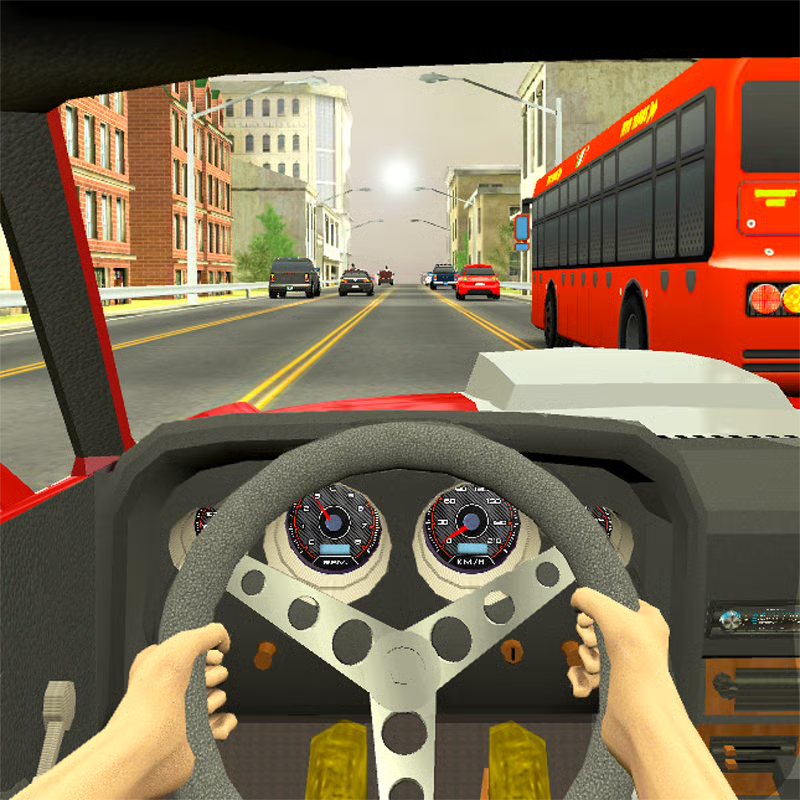
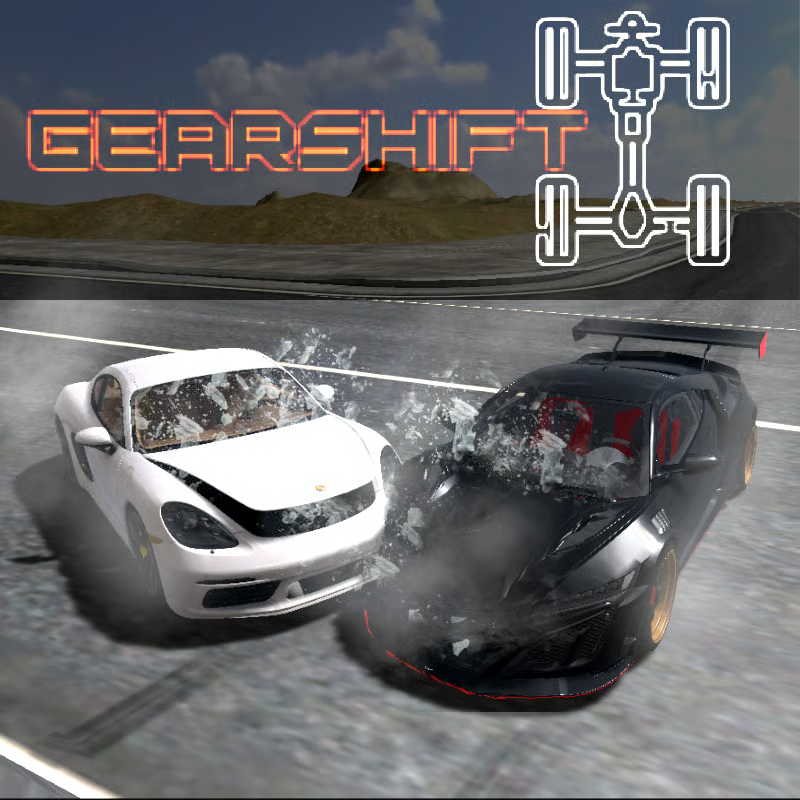
Rally Racer Dirt is a drift-focused rally game on asphalt, dirt, gravel and grass hills. You learn the controls, work through 60 Challenge tasks, use Survival checkpoint runs for cash and combos, tune 13 rally cars for each surface, then try realtime multiplayer. Developer listings describe 13 cars, 5 tuned tracks and 60 challenges, while some newer guides list 6 single-player environments with fewer tracks online. Follow your in-game menu when counts differ.
PC and mobile controls, handbrake, camera and nitro
Start with the exact inputs so you stop missing turns and inputs:
| Action | PC / Chromebook | Phone / tablet |
|---|---|---|
| Steer, accelerate, brake | WASD or arrow keys. W or Up accelerates, S or Down brakes or reverses, A/D or Left/Right steers | On-screen steering and pedals |
| Handbrake | Space or Q | Handbrake button |
| Camera view | C | View button if shown |
| Nitrous | Shift where listed | On-screen nitro button if shown |
- Handbrake: tap briefly to rotate for tight bends, then release fast. Holding it too long usually causes a spin.
- Camera: change view if you keep clipping barriers or misjudge narrow gates. A higher or farther view helps on twisty hills, a closer view helps for precise drift lines.
- Nitrous: save it for open straights and sweeping corners. It gives a multi-second push rather than a short burst, so never use it mid-drift or before a tight section.
- Mobile throttle: throttle is automatic by default on many versions. You can switch to manual control in preferences or settings. Stay on auto while learning, then try manual if you want finer throttle feathering in drifts.
Challenge 60, Survival checkpoints and realtime multiplayer
Pick the mode that matches your goal:
- Challenge mode with 60 tasks: structured stages with time limits, checkpoint runs or drift-point targets on set layouts. Best for learning lines and earning steady progress. Replay early levels for clean runs before forcing later timers.
- Survival mode: drift and drive as long as you can while passing each checkpoint before time runs out. Checkpoint first, style second. It is good for combo practice and earning cash toward new cars.
- Realtime multiplayer: race real drivers, either random opponents or friends. Choose a track, then race random players, join with a friend code, or create an invite code for friends to join. Online track choice is often smaller than single-player, which is normal. It needs stable internet, so use solo Challenge or Survival on weak Wi-Fi.
If you are stuck in Challenge, drop back one or two levels, practice the same surface type, then return with a better-tuned car. In Survival, learn where the next gate appears so you can set up early instead of rushing at the last second.
Unlock 13 rally cars and tune for dirt vs asphalt
Garage progress comes from race rewards, daily logins and bonus spins. Prices vary by version, so follow unlock order rather than exact coin counts.
- Early game: keep the starter car for tutorials. Buy an easy-handling car with good grip next, not the fastest car you can afford.
- Mid game: add one balanced car for tarmac and one stable car for gravel. Upgrade handling before power.
- Late game: save for higher-class drift builds once you can hold combos without hitting walls. Avoid maxing every upgrade on one early car.
Rear-drive style builds usually rotate more easily, while all-wheel-drive style builds feel more planted. Choose the feel that matches your steering: loose if you like slides, planted if you clip barriers often.
Tune one change at a time and test it for two or three runs:
- Suspension and ride height: lower for smooth tarmac and stadium sections, raise clearance for bumpy gravel, grass and jumps.
- Anti-roll bar: adjust for quick left-right transitions. Use small changes if the car rolls or feels slow to switch direction.
- Gear ratios: shorter gears for tight technical tracks, longer gears for fast sprints and hill climbs.
- Upgrade order: grip, suspension and handling first, then engine and top speed. Power without grip makes spins worse.
Tip: tracks mix tarmac, gravel and grass, and grip changes with the surface. If the same car feels perfect on asphalt but loose on dirt, change setup rather than driving harder.
How to drift without spinning and keep combos alive
Use the same sequence on every corner, then adjust for surface:
- Brake in a straight line before the corner.
- Turn in, then add one short handbrake tap only if the corner is tight.
- Counter-steer gently against the slide to point the nose forward.
- Feather the throttle to hold the slide, then straighten early for a clean exit.
Dirt and gravel: turn earlier, use smaller steering inputs, keep slides shallower, and return to throttle gently. Raise ride height if bumps upset the car. Avoid big angle changes on loose sections.
Asphalt and tarmac: brake a little later but finish braking before turning, use precise steering and shorter slides to carry speed. Look at the exit, not the barrier.
- Protect the combo: any contact with walls, barriers, guardrails or trees can end the drift combo immediately in scoring versions. Skip risky extra angle when a Survival gate is tight.
- Manji on straights: when you have spare time before the clock or gate, use small controlled left-right drifts on open straights to keep the combo alive and build bonus multipliers. Stop manji early if traffic, barriers or the next corner gets close.
- Nitro control: use nitro only when you know you will not crash. One bottle often has to last the whole race, so a bad boost can cost more than it gains.
Play on Chromebook, phone, tablet and fix lag
Browser play needs no download and suits Chromebooks, plus desktop, phone and tablet browsers. Mobile apps are also available on major stores depending on region.
- If the game loads but will not start, reload once, try another allowed browser, or try another network. School filters vary by network.
- Close extra tabs, pause downloads and video calls, update Chrome, Edge, Firefox or Safari, and restart the browser if frames drop.
- Lower graphics or effects if the version offers it, and play solo Challenge or Survival instead of multiplayer on weak connections.
- For cash: keep Survival runs clean through checkpoints, collect daily login bonuses, and use present icons, wheel spins or short ads where offered to top up earnings.
Quick FAQ
- How do I stop spinning? Enter slower, tap handbrake instead of holding it, counter-steer less, and lift off throttle to straighten the car.
- How do I keep Survival going longer? Aim for the center of each checkpoint, slow early for gates after fast sections, and use small manji weaves only on safe open ground.
- Should I play friends or randoms first? Try randoms to learn online pace, then use invite codes with friends once you know which 2-3 online tracks you drive cleanly.
Comments(3)
WE ARE CHARLIE KIRK
i like this game 10/10
ben dover