



















Racing Limits: fast traffic racing in your browser
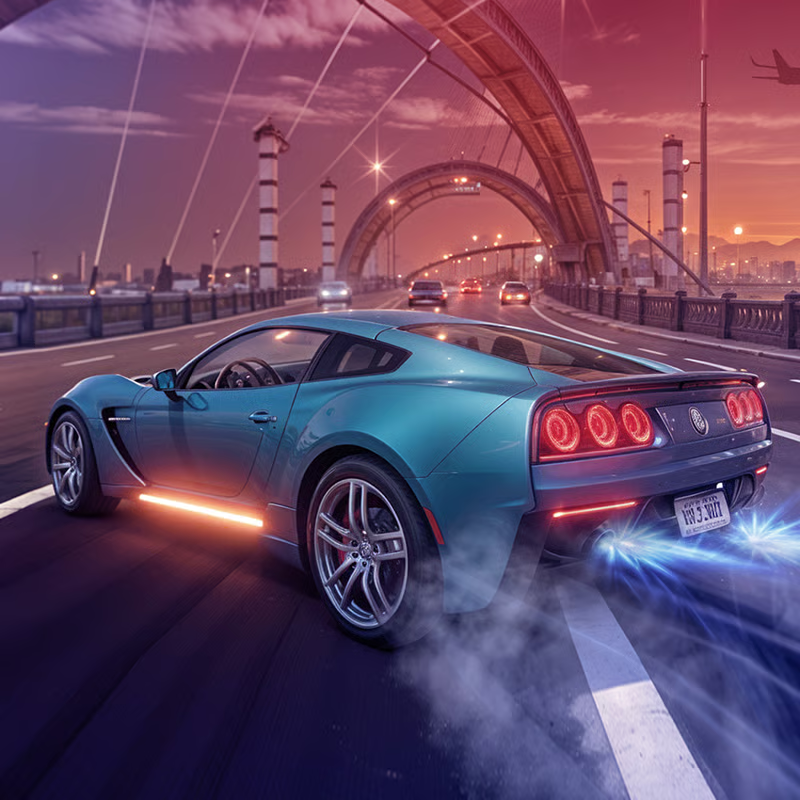
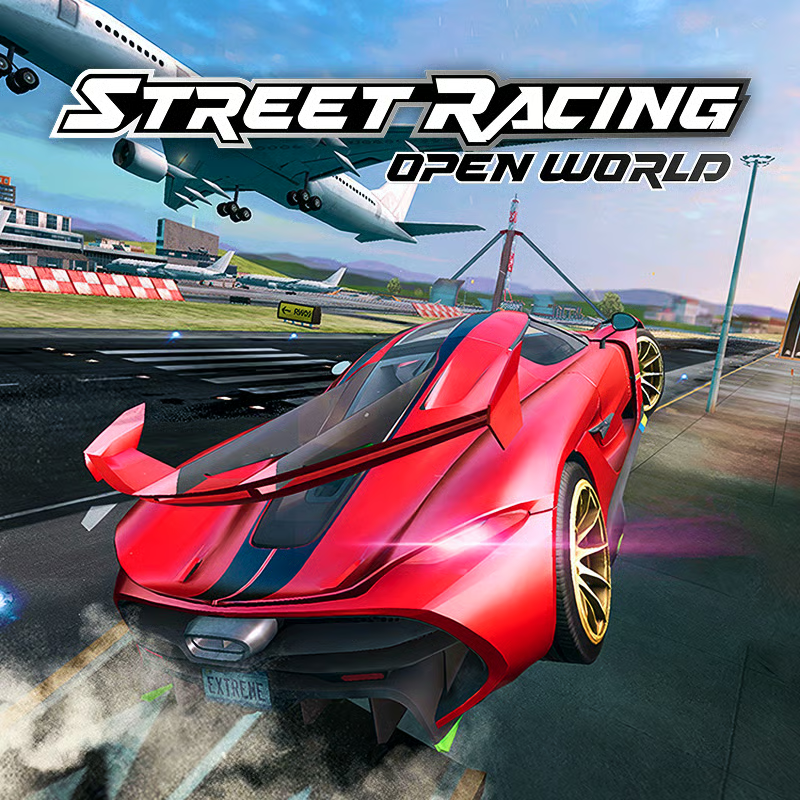
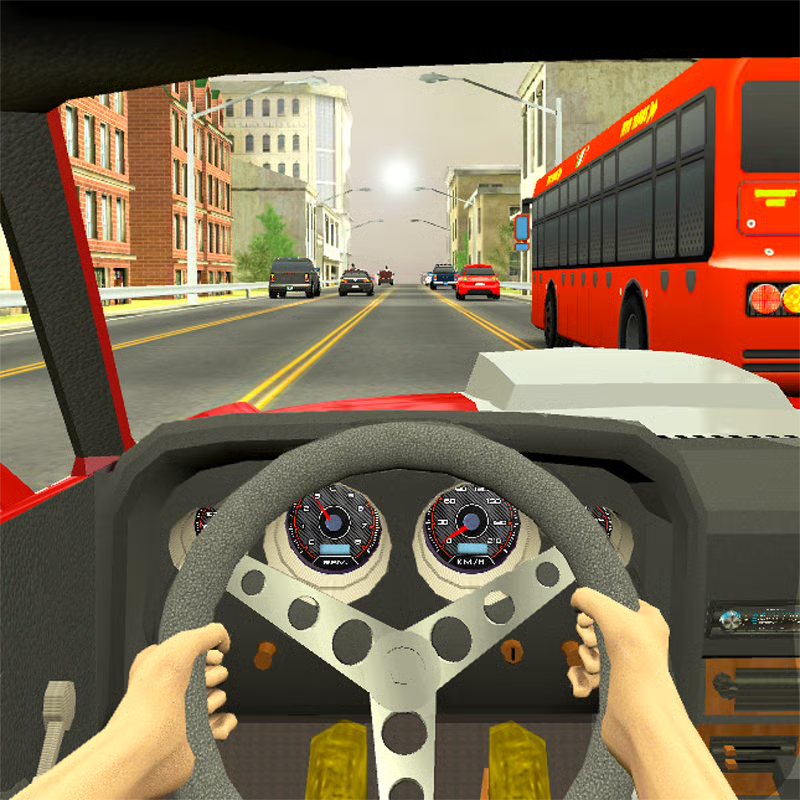
Racing Limits is a 3D traffic-overtaking racer. You weave through city and highway traffic, pass close without touching, and hold speed to build score and cash. The same close-passing skill powers every run, but goals change by mode. Start calm, learn gaps, then add speed, two-way traffic and better cars.
PC keyboard controls for browser play
On desktop you drive with the keyboard. This is the map listed by most portals for the web build:
| Action | Key |
|---|---|
| Accelerate | Up Arrow |
| Brake and slow down | Down Arrow |
| Steer left and right | Left Arrow and Right Arrow |
| Nitro boost | F |
| Change camera view | C |
| Horn and flash headlights | E |
| Manual gear up and down | W and D when manual gears are on |
| Quit current run | ESC |
Tap steering keys with small corrections instead of holding them down. Big swerves are hard to save at speed. Hold Up Arrow on open road, lift or tap Down Arrow early when traffic bunches up. Save F for nitro for a clear straight or to finish a pass you already planned, not to escape a gap that is already closing. For manual gears, turn off Auto Gear in the Controls menu first. Some guides list other shift keys such as T and G by version, so check the Controls screen in your build.
This map matches CrazyGames controls, Drifted controls and modes and Venko Games traffic basics.
Which mode should you play
Browser listings describe four main solo modes, with multiplayer in fuller builds. Names vary a little: Carrier and Career mean the same mode, as do Against-Time, Time Against and Time Trial.
- Career and Carrier: structured missions with overtake, near-miss, speed and time targets across many levels. Best for steady early rewards and learning fundamentals.
- Infinite: endless run with no finish line. Drive as far as you can without crashing. Score grows with distance, speed and close-call combos. Best for high-score chasing once you have a stable car.
- Against-Time: reach distance or checkpoints before the clock runs out. Rewards clean momentum and fewer risky detours.
- Free Mode: no pressure and crash respawns. Best for learning a new car, track, camera or traffic setting.
- Multiplayer: live races against friends or random players. Play it after you can survive traffic reliably.
New players can try Free Mode for a few minutes, then Career for rewards, then Infinite for records and Against-Time for pressure practice. See SilverGames modes and igre.games guide.
How close overtakes earn score and money fast
Racing Limits pays for confident clean driving. Portals describe payout as distance plus steady high speed plus overtakes plus closeness bonus plus opposite-lane bonus plus mission reward.
- Overtake: every clean pass adds money.
- Close and near miss: passing very close without touching raises the bonus faster. Closer at speed means a bigger Close Call bonus.
- Speeding: holding high speed steadily pays more than bursts that end in a crash.
- Opposite lane: in two-way traffic, time in the oncoming lane pays extra but is very risky.
- Mission: finishing the set distance, speed or time goal gives the largest chunk.
For farming, focus on Career first because it has the best reward to effort ratio for beginners, then use Infinite combos once you can survive. Look three to four cars ahead, pass only when you can see space to return to lane, and do not force a pass between two parallel vehicles. Brake briefly and wait instead. Do not waste nitro in dense packs. Exact point values are not published consistently, so treat closeness as broadly higher reward, not a fixed rate.
This loop is explained in SlopeOnline scoring, GeometryDashBreeze close bonus and MotorHeads near-miss tip.
Which car to unlock and what to upgrade first
You start with a free small starter car. It is slow but narrow and nimble, which helps with learning gaps. Do not spend much on it. Save for a car with more power and balanced stats.
- First buy: pick balanced acceleration and handling rather than top speed alone. Balanced cars survive longer and earn more consistently.
- Upgrade order: handling and steering plus brakes and speed first. Control raises survival, speed raises score ceiling. Add engine and nitro later.
- Tuning: gear ratio, ride height and camber tuning is free in many builds and changes performance rating, which gates Career levels. Test small changes in Free Mode.
- Try before you buy: use garage Free Trials where available and check performance rating before a Career level that needs it.
The roster is described as large, around 34 to 35 cars depending on portal, with a top Ferrari-type car listed around 362 kmh for about 1,000,000 in one guide. Counts and prices can differ by version, so check your garage. See Drifted starter tip, igre.games balanced-car advice and SnowRoad upgrade rule.
One-way vs two-way traffic
- One-way: all traffic goes your direction and flow is more predictable. Learn steering, braking and close passes here. Morning with low density is the calmest start.
- Two-way: oncoming cars come from the opposite direction. Gaps close faster and opposite-lane time pays extra, which is why high scores often come from two-way Infinite.
Master one-way first, then switch to two-way once you can judge gaps reliably. In two-way, stay right unless you are sure you can finish the pass and give oncoming traffic extra room. See Venko traffic explanation and SlopeOnline opposite-lane bonus.
Cockpit vs chase camera
Press C to cycle views. Builds list cockpit, hood, rear or chase and helicopter views.
- Rear, chase and third-person: widest view of traffic around you. Easiest for judging gaps while learning and in dense city traffic.
- Cockpit, hood and first-person: stronger sense of speed and immersion. Better once comfortable, but gaps look tighter.
There is no single best view. Try both in Free Mode and keep the one that lets you judge distance most accurately, including at night. See GeometryDashBreeze camera comparison and GettingOverIt camera tips.
Play unblocked on Chromebook, PC and mobile
Racing Limits runs in the browser with no download. Listings describe free play on PC, mobile, tablet and Chromebook, often labeled unblocked.
- Use an updated browser with a stable connection.
- On touch devices use on-screen buttons. On keyboard use the map above.
- School filtering varies by network, so check local rules.
- Highway is usually open from the start. Desert, City and some times of day may need unlocks by build.
See ZGames unblocked support and CrazyGames platforms.
Quick checklist before you race
- Warm up in Free Mode: controls, camera with C, one clean pass chain.
- Earn in Career first, then chase Infinite combos.
- Stay fast, pass close with no touch, use opposite lane only when clearly safe.
- Save smart: skip heavy starter upgrades, buy balanced, upgrade handling and brakes first.
- Pick traffic and view to match skill: one-way plus rear view to learn, two-way to score.
Comments(12)
this game is goated
it so great good experience 👌
I got it good.... its a win bro
hi guys i am good at playing this game and i was just looking at your message and the last one was lol
i already got to everything its to easy please make it harder
my money is 1223456677
tripple T
These games are really awesome
It won’t even let me in
That’s crazy
thats crazy
This is the stupidest and horrible game ever it shouldn’t exist just give up on your carrr
you just got rage quit this is the best game
Game is fly good tho I recommend it
Holy crash out seems like somebody rage quit you must REALLY suck 😂
you probobly are saying that cuz you rage quit
Lol