






















Demolition Derby 3 quick overview
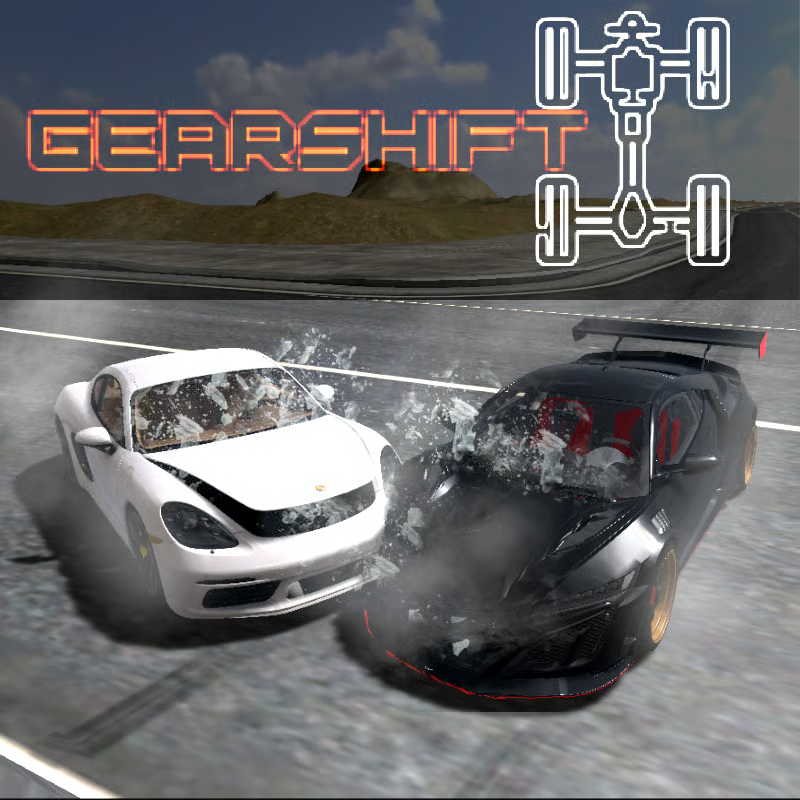
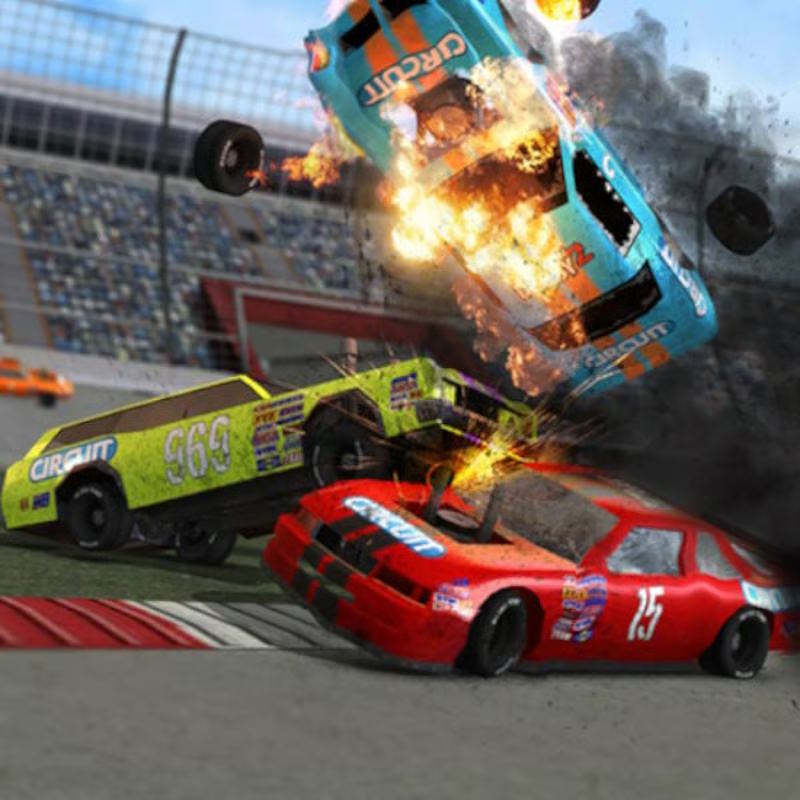
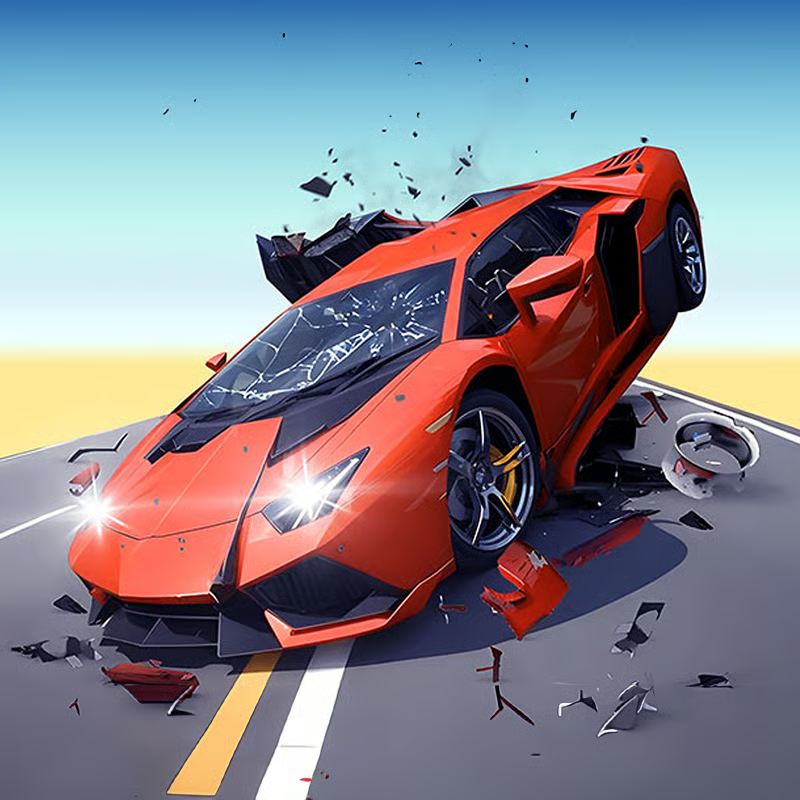
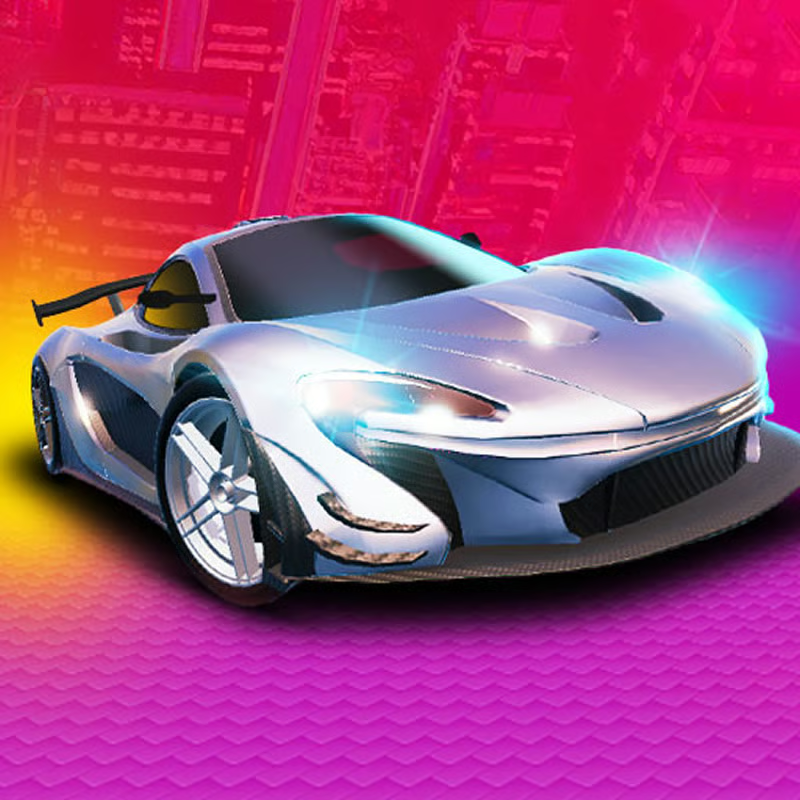
Demolition Derby 3 by Beer Money Games is a 3D car-combat game with demolition arenas, circuit racing, campaign progression, open-world driving, and online multiplayer. You earn cash or credits from events, then buy new cars and upgrade speed, armor, and handling. The browser version needs WebGL and works best on desktop.
PC controls and camera
On browser portals the PC keys are consistent:
- WASD or arrow keys: steer, accelerate, and brake or reverse
- Shift: nitrous boost for closing distance or escaping a pile-up
- C: change camera view, including first-person driving view
- Q / E: rotate camera to check sides in the arena
- V: look back to see chasers behind you
Save boost for a short, aimed ram rather than holding it on straights. Use third-person for awareness in crowded derbies and try first-person only on open tracks at first. Tap V or rotate with Q / E before reversing, because most hits come from behind. If the camera spins when you reverse, check the settings for auto-reverse camera rotation and turn it off for tighter control.
Cars: which to buy first and what to upgrade
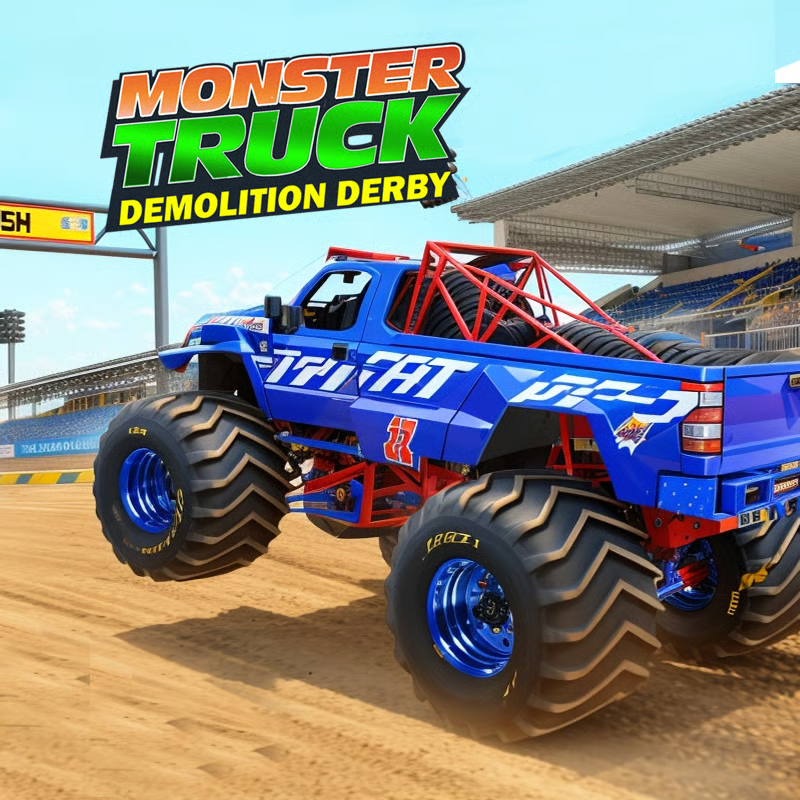
There are more than 100 vehicles, from sedans and muscle cars to pickups, buses, and race cars. Each car differs in speed, acceleration, handling, weight, and durability, so match the car to the event.
- Starter choice: pick a balanced, heavier sedan or pickup first. It survives longer than a fast but fragile sports car while you learn ramming angles.
- Derby arenas: favor weight and durability. A slower, tough car wins more Last Man Standing rounds than a fast car that breaks early.
- Races and time trials: switch to a lighter, faster car with better handling once you have one.
Upgrade priority for new players:
- Armor and durability first: side and rear protection increases survival time in your first events.
- Tyres and handling second: better turning helps you line up hits and avoid walls.
- Engine and nitrous last: add power after the car can survive contact.
Avoid spreading cash across many cars early. Improve one derby car and, if you race often, one race car. Prices and the fastest builds change with updates, so read in-game stats instead of chasing one named best car.
How to earn money faster
You earn cash after every event and can spend it on cars, upgrades, tracks, and visual parts. Credits are the in-game currency for the same purchases.
- Repeat short events: Quick Derby rounds and early campaign or career races give steady payouts for the time spent.
- Play campaign progression: series of levels and tournaments unlock cars, parts, and higher-paying events as you advance.
- Collect daily rewards: log in daily for cash, upgrades, and cosmetic items that reduce grinding.
- Use open-world driving: explore, complete tasks, and practice without derby pressure while building funds.
- Finish cleanly: wins pay more, but consistent top finishes without wrecking are better than one win followed by several early knockouts.
Do not waste early cash on paint, decals, spoilers, or a third car before your main car has armor and tyres. Exact payouts vary by build, so focus on repeatable wins rather than a fixed amount per race.
Multiplayer and playing with friends
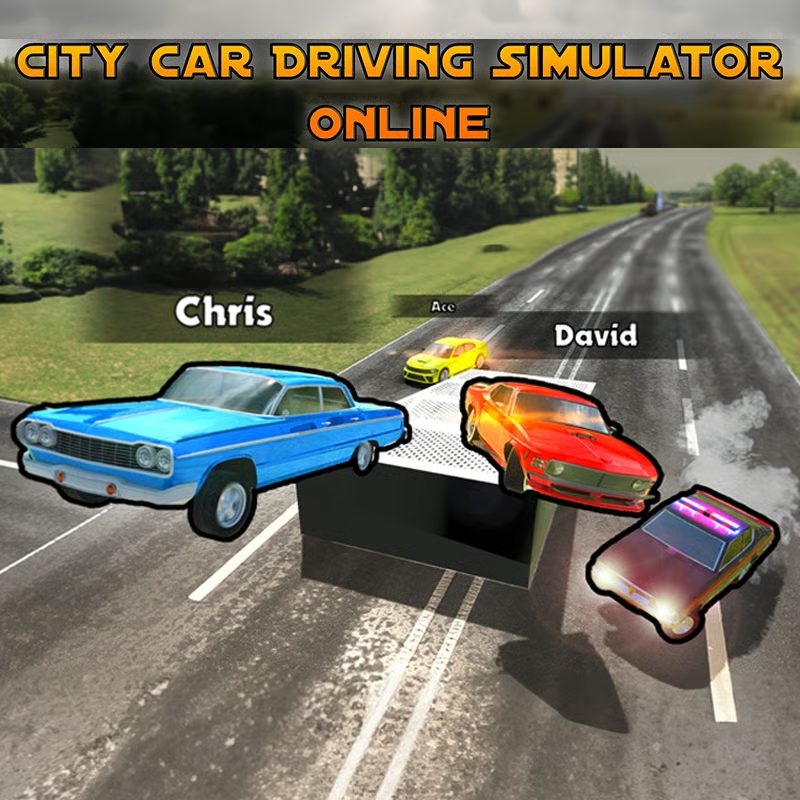
Multiplayer includes public battles against players from around the world plus options to host or join matches. The exact lobby system depends on whether you play the mobile app or a browser portal.
- Public lobbies: join Quick Derby or multiplayer races to learn traffic flow and ramming timing.
- Host your own match: where supported, create a room and invite friends for private derby or race sessions.
- Join friends: look for room names, lobby lists, or invite options on your version; menus differ by portal and update.
- Team play: in team or capture-style events, stay moving, call targets, and avoid hitting teammates in the pile.
If friends cannot see your room, check that everyone uses the same app version or portal, has a stable connection, and has multiplayer unlocked. Browser multiplayer was listed as beta in older builds, so expect occasional empty lobbies or lag at off-peak times.
Game modes and maps explained
| Mode | Goal | Best for |
|---|---|---|
| Quick Derby / Last Man Standing | Be the last working car | Practice hits, farming cash, short sessions |
| Tournament mode | Win several derbies in a row | Testing a tuned derby car |
| Quick Race / circuit racing | Finish first or set best lap | Faster cars, clean driving, leaderboards |
| Campaign / career mode | Complete event series and championships | Unlocking cars and steady progression |
| Open-world / free drive | Explore and complete tasks | Learning controls and earning without pressure |
| Multiplayer | Beat real opponents | Playing with friends and harder competition |
Listings vary between 20+ and 50+ tracks and arenas because the roster grew with updates. Expect tight demolition bowls, junkyards, figure-eight layouts, road circuits, and open driving areas. Use heavy cars in small arenas and faster cars on wide circuits. Learn one or two arenas first: note choke points, walls for pinning opponents, and space to reverse safely.
Derby tactics that save your car
- Hit and move: ram, then drive clear instead of sitting in the middle of the pack.
- Aim for sides and rear wheels: side and rear hits disable opponents faster than head-on bumper hits.
- Reverse into big impacts: backing in protects the engine at the front in many builds.
- Use the wall: push damaged opponents into barriers for extra damage.
- Watch the minimap and mirrors: avoid getting sandwiched after you commit to a ram.
Browser, mobile, unblocked, and lag fixes
The browser edition launched in July 2024 and requires WebGL. Many portals list it as desktop-browser focused, while other pages support desktop, mobile, and tablet. The native mobile app is available for Android and iOS.
- School or work network: browser portals often work where downloads are blocked, but access still depends on your network rules.
- If it does not load: use an updated Chrome, Edge, Firefox, or Safari, enable WebGL or hardware acceleration, and reload after assets finish loading.
- If it lags: close extra tabs, pause downloads or video, lower in-game quality if available, switch to third-person view, and avoid large multiplayer rooms on weak laptops.
- Controls by device: use keyboard on PC and on-screen buttons, slider, or tilt steering where offered on touch devices.
FAQ
Is Demolition Derby 3 offline?
Solo derby, racing, campaign, and open-world practice can often be played offline in the app version, but multiplayer needs an internet connection. Browser play always needs internet to load the game.
How do I change to first-person view?
Press C on PC to cycle camera views until you reach first-person driving view. Use Q / E and V less in first-person because visibility is narrower.
Should I buy a new car or upgrade my current one?
Upgrade your current derby car with armor and tyres first. Buy a new car when you need a different class, such as a race car for circuits or a heavier car for Last Man Standing.
Comments(4)
great game
terrebale game
takes a while to load but very fun
好