




























What is House of Hazards?
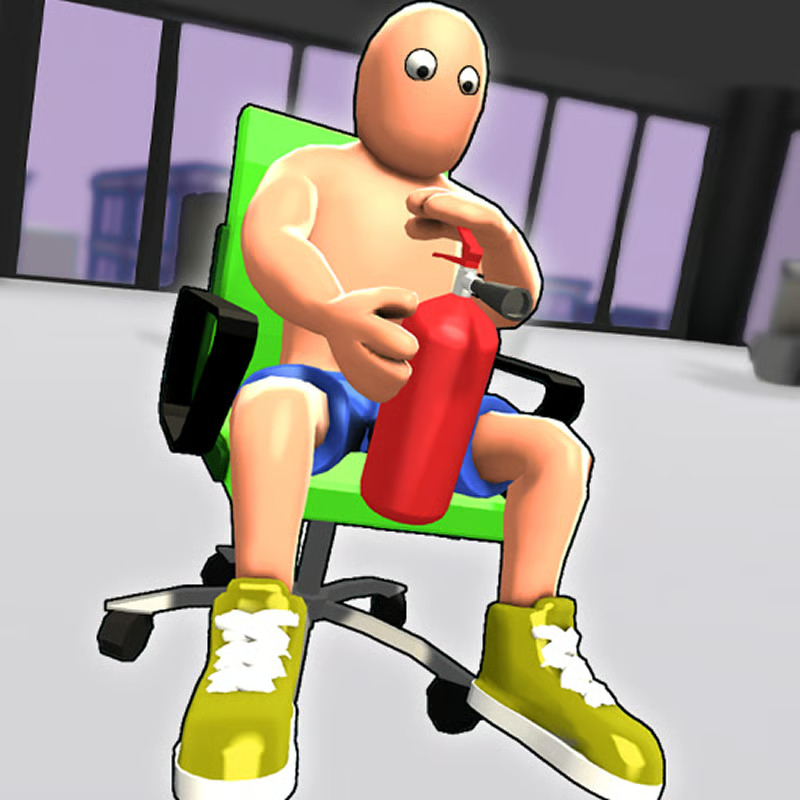
House of Hazards is a local multiplayer party game by New Eich Games where 1 to 4 players share one screen. One player runs a morning routine inside a cartoon house while the other players watch and fire traps at the worst moment. The loop is simple: finish your chores before your rivals finish theirs, and sabotage them when it is your turn to control the hazards.
Controls: Player 1 and Player 2 on one keyboard
Two players can share one keyboard. The same keys move your character when you are the runner and select traps when you are controlling hazards. The action key changes with the role shown on screen, so check the in-game player screen before you start.
| Player | Move / Change hazard | Jump | Crouch / Grab / Activate hazard |
|---|---|---|---|
| Player 1, left side | A / D | W | S |
| Player 2, right side | J / L | I | K |
Sit at opposite ends of the keyboard, test one jump and one action for each seat, and click inside the game frame first if the keys do not respond. Some listings swap the Player 2 jump and action keys, so follow the labels shown in your build if they look different.
Player 3 and Player 4: gamepad setup
Regular play supports up to 4 players: two on keyboard and two on gamepads. For Player 3 and Player 4 you generally need compatible gamepads:
- Left stick: move or change the selected hazard
- South button: jump
- East button: crouch, grab a player, or activate the hazard
For the most reliable two-player session, use a desktop keyboard. Solo practice is also useful for learning jump distance and turn speed before a busy shared-keyboard round.
How many players can play? Local, solo, and Time Trial
House of Hazards is built for 1 to 4 players on the same device:
- 2 players: the classic setup, Player 1 on A/D/W/S against Player 2 on J/L/I/K.
- 3 to 4 players: add gamepads for the extra seats and take turns as runner while the others control traps.
- Solo: you can play alone against computer-controlled opponents. Hosts also commonly describe a Time Trial mode for learning the layout and controls without party pressure.
Availability of solo bots and Time Trial can vary by host, so use the mode menu in your version to confirm what is offered.
Can you play House of Hazards online multiplayer?
No. The standard browser build is local multiplayer on one browser and keyboard, not an internet lobby where friends join from separate devices. Everyone plays on the same screen, which is why trap timing and reactions are part of the fun. If you see pages calling it online play, they usually mean playing the local game inside a browser.
Tasks and how to win a round
The runner must complete a daily routine while surviving player-triggered traps. The exact order can vary by version, but hosts typically list a routine like this:
- Get out of bed
- Use the bathroom
- Make or drink coffee and pick up food in the kitchen
- Water plants or flowers in the garden
- Check the mailbox
- Leave the house for work
You win the round by finishing all required objectives without getting knocked out of your run. Getting hit does not always end everything at once: ragdoll physics can throw you off your route, so recover, pick one direction, and continue instead of mashing keys. After each round, watch the wheel of fortune. It spins to set a twist for the next round, such as reverse controls, speed penalties, or extra traps.
How to trigger hazards as the controller
When you are not running, you cycle between available traps with your movement keys and fire with your action key. Do not fire as soon as the runner appears. The strongest moment is when the runner commits and has fewer escape options:
- Starting a chore interaction, such as coffee or the mailbox
- Landing after a jump
- Entering a narrow doorway or hallway
- Moving between two hazards
- Rushing the final task near the exit
Common examples include launching flying toast from the toaster, swinging a cabinet door, dropping a ceiling light or chandelier, bursting a tap or sink, and activating garden swings, toys, or a teddy. Some builds also list flour, lasers, a pitching machine, and picking up a limp player to lock them in a chest. Save your best trap for the task the runner must touch, then fire when a jump or interaction locks their direction.
How to avoid traps as the runner
Survival is about short moves and baiting, not constant running:
- Use short inputs: walk to a hazard, stop before its range, let it fire, then cross during recovery.
- Fake an approach: step toward coffee, the cabinet, or a lamp, pull back, and go forward only after the opponent wastes the trap.
- Pause at doors and overhead lights: check what the controllers are selecting before you stand under a lamp or in the middle of a doorway.
- Keep space to retreat: in the bathroom and hallways, leave room behind you instead of trapping yourself against a wall.
- Slow the garden crossing: the open area tempts a full sprint, but shorter bursts make your timing harder to read.
- Respect the last task: many runs fail at the mailbox or exit because the runner rushes after surviving most of the house.
New players should start with Time Trial or solo against computer opponents to learn task locations, hazard range, and crouch timing before facing human trap timing.
Characters: starters and unlocks
Listings commonly show eight characters. Dom, Marissa, Jerry, and Samantha are usually available at the start, while Robo Rob, Buster, Rocking Grandma, and Super Sam are shown as locked.
Sources describe unlocks as winning games or breaking records in multiplayer mode, but thresholds differ between guides and hosts. Treat it as progression rather than a fixed number: keep playing, win rounds, and check your version for which characters open next.
Browser, Chromebook, and mobile notes
House of Hazards is a browser game built on Unity WebGL and HTML5, so it loads in a normal desktop browser tab with nothing to install. One host lists it as desktop-only, while other hosts say lightweight browser builds can load on school Chromebooks, laptops, and even a phone browser.
For practical play, use a desktop or laptop with a physical keyboard, especially for two players sharing A/D/W/S and J/L/I/K. A small Chromebook keyboard can work for solo practice, but two-player trap timing is much more reliable on a full desktop keyboard. Touch controls are not the intended way to play the shared-keyboard match.
Quick FAQ
What keys do I need for 2 players?
Player 1 uses A/D to move, W to jump, and S to crouch or fire. Player 2 uses J/L to move, I to jump, and K to crouch or fire.
Is it local only?
Yes, the checked builds support 1 to 4 players locally on one device.
What decides the next round?
The wheel of fortune after each round can add twists such as reversed controls or extra hazards.
Comments(1)
Good game but hitboxes are weird