
























What is Hazmob FPS: Online Shooter?
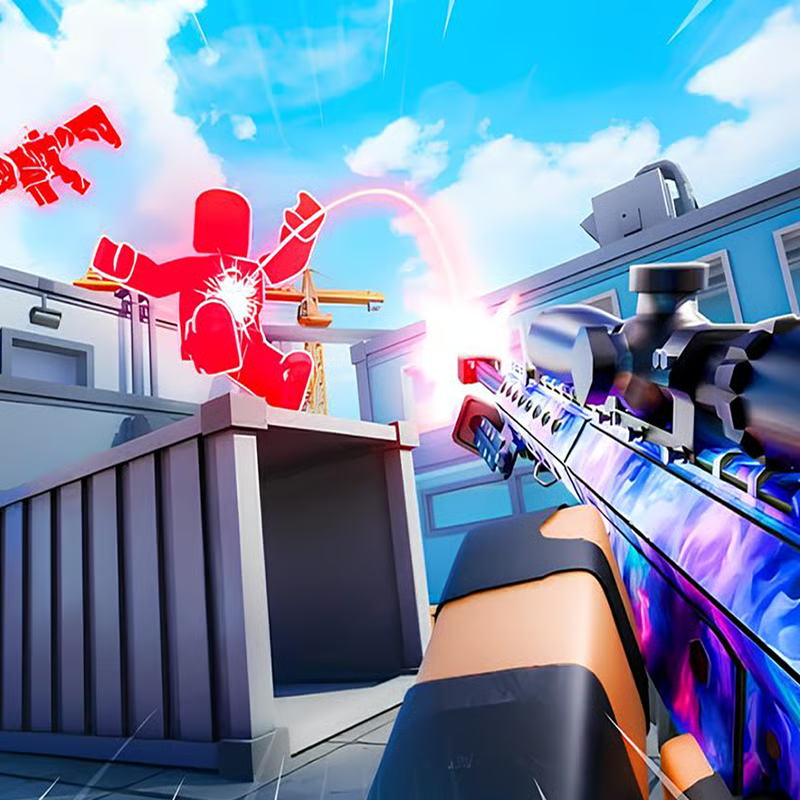
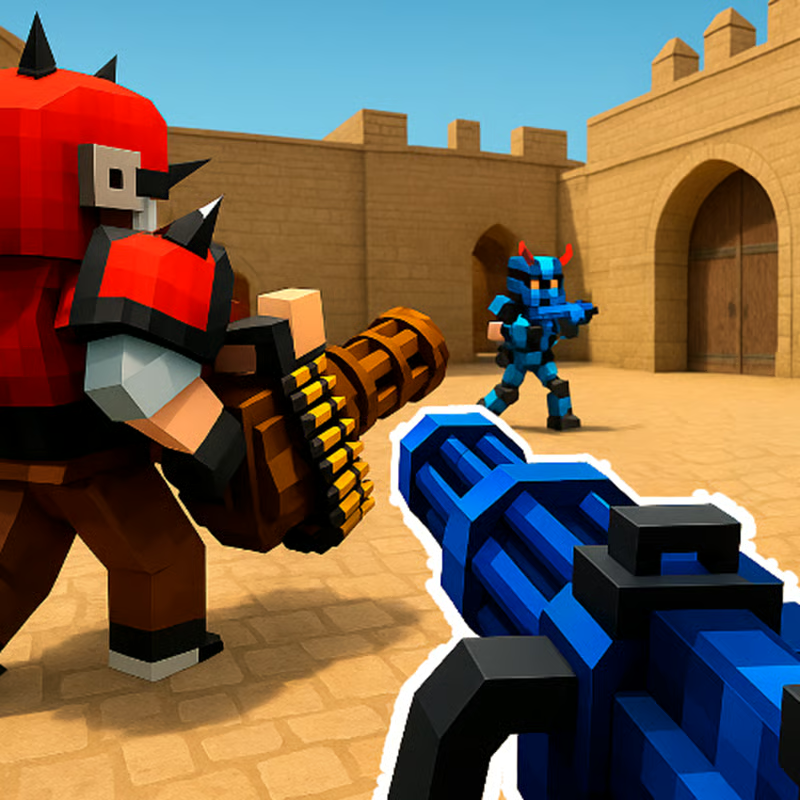
Hazmob FPS: Online Shooter is a free multiplayer first-person shooter you can play right in your browser. It focuses on fast, close-quarters PvP combat against real players, with some matches also including bots. The core loop is simple: join a match, pick a loadout, and fight across compact maps where positioning and reflexes matter as much as aim. CrazyGames describes it as a multiplayer shooting FPS game where every second counts across multiple game modes.
You start with one main weapon and unlock more as you level up. Playgama notes that new weapons and gear become available as your level and experience increase, and both can be upgraded as you progress. Want the fastest start? Use Quick Battle to join a random map and mode, then use Custom Match when you want to play with friends.
How to control and play Hazmob FPS on PC browser
On desktop browser, Hazmob FPS uses standard FPS keys. Learn these first and you will survive much longer in your first matches:
| Action | Key |
|---|---|
| Move | WASD |
| Shoot | Left mouse button |
| Aim down sights | Right mouse button / V |
| Run / sprint | Shift |
| Crouch | C |
| Jump | Space |
| Switch weapons | 1, 2, 3 |
| Use skills | 4, 5, 6 |
| Alternative skills | E or Q |
| Pick up dropped gun | G |
| Leaderboard, pause and settings | P |
Three keys confuse new players the most:
- G to pick up guns: Walk near a weapon dropped by an eliminated enemy and press G. This is especially useful in Gun Race to stay in the fight.
- 4-5-6 / E / Q for skills: These trigger grenades, tactical equipment and other abilities. PlayHop explains that every skill has its own cooldown, so timing a grenade or utility at a choke point matters more than using it instantly.
- P for settings: Press P mid-match to check the leaderboard, pause, or adjust sensitivity and other settings. Lower your sensitivity if your aim overshoots, and raise it if you cannot turn fast enough.
On touch devices the layout uses a virtual stick plus on-screen fire, aim, crouch, jump and weapon buttons. Portal support varies, so treat mobile availability as portal-dependent rather than guaranteed.
Which Hazmob FPS game mode should you pick?
Most portals currently list seven multiplayer modes: Team Deathmatch, Search and Destroy, Capture the Flag, Domination, Free for All, Elimination and Gun Race. Some older descriptions mention nine modes, but these seven are the consistently documented ones. Use Quick Battle for instant matchmaking and Custom Match when you want to choose map, mode, player count and privacy.
The official Hazmob FPS site lists the same seven-mode structure with distinct objectives. Here is how to choose:
- Team Deathmatch - best for beginners: Two teams race for the most kills in a time limit. Stick with at least one teammate, trade kills, and avoid chasing fights alone across the map.
- Free for All - best for aim practice: No teams, everyone is an enemy and highest kills wins. Keep moving, take cover after each fight, and avoid running into the middle of ongoing fights at low health.
- Capture the Flag - best for teamwork: Steal the enemy flag and return it to your base while defending your own. Speed and escort matter more than kill count.
- Domination - best for objective players: Capture and hold control zones to score over time. Stand on points, watch entrances, and rotate to help teammates rather than camping kills.
- Search and Destroy - most tactical: One team plants explosives, the other defuses or prevents the plant. There are no respawns per round, so play patiently, listen for footsteps and plant sounds, and save utility for the push.
- Elimination - highest stakes: No respawns; the team that fully eliminates the other side wins the round. Every peek matters. Do not re-peek the same angle immediately after being spotted.
- Gun Race / Gun Game - best for weapon variety: Each kill moves you to the next weapon in the sequence. Finish the list first to win. Pick up dropped guns with G if you are stuck and keep pressure instead of hiding.
New players should start with Team Deathmatch or Free for All to learn movement and one or two maps, then try Domination or Capture the Flag for objectives. Save Search and Destroy and Elimination until you are comfortable with no-respawn rules. Playio's mode breakdown is a useful reminder that winning fights and winning the match are not the same in objective modes.
How to unlock, customize and upgrade weapons and gear
The arsenal covers 55+ customizable weapons across SMG, assault, shotgun, sniper and LMG categories. CrazyGames confirms this 55+ range and notes you can fit scopes, skins and keychains and upgrade each gun you own.
How progression generally works:
- Level up to unlock: You start with one main weapon until you advance by leveling up and earning coins. Play matches, get eliminations, assists and objective points, and win matches for more XP.
- Earn currency from battles and missions: Use battle earnings plus daily and weekly missions to buy guns, clothing and upgrades. Portals use slightly different names such as Cash, coins and Gold, so focus on earning through play rather than exact prices.
- Customize smart: Scopes help mid- to long-range rifles, while SMGs and shotguns benefit more from close-quarters handling. Skins and keychains change looks, while upgrades improve performance.
- Do not ignore armor and clothing: Gear can improve resistance, agility, speed and maneuverability. Many guides suggest upgrading armor early because surviving one extra bullet often wins more duels than a small damage boost.
- Do daily missions and login rewards: Daily login streaks, playtime rewards, mission rewards and loot cases are the steady free path to new gear. Check the missions tab before queuing.
Beginner loadout advice: start with an assault rifle like M4A1 or AK-type for medium range or an SMG like MP5 / UMP-type for tight maps. Add a reliable pistol as backup and practice one primary before buying everything. MultiPixel's Hazmob guide recommends learning layouts first and aiming at upper chest with automatics so recoil climbs toward the head.
How to play with friends, create private matches and join a clan
Yes, you can play Hazmob FPS with friends. PlayHop's FAQ confirms you can create private matches, join the same clan, and communicate through voice or text chat.
- Quick Battle vs Custom Match: Quick Battle drops you into a random public match. For friends, create a Custom Match / private match instead.
- Create a private lobby: Playgama documents that Custom Match lets you set the map, mode, player count and privacy level, then share the lobby with friends or in general chat. Exact buttons vary by portal, but look for Create Room, Custom Game or Custom Match.
- Join a clan: Use the Friends system to gather regular teammates, then join or create a clan for larger competitions. Clan rankings track trophies and XP, which adds longer-term goals beyond single matches.
- Use chat and callouts: Use voice or text chat for short callouts like enemy position, flag status or site push. In team modes, two players pushing together usually beats two solo pushes.
If friends cannot join, check that the room privacy is set to allow friends, that you are on the same portal or server region where possible, and that the lobby is not already full.
How to fix lag, loading problems, mobile issues and lost progress
Hazmob FPS is online-only, so most problems come from connection, browser load or account save. Player comments repeatedly report long loading, mobile failures, temporary unavailability on some portals, and lost profiles after switching login or device.
- If the game lags or freezes: Close extra tabs, use a wired or stronger Wi-Fi connection, lower graphics or resolution if the portal offers it, and restart the browser. Avoid downloading or streaming on the same connection during ranked or Elimination matches.
- If it fails to load or says unavailable: Refresh, try another supported browser, clear cache for that portal, disable aggressive ad-block or extensions for the game page, and try the official site or another portal listed in the sources. Availability can change by portal, so an error on one site does not always mean the game is gone everywhere. The official site advertises no-download browser play.
- Mobile and crossplay confusion: Sources disagree — some list browser desktop-only plus separate iOS/Android apps, while others claim cross-platform browser plus mobile play. If touch controls do not appear or the game will not start on phone, switch to desktop browser or the portal's app link instead of forcing it.
- If you lost progress or rank: PlayHop states that cloud synchronization stores rank, statistics, weapons, skins and other progression across supported devices. Always log in with the same account and method on the same portal ecosystem. Guest play, clearing site data, changing portals, or logging in with a different method can show a fresh level-1 profile. If that happens, log out and log back in with the original method before grinding a new account.
Keep expectations conservative: no troubleshooting step can guarantee recovery of a lost guest profile. Logging in early and keeping your login details consistent is the best protection.
Beginner tactics that work on close-quarters maps
Maps are built for tight, fast fights. CrazyGames notes the close-quarters design rewards reflex and skill, which means positioning beats raw aim at the start.
- Learn one map first: Memorize spawn exits, corners, high-traffic lanes and where snipers watch. You will die less just by avoiding the same open lane twice in a row.
- Use cover and crouch: Peek from behind cover, crouch to shrink your profile, then reposition after each kill instead of staying exposed.
- Save abilities for objectives: PlayOnHub's complete guide stresses utility for plants, defuses and choke pushes. Throw grenades to flush campers, then push with teammates.
- Pick the right gun for the map: SMGs and shotguns for tight corridors, assault rifles for mid-range lanes, snipers only when you have long sightlines and cover.
- Play the objective: In Domination and Capture the Flag, standing on the point with teammates earns more wins than chasing distant kills.
For deeper loadouts and map ideas, compare PlayOnHub, MultiPixel and Techyspecial's guide, but ignore exact damage numbers that change with updates — focus on range, fire rate and handling that fit your style.
Comments(21)
I'm so good at this game
Yo!
North Korea loves this game
FREE ME
why not
got four wins my first time are these easy bots?
iv got the best guns thunder and donut
the game is cool
noobies...
I gusse
noobs
not working
くっそ 重いし、変な顔に奴がいてストレスしか溜まらん 誰か助けて、ホモの人も
ふふふ
solid
sfa
gay
i guss
gay
gay
join the clan The rookies
so tuff
fuck of nigger
uhhhhh that's racist
i love this
cool