



























Time Shooter 2: How Time Control, Weapons, and Endless Rooms Work
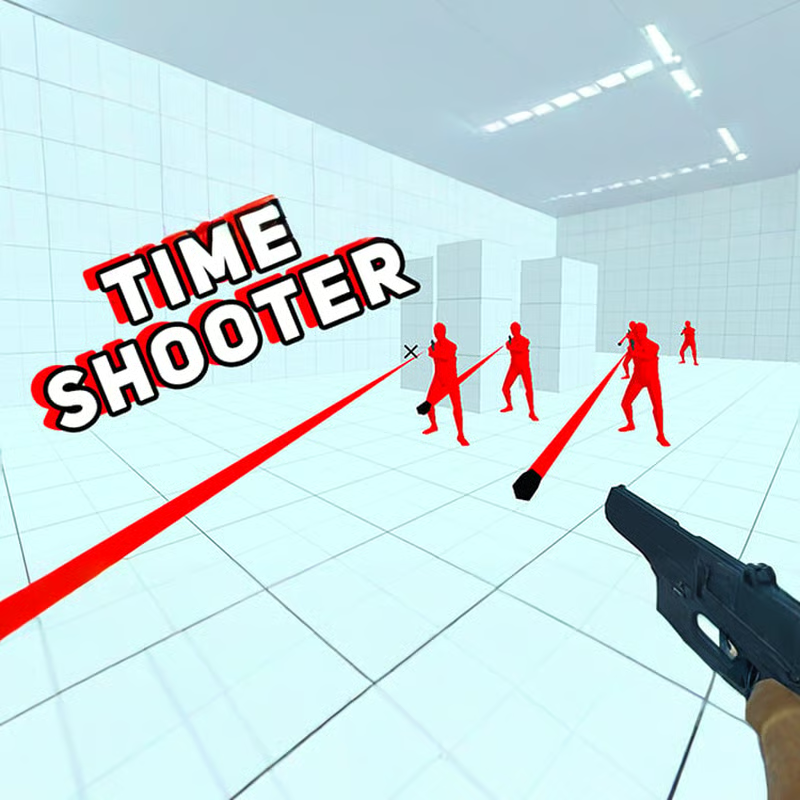
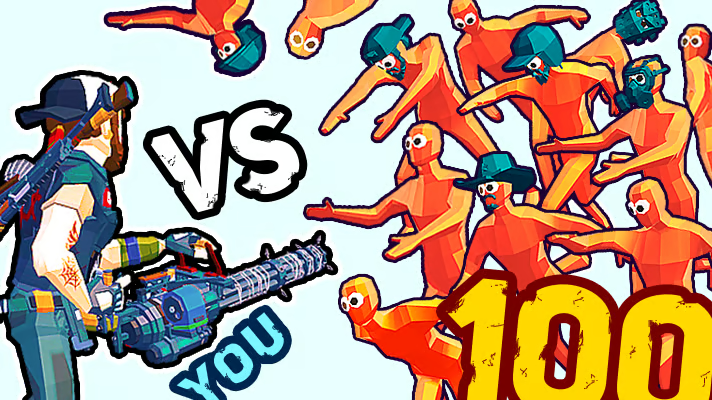
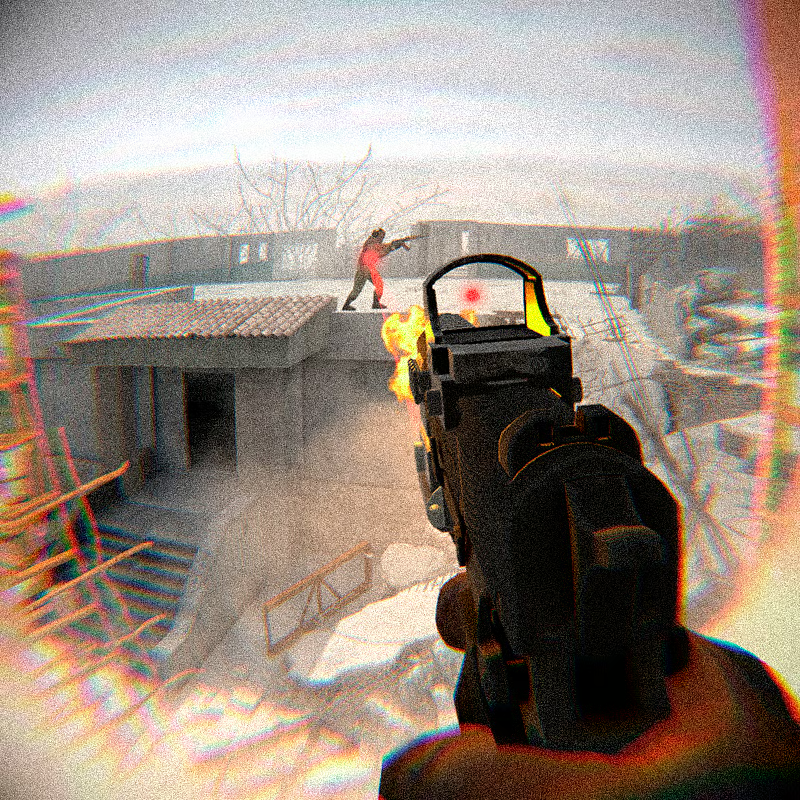
Time Shooter 2 is a single-player slow-motion first-person shooter where time moves only when you move. Stand still and bullets hang in the air while enemies creep forward, giving you time to plan. Move, shoot, or look too quickly and the whole room wakes up again. Every level is a puzzle: read the room, choose the right weapon, and clear all enemies without taking a single hit.
How does time work in Time Shooter 2?
The rule is simple: time stands still until you move. When you stop moving, everything freezes into extreme slow motion — enemy movement, axes in mid-swing, and bullets already in flight.
Use the frozen moment to:
- Trace bullet paths and find the gap to sidestep.
- Count enemies and spot who has a gun versus who has an axe.
- Find weapons, gas cylinders, walls, pillars, and cars you can use for cover.
- Pre-aim at an enemy, then take one small step to let time advance just enough to fire.
Any movement advances time: walking, turning quickly, shooting, picking up, and throwing. That is why tiny taps on the movement keys are safer than long runs. A small step lets you fire one round, finish a reload, or let a thrown object fly without giving enemies time to overwhelm you. A big sprint across an open room speeds everything up and can walk you straight into fire.
There is no health bar. One bullet or one axe hit ends the run and you restart the same room, usually in about a second. Treat each retry as information: which doorway hid an enemy, which gunman fired first, and which cover actually worked.
What are the PC controls and how do you throw?
Play on desktop with keyboard and mouse for the best control. The core inputs are the same across most browser versions:
| Action | Input |
|---|---|
| Move | WASD or arrow keys |
| Aim / look | Mouse |
| Pick up weapon / shoot | Left-click |
| Throw held weapon | Right-click or R |
To grab a gun, aim at the highlighted weapon on a table or on the floor and left-click. The same button fires it. To throw, right-click or press R.
Two habits save runs:
- Click deliberately. Rapid clicking can cause an accidental right-click, which throws away your loaded gun and leaves you empty-handed in front of armed enemies.
- Learn micro-movements. Feather the movement keys to advance time a little at a time for reloads and aimed shots, instead of holding a key down.
There is no crouch or dodge button. Dodging means physically stepping out of the bullet line, leaning behind cover, or using a window frame, pillar, wall, or car to break line of sight.
What weapons should you take, and when should you throw them?
You start rooms with little or nothing and build your arsenal from tables, floors, and defeated enemies. Almost anything can be a weapon, and every gun has two uses: the shots inside it, then the throw after it is empty. Plan the throw before your last shot so you never stand in the open with an empty gun.
- Pistol: The common starter. Accurate enough for room distances, fairly quick to reload, and light to throw. Take it immediately, keep it until something better appears, and throw it when empty.
- Assault rifle / AK-47: The best answer for crowded rooms with several gunmen. Higher fire rate and solid range help you clear multiple targets in one lane. Look for it first when the room has guns spread across a wide area.
- Shotgun: A spread of pellets that ends fights within a few metres and can hit grouped enemies or a gas cylinder at once. Strong in corridors and doorways, weak in open halls, and slower between shots. Barely aim — point and let the spread work.
- Submachine gun: Fast and loud, good for two enemies standing close together. Fire in short taps to make it last; holding it down empties it quickly and hurts accuracy at range.
- Rifle / sniper: Accurate at long range if you stop moving before you aim. Grab a corner first, then turn a big room into a shooting gallery. Sniper rifles are rare and often placed as the puzzle of the room — worth the detour.
- Knife and axe: Pick up a knife to throw it for a kill, not to carry it. Axes are melee-only backups. If a gun is nearby, take the gun.
- Fists: Always available. Best used to finish a stunned enemy, then take his dropped gun.
- Heavy metal balls, bottles, chairs, and other objects: Thrown objects can damage, stun, or interrupt an enemy. Metal balls arc because of weight, so aim a little high. A thrown bottle that stuns an enemy gives you time to walk up, punch, and steal his weapon.
- Pink gas cylinders: Shoot them for a large explosion that clears grouped enemies. Make sure you are not standing next to one when an enemy shoots it, and use a shotgun blast or well-placed pistol shot to set it off from cover.
When ammo runs out, throw the empty gun itself. Dropped enemy weapons stay on the floor, so causing chaos early often creates more options later. Save your strongest gun for the hardest cluster in the room rather than spending it on the first axe-runner.
How many levels are there? Is Time Shooter 2 endless?
Most versions describe Time Shooter 2 as endless progression with no fixed final level. Rooms keep coming with more enemies, more guns, and trickier layouts. Players commonly report runs into the dozens of levels, with dedicated runs reaching around level 65 and higher.
Expect difficulty to scale through enemy count, weapon mix, and room geometry rather than a story ending. If you are stuck on one room setup:
- Replay it a few times to learn spawn positions and patrol timing.
- Change your opening — go for the AK-47 or gas cylinder first instead of the nearest pistol.
- On versions that offer it, you can watch a short ad for temporary help such as endless ammo or invulnerability for one level only. Save that boost for a room that feels unfair, not for early levels where practice teaches more.
How do you dodge bullets and clear hard rooms?
Clearing a room is about order and patience, not speed.
- Stop at the entrance. Do not move until you have identified every visible enemy, weapon, gas cylinder, and cover spot.
- Kill gunmen first. Axe enemies must reach you to hurt you. Gun enemies can kill you from across the room while you are busy. Remove long-range threats first, even if they are farther away.
- Move in small steps. Sidestep a frozen bullet line, stop, reassess, then shoot. Large moves advance time too far and open new angles you have not checked.
- Use cover between shots. Walls, partitions, pillars, cars, and doorframes block bullets. Remember cover from one enemy may expose you to another — check both sides before stepping out.
- Let throws do dangerous work. A thrown gun, knife, ball, or bottle travels while time advances, letting you damage or stun without walking into a lane. Explosions are especially strong in crowded rooms.
- Steal as you go. After each kill, stop and look for the dropped weapon before pushing forward. Many hard rooms are solved by chaining pickups, not by one perfect gun.
Watch for enemies just outside your first view, especially around doorways and corners. Enter cautiously, clear one side, then turn. If you keep dying in the same spot, you are likely moving too much at once or ignoring a distant gunman.
Should you play Superhot, Time Shooter 2, or Time Shooter 3?
Time Shooter 2 is inspired by Superhot and uses the same core idea that time moves only when you move, but the games feel different in scope.
- Superhot: The original polished time-shooter concept with its own campaign and style. Choose it if you want the classic that started the formula.
- Time Shooter 2: A free browser follow-up focused on sandbox rooms, physics throws, and endless escalation. Choose it for quick sessions, weapon variety, and learning the time mechanic without installs.
- Time Shooter 3: SWAT: The sequel with a more structured tactical theme, including SWAT-style missions, objectives like breaching and hostage situations, and smarter enemy setups. Choose it after Time Shooter 2 if you want missions instead of pure room survival.
If you like Time Shooter 2, playing the original Time Shooter first can teach the basics, then Time Shooter 2 adds larger rooms and more guns, and Time Shooter 3 adds objectives.
Can you play unblocked on a school Chromebook? Does it work on mobile?
Time Shooter 2 is a Unity WebGL browser game with no download required, which is why it appears on many school-friendly and unblocked game pages. On a Chromebook, laptop, or desktop browser it generally loads fast and plays best with a keyboard and mouse.
- School Chromebook: Use a browser version that loads without an install. Performance depends on your school network and filters, so if one page is blocked or slow, sound settings, mouse sensitivity, and a fresh reload can help. Desktop play gives the precise aim this game needs.
- Mobile and tablet: The game can open in a phone browser, but it is designed around WASD plus mouse. Touch controls are less precise for micro-movements and pre-aiming, so expect harder dodging and slower progress. For longer runs, switch to a computer when possible.
- Lag tips: Close extra tabs, use landscape orientation, lower background activity, and avoid rapid large movements that spike physics calculations. The simple low-poly visuals are meant to stay readable and run smoothly on modest devices.
Time Shooter 2 is single-player only, with no multiplayer mode. There is no difficulty menu to change — progress comes from better planning, cleaner movement, and smarter weapon choice, not from stat upgrades.
Comments(2)
67 part 67 hahahahahhahahahahaaaaaaaaaaaaaaa
67