

















Crazy Roll 3D: endless rolling, diamonds, and distance
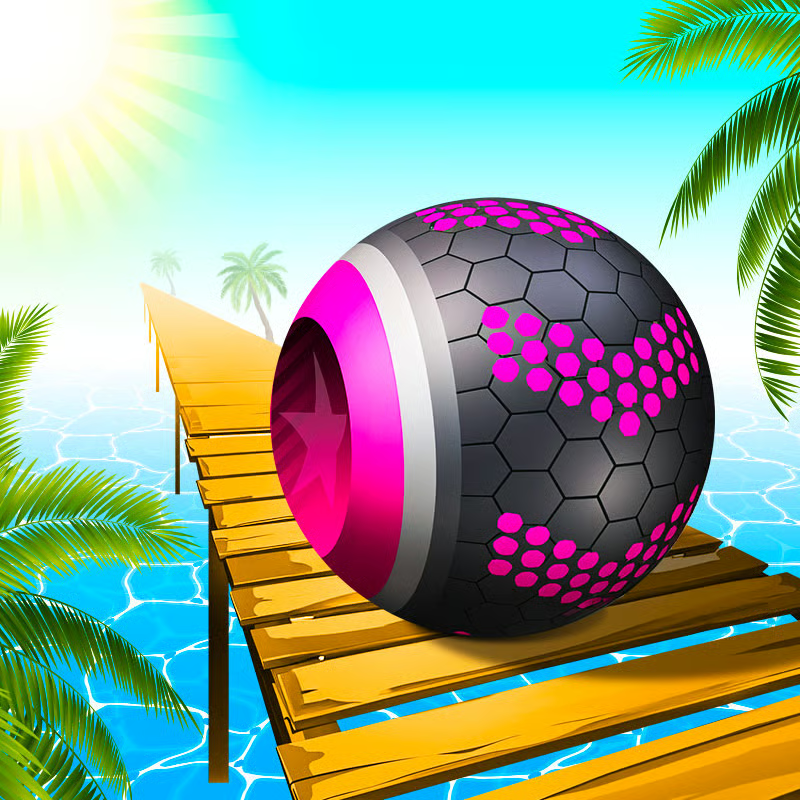
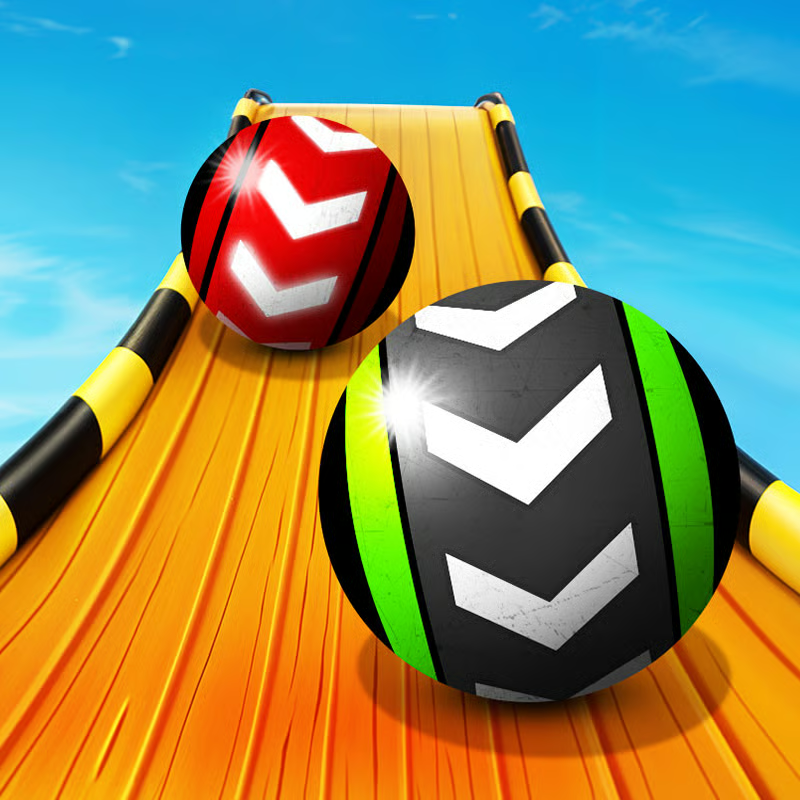
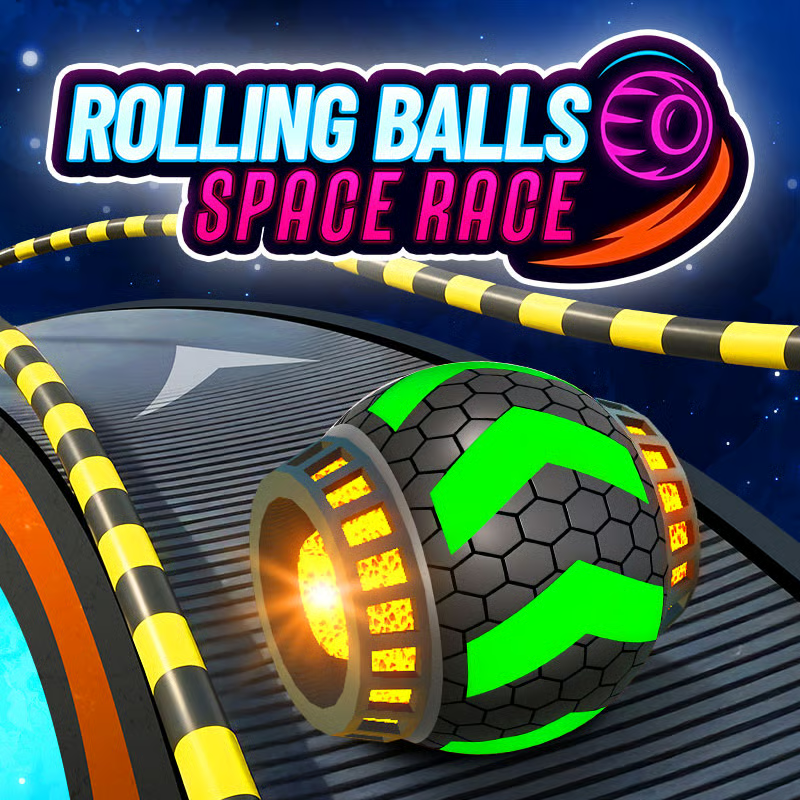
Crazy Roll 3D is a fast, endless ball-roller inspired by Slope. You steer a ball down slanted, suspended neon tracks, avoid obstacles, collect diamonds / crystals, and roll as far as you can. There is no finish line: score is distance, and speed keeps rising the longer you survive. CrazyGames describes the goal as avoiding obstacles, collecting diamonds, and rolling as far as possible.
PC and mobile controls, sensitivity, swipe vs tap
Steering is left-right only — the ball rolls forward on its own — but finding a comfortable input makes a big difference at high speed.
- PC steer: A / D or left / right arrow keys to move the ball left and right.
- PC power-ups: 1, 2, 3 to activate power-ups. Some versions also list Q for Shield, W for Magnet, E for 2x / Duplicate Diamond, so try both layouts if one does not respond.
- Mobile: swipe left and right to move the ball. Some editions also support tap controls by tapping the sides of the screen.
- Settings: open Settings to change the sensitivity slider. Lower it if steering feels twitchy and you fly off narrow paths; raise it if you cannot dodge moving barriers in time. On mobile you can also switch swipe vs tap where that toggle is available.
The publisher control section lists A/D plus arrows, 1-2-3, sensitivity, and mobile swipe with a swipe-or-tap option, and a detailed guide maps Q/W/E to Shield, Magnet, and Duplicate Diamond.
Shield, Magnet, and 2x diamonds: when to press 1-2-3
There are three pick-up power-ups to learn:
- Shield: protects against one collision with an obstacle.
- Magnet: pulls nearby diamonds toward your ball.
- 2x Diamond / 2x Crystals: doubles the diamonds you collect while it lasts.
Each power-up has a cooldown, so timing matters more than spamming. A practical routine is:
- Save Shield for harder sections. Do not burn it early on easy track; keep it for fast stretches with dense moving obstacles or tricky ramp landings.
- Use Magnet + 2x together in dense clusters. When you see a thick line of diamonds in a safe lane, activate Magnet and 2x together to pull in a large haul and double it.
- Skip risky power-up grabs. Some shields, magnets, and 2x pickups sit in awkward spots. Only chase them if your line stays safe — a crash costs more than one pickup.
One guide lists 1-2-3 keys, one-hit Shield, Magnet pull, and cooldown timing, while the publisher advises saving Shield for higher difficulty because of cooldowns.
Diamonds, ball shop, upgrades, Forest and Neon City
Diamonds are the shop currency. Collect them on runs, then spend them between runs.
- What to buy: the shop sells power-ups and new balls in different sizes and speeds.
- Ball skins: examples reported by guides include beach ball, football, golf ball, basketball, plus the expensive prestige earth-shaped ball. One guide notes balls from beach to football to golf up to the prized earth ball.
- Power-up upgrades: diamonds can also extend support-item duration or reduce cooldowns, which helps long survival runs.
- Race Mode terrains: guides report Forest for 500 diamonds and Neon City for 1,000 diamonds as unlockable surroundings for Race Mode. Treat those numbers as reported figures — prices can vary by version.
If you are saving for earth ball or Neon City, prioritize safe diamond lines over risky weaves. Longer runs usually pay better than short greedy runs that end early.
High-score survival as speed increases
The ball starts slow, then accelerates over steep slopes, boosters, and ramps. Higher levels add more moving and tricky obstacles, so think of score growth as survival first.
- Look 1-2 seconds ahead. Do not stare at the ball; scan the track ahead to find safe gaps before you arrive at full speed.
- Stay near the center. The center gives more room to correct left or right. Edge-hugging makes falls more likely when the track tilts or narrows.
- Steer gently with small taps. Short taps beat long holds. Oversteering and sudden corrections are a common reason for flying off narrow paths.
- Skip 30% of risky diamonds. If a diamond line pulls you toward an edge, gap, or moving barrier, let it go and protect the run.
- Recover gently. If you drift toward the edge, ease back with small moves instead of yanking the ball across the track.
- Chase personal bests. Runs are procedural, so focus on beating your own distance rather than a fixed level or unverified global board.
These habits match beginner tips to look ahead, steer gently, stay calm, and learn patterns and advice that survival gets harder with speed and less predictable platforms.
Obstacles: red blocks, moving barriers, waving platforms, gaps, and ramps
The publisher highlights waving platforms and moving obstacles as signature challenges. Expect a mix that changes every run:
- Red blocks and stationary barriers: pick a clear lane early; do not wait until the last instant.
- Horizontally moving barriers: pause your lane change for half a beat, watch the rhythm, then slip through the opening.
- Waving / wobbling platforms: keep the ball centered and make tiny corrections. Sudden moves on a tilting surface can throw you off.
- Gaps and narrow paths: line up before the gap, not over it. Small, careful turns keep you on thin sections.
- Ramps and launch pads: align to the center of the landing platform before you launch. Avoid steering hard in mid-air and aim for a centered touchdown so you do not bounce off the edge.
A full breakdown covers red obstacles, wavy terrain, moving barriers, and centered ramp landings, and the hazards section lists large gaps, moving obstacles, narrow paths, and faster reactions as you survive longer.
Modes: solo endless, 2-player split-screen, Race Mode
Depending on edition, you may see more than one way to play:
- Classic Endless / solo survival: roll as far as possible while speed scales. This is the standard mode for distance records and diamond farming.
- 2-player split-screen: added in the March 2022 update alongside new themes, balls, and mobile support. Two players share one screen in a sudden-death race — the first to hit a barrier or fall loses. Wavy sections can appear more often here, so stay central. Note: this mode appears in the CrazyGames 2022 build and may not be present on every mirror.
- Race Mode: lets you spend diamonds to race in different surroundings, reported as Forest and Neon City. Use it when you want a visual change or a focused diamond goal.
Sources: 2022 update note for 2-player mode, themes, balls, and mobile, sudden-death rule plus Forest 500 and Neon City 1,000 costs and solo vs split-screen formats.
Crazy Roll 3D vs Slope
Crazy Roll 3D is openly Slope-inspired, but guides point to extra depth:
- Same core: steer left-right, dodge, survive accelerating endless slopes.
- More systems: collectible diamonds, ball shop with sizes and speeds, Shield / Magnet / 2x with cooldown timing, waving platforms, and unlockable terrains.
- More formats: solo endurance plus local split-screen battles and diamond-unlocked Race surroundings, where available.
If you like pure Slope runs, play Crazy Roll 3D for the shop and power-up layer. If you only want simple dodging, Solo Endless still plays like a Slope-style distance chase. A comparison lists 2-player, Race Mode, power-ups, shop, and wavy terrain as upgrades over Slope-style rollers.
Unblocked, Chromebook, mobile, and lag fixes
Crazy Roll 3D is a no-download browser game for desktop, laptop, tablet, and mobile. Guides report it runs in modern browsers such as Chrome, Firefox, Safari, and Edge, with smooth 60fps targeted on capable hardware.
- School / work access: the game is widely listed as unblocked and described as working on most school and work networks. Access still depends on your network filter, so availability can vary.
- Chromebook: browser-only play with no install makes it Chromebook-friendly in principle. Device-specific proof is thin, so if your school Chromebook blocks game domains, you will need to use an allowed network or device.
- Mobile tips: try both swipe and tap if offered, raise sensitivity slightly on small screens, and play in landscape if steering feels cramped.
- If it lags: close extra tabs, use Chrome or Edge, plug in power on laptops, lower other background apps, restart the browser, and avoid playing during heavy downloads. Smooth frames matter more than graphics — stutter kills timing on fast sections.
For access and performance background, see unblocked school/work support and Chrome/Firefox/Safari/Edge 60fps optimization and no-download browser play.
Quick FAQ
How do I control Crazy Roll 3D on PC?
Use A/D or arrows to steer and 1-2-3 — or Q/W/E on some versions — for Shield, Magnet, and 2x. Adjust sensitivity in Settings.
How do I get more diamonds?
Survive longer, take safe diamond lines, and stack Magnet + 2x in dense clusters. Save toward balls, cooldown upgrades, then Forest or Neon City.
Why do I keep crashing at high speed?
You are likely looking too close to the ball or holding turns too long. Look ahead, stay center, and use short taps.
Is there 2-player?
The 2022 CrazyGames build added same-screen sudden-death 2-player, but not every copy includes it. Check your version's menu.
Can I play unblocked at school?
Many listings offer unblocked browser copies that work on school networks, but filters vary — no bypass is involved, just try an allowed site and browser.
Comments(3)
yes! wozers1 i luv this yeahhhhh!!!!
nvm i hate this game
OOP
love
too