













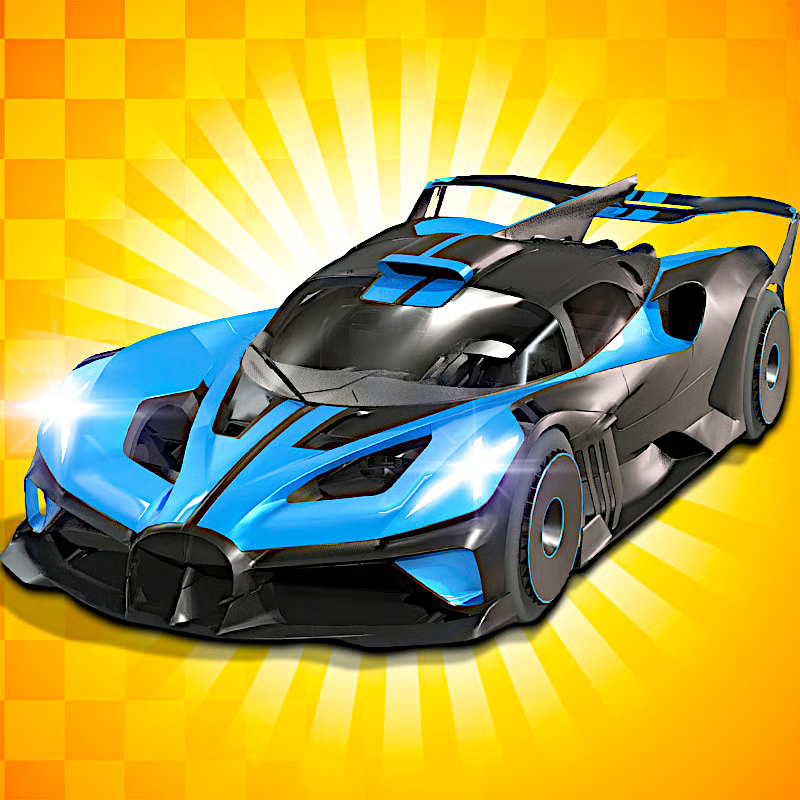
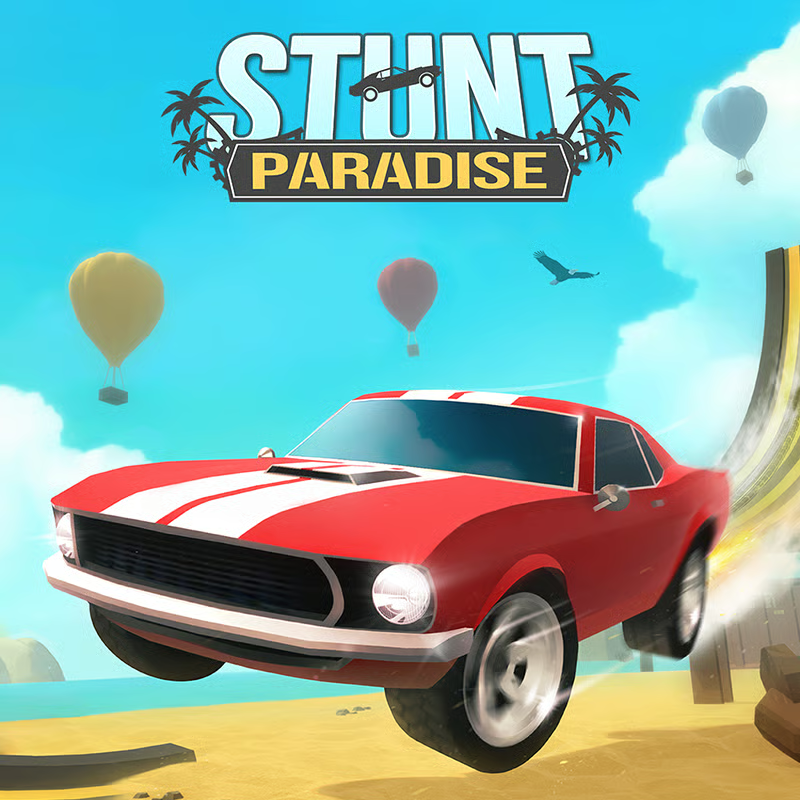



What Madalin Stunt Cars 2 Is
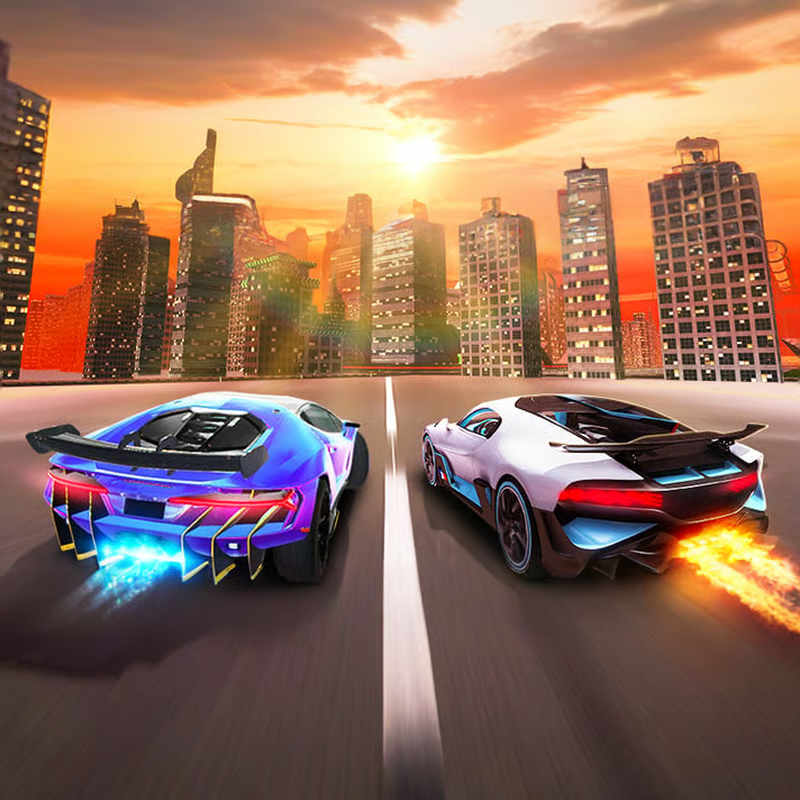
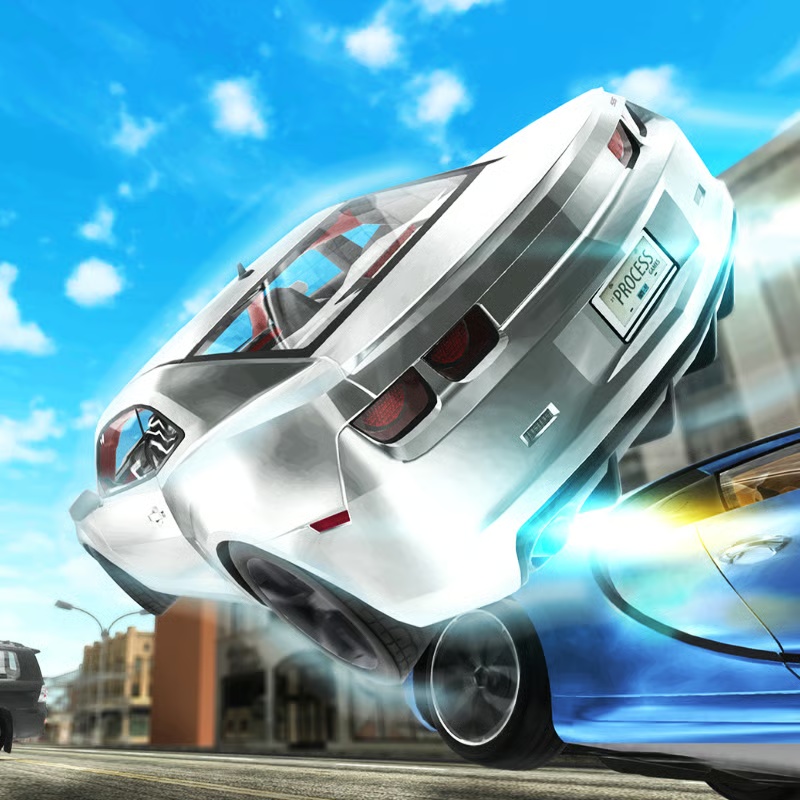
Madalin Stunt Cars 2 is a free browser 3D stunt sandbox, not a mission racer. You pick a supercar or muscle car, pick one of three open maps, then drive, drift, jump ramps, run loop-the-loops, and explore. There is no damage, no timer, and no finish line.
Start in single player to learn maps and physics, then join multiplayer when steering, braking, nitro, and reset feel comfortable. The desktop browser version is commonly described with 34 cars available right from the start and three expansive maps. Some guides list a higher count because portal and mobile versions differ, so treat 34 as the desktop roster.
Full PC Controls and When to Use Them
MSC2 is built for keyboard play on desktop, laptop, and Chromebook. Drive with WASD or arrow keys. Learn these keys first:
| Action | Key | Use it for |
|---|---|---|
| Accelerate / Brake and reverse | W / S or Up / Down | Speed control and reversing |
| Steer | A / D or Left / Right | Cornering and drift correction |
| Nitro boost | Left Shift | Straights and ramp run-ups |
| Handbrake | Space | Sharp turns and drift starts |
| Reset car | R | Flipped or stuck car |
| Change camera | C | Find a view that helps landings |
| Show map | T | Find ramps and other players |
| Image quality | Q | Lower quality if the game lags |
| Fullscreen | F | Bigger view for jumps |
Extras include G for auto and manual gears, H for police lights, J for engine sound, B for rearview mirror, Y to restart, and M twice for the main menu. The full list is summarized on DefKey and in the CrazyGames controls section.
Nitro: Hold Shift on long straights or before a big ramp. The meter drains fast and refills quickly, so save it for speed runs and loop entries rather than every corner.
Handbrake: Tap Space to start rotation. Do not hold it down. Holding too long kills speed and stalls drifts.
Reset: Press R to respawn your vehicle when upside down or wedged against a wall. You continue near the same spot with no penalty.
Camera and map: Press C to cycle views including cockpit and chase views. Press T to zoom out and see player positions in multiplayer.
How to Play Multiplayer With Friends
Multiplayer is shared open driving with no fixed race mode. You make your own fun: tandem drifts, drag races, ramp sessions, or cops and robbers.
- Learn solo first. Practice steering, handbrake, nitro, camera, and R reset in single player.
- Enter multiplayer. Click the multiplayer button to enter online mode, then enter a player name.
- Join or host. Join a populated server, use Join Random for the fastest start, or create your own room and invite friends.
- Find friends. Press T to see player positions, then drive to the same ramp, track, or arena.
Public lobby population changes by time and region. If rooms feel empty, a private room with friends is the reliable plan. The Drifted how-to-play guide and GamingCorner multiplayer overview describe the same flow: name entry, create lobby versus join public lobby, and using T to locate players.
Best Car: Do You Need to Unlock Anything?
No. Every car is unlocked from the start with no grinding required. You can switch cars from the menu and often switch mid-session from the car selector.
For top speed, guides repeatedly name the Bugatti Veyron style car as fastest, listed at 431 km/h with nitro and described elsewhere as 267.8 mph. Use it for straight-line speed runs.
- Top-speed runs: Veyron style car plus nitro on long straights.
- Tighter maps: Nimble Lamborghini and Ferrari style cars such as Huracan, Aventador, Veneno, LaFerrari, and Enzo.
- Drift practice: Mustang, Camaro, and RX-7 style cars are popular picks. All cars feel fairly capable for casual keyboard drifting.
- Fun with friends: Muscle cars and police-style vehicles for cops-and-robbers games.
- Looks only: Customization is paint color and filters, with no tuning or upgrades.
The Drifted MSC2 overview explains the unlocked roster, slidey beginner-friendly physics, and paint-only customization.
The 3 Maps and Best Stunt Spots
Map names and numbering vary by portal, so choose by layout:
- Map 1: Big city stunt arena. Best starter map. Huge ramps, loop-the-loops, tunnels that launch you, smashable boxes, soccer balls, towers, and wide back streets.
- Map 2: Racetrack plus city. Best for races. Starts on a racetrack with a tight tunnel, then opens into grass, big ramps, highways, and a large city. Good for drag races and drift sessions.
- Map 3: Compact desert with floating track. Best for exploring and point-to-point runs. Smaller arena plus an elevated highway and floating track.
Best spots are large ramps, loops, tunnels, stacked boxes, hoops, elevated roads, map edges, and hidden backroads. Start on Map 1, learn one or two ramps well, then use Map 2 for racing and Map 3 for exploring. The map advice in the Drifted top-tips guide follows the same pattern.
How to Drift, Jump, and Run Loops
- Practice solo. Learn weight shift and braking before multiplayer.
- Carry speed. MSC2 prefers faster, shallow drifts. Big angles slow the car quickly.
- Start: Turn in with throttle, then tap Space for the e-brake. Tap, do not hold.
- Hold: Keep throttle on, counter-steer gently, and use short nitro bursts if speed drops.
- Exit: Let the rear settle, straighten steering, and apply full throttle.
- Loops and jumps: Get a long straight run-up at full speed. A slow loop entry stalls halfway. Keep light throttle through the approach and aim straight.
- Landings: Switch camera with C if depth is hard to judge, and press R right after a bad flip.
Unblocked, School, Chromebook, and Mobile
MSC2 is a WebGL browser game with no old Flash or Unity plugin install needed. On a home desktop it normally loads directly in a compatible browser.
School and work: Some portals advertise an unblocked version with no download, but whether it works depends on your network. School filters can block portals or the real-time connections multiplayer needs. If it works at home but not at school, the network is the likely cause.
Chromebook: Yes, it runs in the Chromebook browser, but it is heavy 3D. Smooth play needs hardware acceleration and decent device power. Expect drops on older school Chromebooks, especially in multiplayer.
Mobile and tablet: Do not assume the desktop browser version works well on a phone. Main controls are keyboard based and guides note limited mobile-browser support. A desktop or laptop is the safer choice.
Fix Lag, Black Screen, Not Loading, and Flips
- Refresh and wait 10 to 20 seconds for 3D assets to load.
- Click the center of the game window so controls get focus.
- Try an incognito window to rule out cache problems.
- Clear cache and site data for the portal, then reload.
- Turn off ad blockers and script blockers for that site.
- Try Chrome, Edge, or Firefox and close heavy background tabs.
- Turn on hardware acceleration and update graphics drivers if loading stays black.
- Press Q to drop image quality and avoid max settings on weak devices.
- For empty multiplayer rooms, check VPN, ad-blocker, or school firewall blocks.
- For a flipped car, press R to reset and retry.
The loading and lag troubleshooting guide lists the same core fixes: refresh, incognito, disable blockers, clear cache, switch browser, enable hardware acceleration, lower quality, and use R for upside-down cars.
Should You Play MSC2 or MSC3?
- Pick MSC2 if you want huge ramps, loops, and classic stunt arenas many players still prefer for pure jumping.
- Pick MSC3 if you want more cars, newer visuals, updated physics, and better drifting. The developer lists over 40 cars, 3 maps, and singleplayer plus multiplayer modes for MSC3.
If drifting is your main goal and MSC2 feels stall-prone, MSC3 is usually the better Madalin choice. If stunts are the goal, MSC2 remains worth keeping.
Quick FAQ
Is Madalin Stunt Cars 2 free?
Yes, the browser version is free with no purchase needed.
How do I use nitro?
Press Left Shift. The meter drains fast and refills quickly.
How do I reset after a flip?
Press R. The car respawns upright near the same spot.
Can I play with friends?
Yes. Enter multiplayer, set a name, join a populated room or create a private room, then use T to find each other.
Can I play on Chromebook?
Yes, through the browser, but enable hardware acceleration and expect weaker school devices to lag.
Comments(1)
Good game reccomend