














Super Star Car: Formula-style career racer
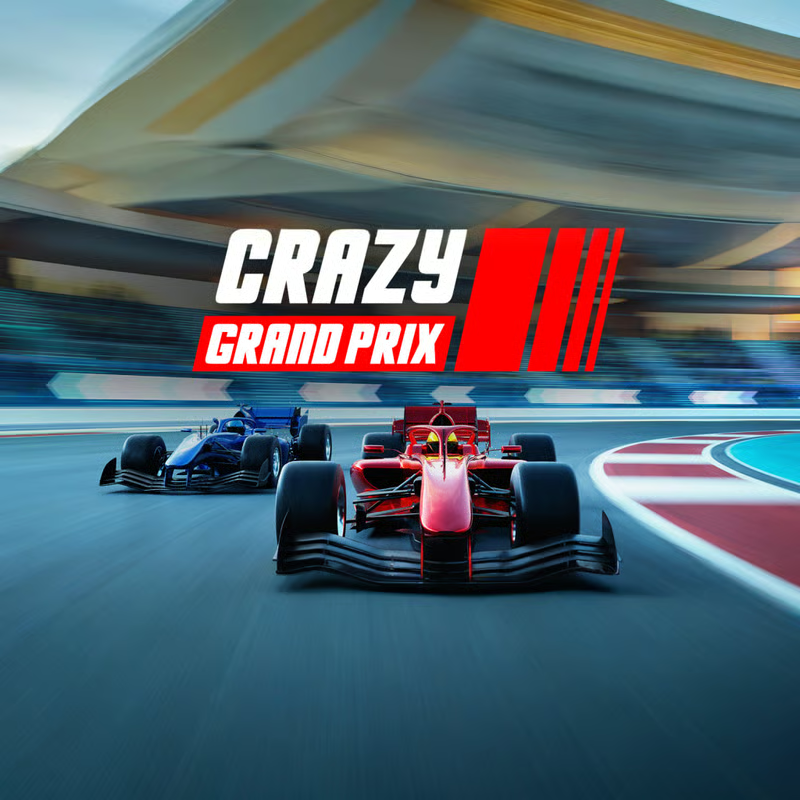
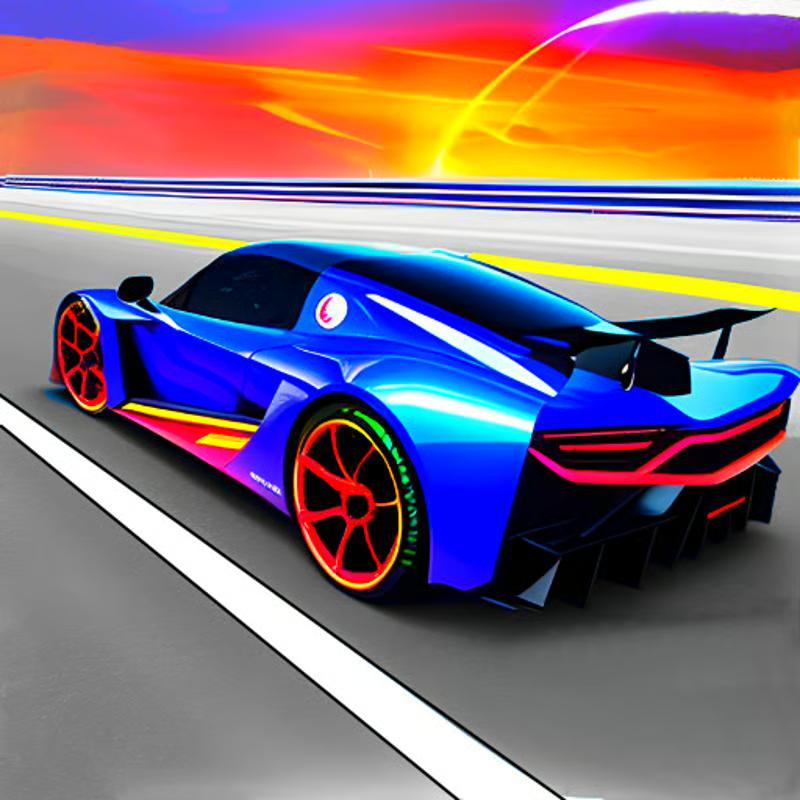
Super Star Car is a browser Formula 1-style racing game by Barnzmu. You start with a Williams car and work through 14 circuits against aggressive AI, aiming for podium finishes to open the next track and earn cash and stars for new crew liveries.
There is no practice mode, multiplayer, nitro, or DRS-style catch-up. Races are decided by clean lines, smooth steering, and staying on the road. Grass and curbs slow you down a lot, contact kills speed, and falling behind means you have to outdrive the leaders.
PC controls, camera and respawn
The main release is built for keyboard plus Xbox controller. Use the same keys on Windows, Mac, laptop and Chromebook:
- Accelerate: W or Up arrow / Xbox A button
- Brake / reverse: S or Down arrow / Xbox X button
- Steer left / right: A / D or Left / Right arrows / Xbox left joystick
- Change camera: C key, including chase and cockpit-style views
- Respawn: Spacebar to reset your car when spun out or off track
Menus still need mouse and keyboard, even when you drive with a controller. Watch the bottom-left mini-map for upcoming corners and driver positions, the top-left panel for position and laps, and the bottom-right speedometer so you do not carry too much speed into tight bends.
For visibility, many players prefer the higher cockpit view because you can see over the halo and judge the next turn earlier. Try chase view if you want a wider sense of rival cars around you, then stick with one view so braking points feel consistent.
Career progression: how tracks and cars unlock
Career is the only mode. Only the first circuit is open at the start. You unlock the next of the 14 tracks only by finishing in the top three.
- Start in the garage with the free Williams starter car and an opening balance.
- Open Career, choose the unlocked circuit, check laps and distance, then select Ready.
- Finish 1st to 3rd to unlock the next track. Finishing lower means replaying until you get a podium.
- Later races get longer and harder, with more demanding lines and less room for mistakes.
Podium finishes earn money and stars. That unlocks access to other crews such as Alfa Romeo, AlphaTauri, Alpine, Ferrari, Haas, McLaren, Mercedes and Red Bull Racing, but you usually still have to pay from your earnings or watch an ad offer where available. Prices are high, so plan to save.
If you are stuck, replay a track you already do well on to farm cash. Payouts are smaller than moving forward, but consistent podiums are faster than crashing while chasing first place every lap. The starter car is quick enough to win once your lines improve, so do not feel forced to buy early.
How to corner faster without spinning
The cars have high grip and feel planted, with a subtle assist that scrubs speed rather than letting you fly into every barrier. Big steering angles at full throttle slow you down, so smooth inputs beat throttle-mashing.
- Tap steering: tap left / right instead of holding full lock through fast corners.
- Lift before braking: lift off the throttle for sweepers and use only a short brake tap for hairpins.
- Brake straight: do most braking in a straight line, then turn in and feed power back on at the exit.
- Use the racing line: enter wide, touch the inside apex, then run wide on exit to carry speed.
- Read the mini-map: check the shape of the next turn early, especially before chicanes and hairpins.
- Stay on asphalt: avoid grass, wide curbs and barriers. Contact produces sparks and costs momentum.
- Be patient with AI: rivals ram and crash into each other. Wait for the gap instead of forcing a risky dive.
If the start goes badly, restarting early is often faster than fighting back from last with no catch-up help. Over a full race, one clean line is worth more than several late lunges.
Team skins vs upgrades: what Customize really does
This causes confusion because some store descriptions use the word upgrade. In the build documented by detailed guides, Customize changes crew only.
Switching from Williams to Ferrari, McLaren, Red Bull Racing and others changes the car skin and driver suit. It does not change handling, top speed, braking or acceleration in that version. There is no engine, tire, brake, aero tuning menu and no performance tiers.
Other listings describe stars, money and car improvements in more general terms. Treat that as version wording differences: if your screen shows only crew names and a purchase button with no stat changes, focus on driving skill and track unlocks rather than waiting for a faster part to fix lap time.
Can you play on mobile, Chromebook or unblocked at school?
The main CrazyGames, Poki and Drifted listings mark the core game as desktop-only, with no mobile touch controls and no multiplayer. Poki lists supported devices as desktop, and its control box lists keyboard and camera keys only.
Some mirror pages describe HTML5 touch buttons or mobile-friendly play. That varies by mirror and is not the desktop-only consensus, so expect the best result on a laptop or desktop with a real keyboard. If touch buttons appear on a mirror, steering precision is usually worse than keyboard play.
For Chromebook and school play:
- Chromebooks use the same PC keys: WASD or arrows to drive, C for camera, Space to respawn.
- The game is lightweight and runs in a modern browser without plugins, which is why Chromebook guides list it under PC / laptop / Chromebook controls.
- Some school-friendly sites host unblocked copies. Availability depends on your school network, so a mirror that works at home may still be blocked at school.
- Use a full Chrome or Edge window, plug in power on a Chromebook, and use a mouse for menus.
Fix lag and get smoother racing
At over 300 km/h, a stutter can cost a podium. There are no in-game graphics sliders in the detailed guides, so most gains come from the browser and system.
- Turn on hardware acceleration: in Chrome or Edge settings under System, keep hardware acceleration on, then restart the browser.
- Close background tabs and apps: each tab uses RAM and CPU. Close other tabs before a career race.
- Use a clean window: disable heavy extensions or race in an Incognito / Private window.
- Update browser and drivers: run the latest Chrome, Edge or Firefox and keep GPU drivers current.
- Reduce load: where a mirror offers resolution, shadows, particles or draw-distance options, lower shadows first, then resolution and effects.
- Check resources: 8GB of RAM is a practical target because browsers use a lot of memory. If frame drops start suddenly, check Task Manager for another app using CPU or GPU.
- Stabilize loading: use a stable connection for loading assets. A wired connection is more stable than weak Wi-Fi where possible.
If you get a black screen on startup, refresh the page, clear site data for that mirror, and reload. If sound stutters, free CPU by closing tabs and background recording apps before retrying.
Quick FAQ
How many tracks and cars are there?
Guides document 14 circuits and 9 crew cars, starting with Williams and expanding to familiar-style F1 teams.
What is the goal of each race?
Finish top three to unlock the next track and keep climbing the career ladder.
Is there nitro or boost?
No. Detailed guides list no nitro, DRS, shortcuts or catch-up assists.
Do I need a new car to win?
No. New crews are mainly skins in this version. Practice, better lines and fewer off-track moments matter more than switching paint.
Comments(3)
Why is Williams kinda the best car???
yes bro it is the fastest. i won every race with that car in like 1minute
maybe you have a shit computor
Long loading