





















Highway Racer: which mode should you start with?
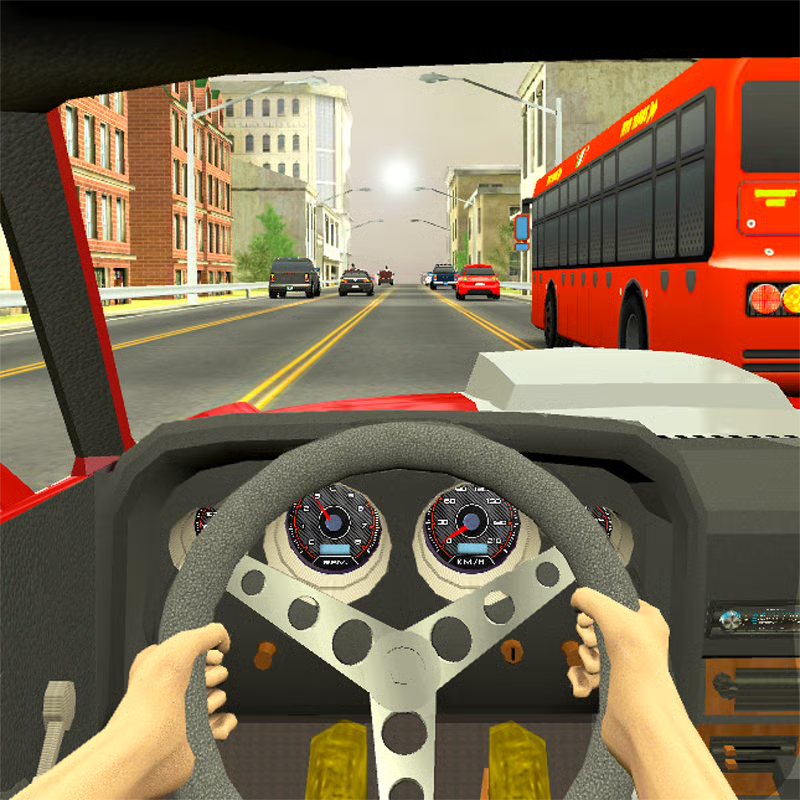
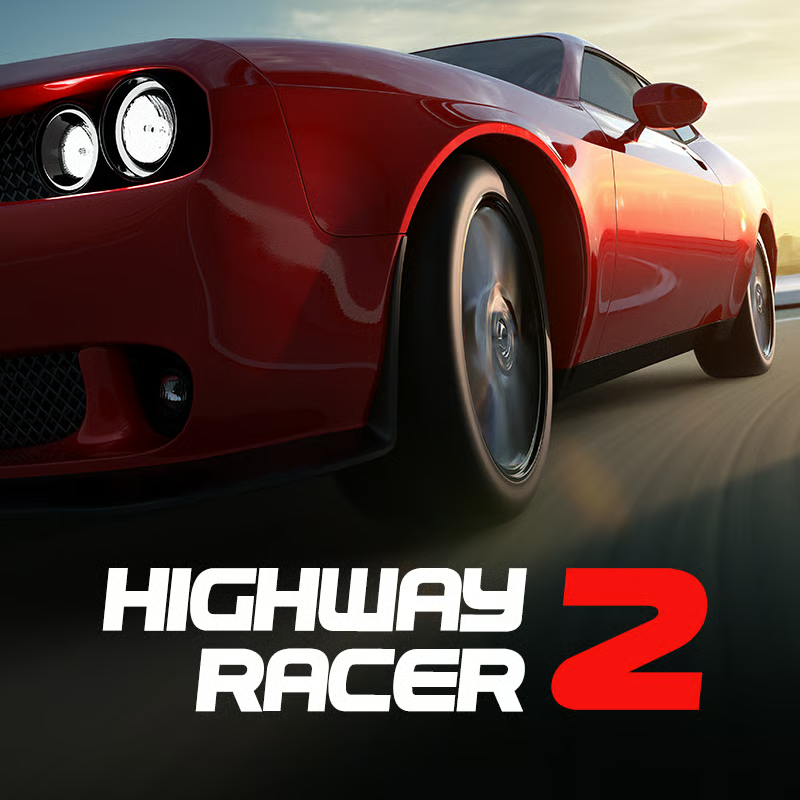
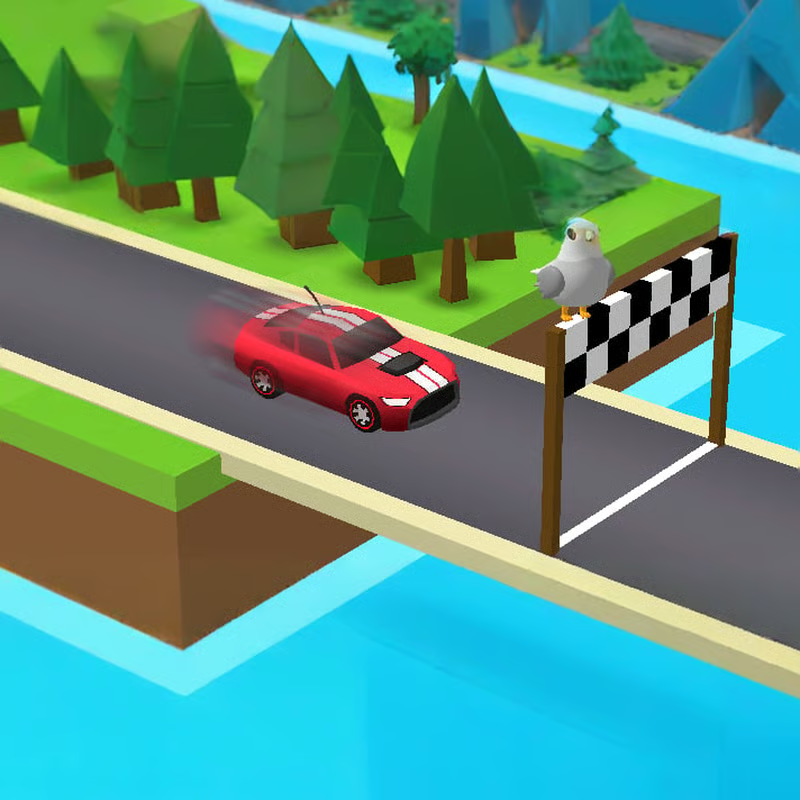
Highway Racer is a 3D traffic-dodging racer where every run is about controlled risk: stay on the road as long as possible, pass close to traffic for bonuses, and turn distance plus bonuses into gold for better cars. It offers four single-player modes - one-way, two-way, time mode and bomb mode - plus different highway looks such as city, desert and night roads.
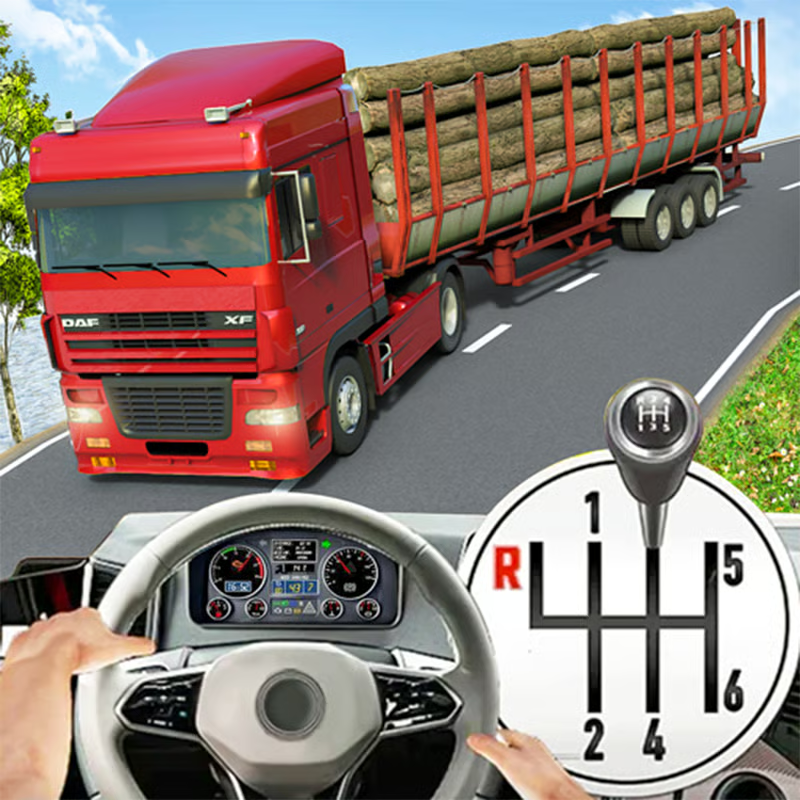
Start with One-Way. All traffic moves the same direction, so you can learn spacing, smooth lane changes and near-miss timing without oncoming cars. Move to Two-Way when one-way runs feel comfortable, because oncoming traffic makes bonuses bigger but leaves much less room for late swerves. Try Time Attack / Time Mode when you want a short, pace-focused run against the clock, and save Bomb Mode / Speed Bomb for later: you drive a truck carrying a bomb and must keep your speed up to avoid disaster. Guides describe it as a consistency test rather than a bonus hunt. CrazyGames lists the four modes and bomb-truck premise, and this complete guide explains one-way as perfect for beginners.
| Mode | What changes | Best for |
|---|---|---|
| One-Way | Traffic flows one direction | Learning steering, braking and near misses |
| Two-Way | Oncoming traffic in opposite lanes | Higher-risk, higher-scoring runs |
| Time Attack | Race against the clock | Practising pace and clean lines under pressure |
| Bomb Mode | Bomb truck that punishes slowing down | Rhythm and speed control once basics are solid |
How scoring and gold work: near miss, wrong side and speed
Your run score comes from distance plus bonuses, and those bonuses decide how much gold you earn. CrazyGames explains that distance and bonuses determine gold per run. The three bonuses to learn are:
- Near miss / close overtake: passing extremely close to another vehicle without touching it. Guides call this the fastest way to build a high score.
- Wrong-side / opposite-lane bonus: spending time in the opposite lane in two-way play. It pays more because the danger is much higher.
- Speed bonus: holding high speed while staying clean. Faster driving raises both score rate and gold, but only if you avoid a crash that ends the run.
This Highway Racer guide describes near-miss scoring as bonus points for very close passes, and SilverGames notes the closer you get to traffic, the more points you earn. Do not chase numbers from memory: exact point values and multipliers vary by version. Think of it as a loop - longer clean distance unlocks more bonus chances, and bonuses turn that distance into more gold.
How to unlock cars and spend gold on upgrades
Gold is the progression currency. You can use gold to tune your current vehicle and buy new cars, ranging from trucks and classic sedans to modern sports cars. Other listings describe coins and gold earned from each run going toward better cars and performance upgrades.
A practical spending order that suits most players:
- Handling first. Better stability makes lane changes cleaner and reduces clips during tight overtakes.
- Acceleration second. Faster recovery after braking or traffic slowdowns keeps your rhythm and helps in bomb mode.
- Top speed last. Useful once you can already place the car precisely at speed.
- New car when your current one feels limiting. Try different models because some feel faster while others handle better. Pick the one that matches whether you prefer calm, wide lines or aggressive near-miss runs.
Car rosters, prices and upgrade stats differ by portal and build, so use the in-game garage stats as your guide rather than a fixed best-car list. This guide also recommends upgrading handling before raw top speed for more consistent scoring.
Keyboard controls: accelerate, steer, brake, handbrake and camera
Desktop play uses arrows or WASD plus a few extra keys. The exact prompts can vary slightly by build, so check the in-game help if a key does nothing.
| Action | Common keys |
|---|---|
| Accelerate | W or Up Arrow |
| Steer left / right | A / D or Left / Right Arrow |
| Brake / reverse | S or Down Arrow |
| Handbrake | Space or Spacebar |
| Switch camera | C |
| Start / stop ignition | I |
| Horn | H |
CrazyGames confirms W / arrows to accelerate, A / D to steer and Space for handbrake, while Reludi lists the extra I, C and H keys for ignition, camera and horn. Use the handbrake sparingly - it is for tight corrections, not every corner. Try both camera views: a higher third-person view often helps you judge gaps, while a closer view gives stronger speed feel but demands faster reactions.
Playing on mobile, browser and unblocked at school
Highway Racer is a browser game listed for desktop, mobile and tablet, with instant play and no download on many portals. Fizzerz describes desktop keyboard play plus responsive touch controls optimized for smaller screens.
- Desktop: keyboard as above, plus mouse for menus. Use fullscreen for better visibility of traffic ahead.
- Mobile / tablet: touch controls with taps and swipes or on-screen buttons depending on the portal. Keep your thumbs low so they do not cover oncoming cars.
- School or Chromebook networks: many sites list an unblocked HTML5 version that runs in Chrome, Edge or Firefox. Availability still depends on your local filter, so respect school rules and use break time only.
If one portal says it is not compatible with mobile, try the desktop version or another browser listing - builds differ. Performance is usually smoother with other tabs closed.
How to survive longer and score higher in two-way and bomb mode
Once you leave one-way cruising, decisions matter more than reflexes alone.
- Look 2-3 cars ahead. Watching only the nearest bumper leads to late swerves. Read lane flow early and hold a stable line.
- Make small steering corrections. Big zig-zags cause clips and fishtailing between lanes.
- Commit early in two-way. Hesitating in the oncoming lane causes most crashes. Only enter the opposite lane when you can see a clear exit, then execute in one motion and get back.
- Save the opposite lane for open stretches. Do not force wrong-side bonuses in dense packs where two oncoming cars can close the gap.
- Abort risky overtakes early. A forced late correction often causes a chain collision. Brake, tuck in, and wait for the next gap.
- In bomb mode, protect rhythm first. Keep speed up and take only safe near misses. Braking to set up a bonus can put the run at risk.
- In time mode, favour clean pace. One crash costs more time than several small bonuses can repay.
These habits match what mode guides emphasize: learn spacing in one-way, commit decisively in two-way, and treat speed consistency as the main goal in bomb runs. See the two-way and Speed Bomb notes and handling-first tip here.
Quick FAQ
Why do my scores stall in one-way?
You are likely surviving without bonuses. Add deliberate but safe near misses, hold higher speed on open stretches, then move to two-way for bigger opposite-lane chances.
Should I buy a new car or upgrade first?
If you like your current car, upgrade handling and acceleration first so every future run is easier to stabilize. Buy a new model when you want a different balance of speed and stability.
What ends a run instantly?
Hitting traffic ends the scoring run in the usual endless format, while bomb mode also punishes dropping speed. Exact thresholds vary, so play bomb runs conservatively until you learn your build.
Comments
No comments yet. Be the first to comment!