































What is Sandbox City?
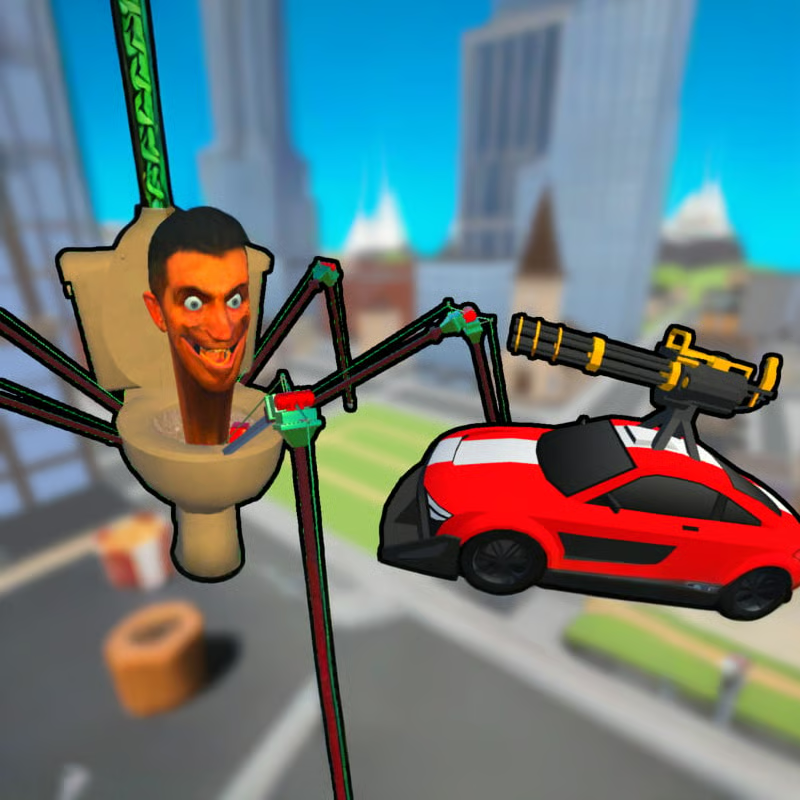
Sandbox City - Cars, Zombies, Ragdolls is an open-world 3D zombie sandbox. You roam a city taken over by zombies, drive cars, fight on foot with melee weapons and guns, complete missions for cash, and mess around with ragdoll physics and slow motion. There is no single forced path: follow the campaign, grind daily missions, hunt zombies, cruise and do stunts, or just explore for crates and cash.
When you start, customize your character or car if you want, check the controls list, then hit Play. The first run introduces Mission Guy. Follow the on-screen distance marker to talk to him and unlock paid missions.
PC controls: driving vs. on foot
On browser, keyboard and mouse are the main setup. The game also lists support for Xbox and PlayStation controllers, but the documented PC keys are what most players use:
| Action | Key |
|---|---|
| Move | WASD or arrow keys |
| Attack / shoot, hold to keep firing | Left mouse button |
| Run | Hold Shift |
| Jump on foot / handbrake in car | Space |
| Enter or exit car, buy items | E |
| Switch weapons | R |
| Slow-motion on / off | T |
| Change camera view | C |
| Lock / unlock mouse cursor | L |
| Missions menu | M |
| Shop menu | P |
| Quit to menu | Esc |
On foot you can run, jump, aim freely, pick up cash and loot, break wooden cargo crates, and enter buildings and the subway. In a car you move faster, can ram zombies, and can use the handbrake for tight turns, but you will drive past small pickups without collecting them. A good routine is: drive to a hotspot, park, get out to loot and finish stragglers, then drive on.
How to get in and out of cars and hijack rides
Walk right up to a vehicle and press E to hop in. Press E again to get out. It is the same key for entering, exiting, and buying, so if you are stuck in a car, just press E.
You do not have to walk back to your own car. If a closer civilian car, taxi, police car, ambulance, van, or parked ride is nearby, take that one instead and keep chasing. This hijack habit saves a lot of walking time when zombies scatter across blocks.
Use cars for:
- Crossing the city fast and reaching mission markers.
- Clearing groups standing on wide roads or intersections by running them over.
- Escaping when your health is low or zombies close in from several sides.
Get out when you see cash, ammo boxes, cargo crates, or shop markers. Staying in the car keeps you safer but you will miss rewards, and tight alleys make ramming inefficient.
Missions, cash, shop, ammo and boosts
Missions are the main steady income. Press M or tap the Missions icon to see two tabs:
- Campaign: story tasks such as Talk to Mission Guy for a small payout and Enter home / Buy Home for a larger payout documented around 1,000 cash.
- Daily: rotating tasks that reset every 24 hours, such as kill zombies with a gun, kill zombies with melee weapons, and use the subway once. There is also a Daily Reward, documented around 500 cash, you can claim each day.
You also earn cash from zombie kills with melee, guns, and road kills, plus cash pickups in the streets, broken cargo crates, and daily rewards. The subway is both transport and a daily objective, so ride it when it appears in your list.
Press P or open the Shop to spend cash. Documented sections include:
- Weapons: cheap melee like Baseball Bat and Tennis Racket around 50 cash each, plus Grenade, MP-40 / Schmeisser submachine gun, and Assault Rifle at higher prices. Many listings also offer an ad discount option.
- Ammo: free Daily Ammo pack around 50 rounds every 24 hours, plus Small, Large, and Sniper packs for longer fights.
- Boosts: temporary 2-minute effects such as Speed Boost, Money Pickup Multiplier for double cash from pickups, and Health Boost that raises max health. Each is documented around 500 cash or an ad unlock.
- Money and Customization: extra cash packs and quick access to character skins, hats, masks, hairstyles, backpacks, and car paint, wheels, and parts.
Early plan: talk to Mission Guy, do the cheap campaign tasks, claim Daily Reward and Daily Ammo, then buy a 50-cash bat or racket. The melee daily often pays more than the gun daily, so it is a good way to build funds before buying an MP-40 or rifle.
How zombies behave and how to clear them without wasting ammo
Zombies walk slowly when idle, but once they spot you they rush fast and close distance quickly. Your health bar is limited, and hits from several sides drain it fast. Do not stand still in a crowd.
Efficient routine:
- Lure to wide roads: pull a group onto a straight street, then run them over instead of spending bullets.
- Back away while firing: keep distance with the submachine gun, aim, and retreat rather than letting rushers surround you.
- Use the bat up close: swap to the Baseball Bat with R when only one zombie reaches you. Save bullets for bigger groups.
- Collect ammo drops: defeated zombies drop ammo boxes that refill the submachine gun. Walk over them on foot so you do not miss them.
- Break crates and grab cash: wooden cargo crates can give money, health, boosts, weapons, and accessories. Check side streets, parking lots, subway stations, and abandoned vehicles.
If a fight goes bad, get in a car and reposition. Patrol busy blocks, clear the edge of a horde first, then push into the center.
Slow motion, camera, zombie-free mode and playing on browser or mobile
Slow motion: press T to enter and exit Slo-Mo mode. Use it for tricky shots, headshots, big collisions, and ragdoll stunts. Settings also include Slo-Mo after Collision, which adds a cinematic slowdown when you crash. Turn it off if you prefer normal speed while driving.
Camera: press C to change camera perspective. Try a higher or alternate view to peek over obstacles, line up road kills, or record stunts. Press L if your mouse cursor gets stuck, and adjust camera sensitivity, interface size, graphics quality, music, and sound in Settings.
Peaceful driving: Settings includes Disable Zombies. Turn it on to cruise, test cars, hunt for cargo crates, cash, and hidden rewards, or learn the subway and home locations without combat.
Browser and mobile: the game runs in the browser with no download, listed for desktop, mobile, and tablet, plus mobile app versions. On phones and tablets you use touch controls instead of the PC keys above. If the game pauses while loading, wait for the frame to finish or refresh. Performance and save behavior can vary by site, device, and update, so lower graphics quality if driving stutters.
FAQ
How do I get out of the car?
Press E again. Walk up plus E enters, E exits.
What should I buy first?
A cheap Baseball Bat or Tennis Racket, then ammo. Do campaign tasks and daily reward claims first so you have cash for an MP-40 or Assault Rifle later.
How do I stop wasting ammo?
Ram groups on wide roads, use the bat for single zombies, back away while firing, and pick up ammo boxes on foot.
Can I explore without zombies?
Yes, use Disable Zombies in Settings for combat-free driving and looting.
Does it work on mobile?
Yes, browser play is listed for desktop, mobile, and tablet, with app versions also available. Expect touch controls on phones rather than WASD keys.
Comments(1)
67