

















SkillWarz: fast browser arena FPS at a glance
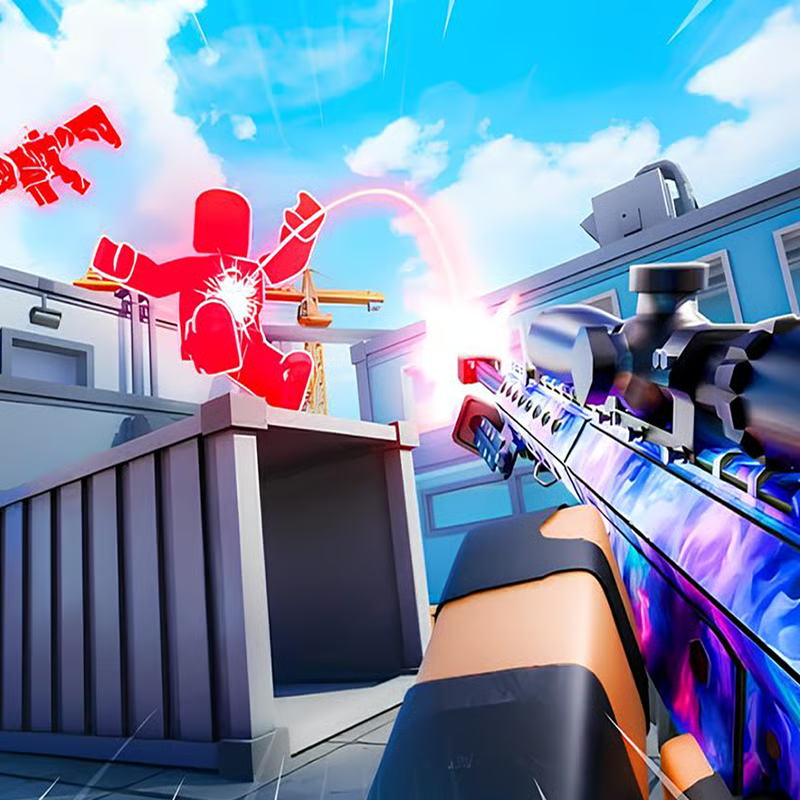
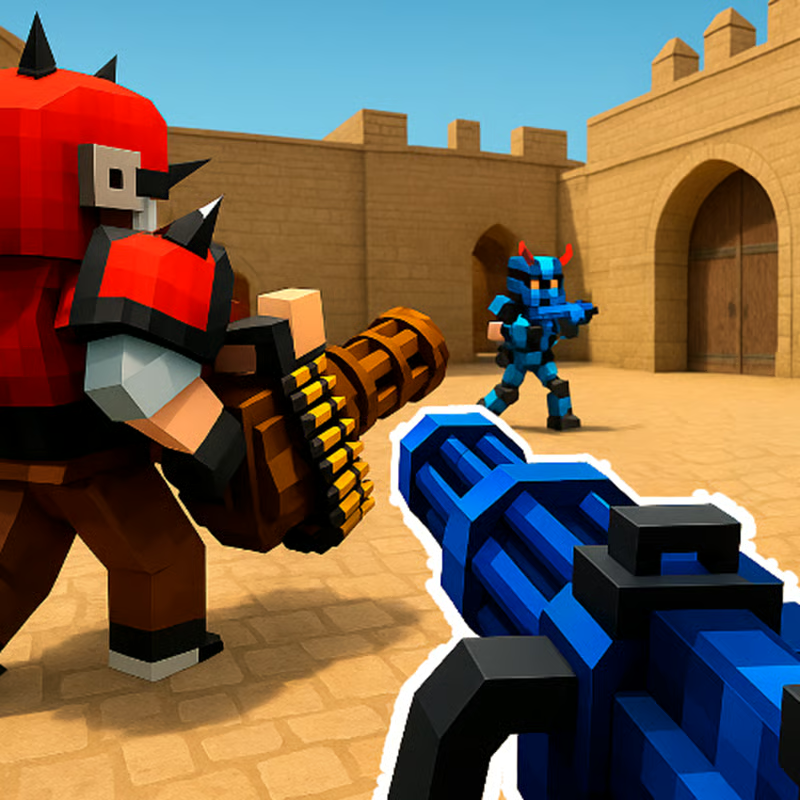
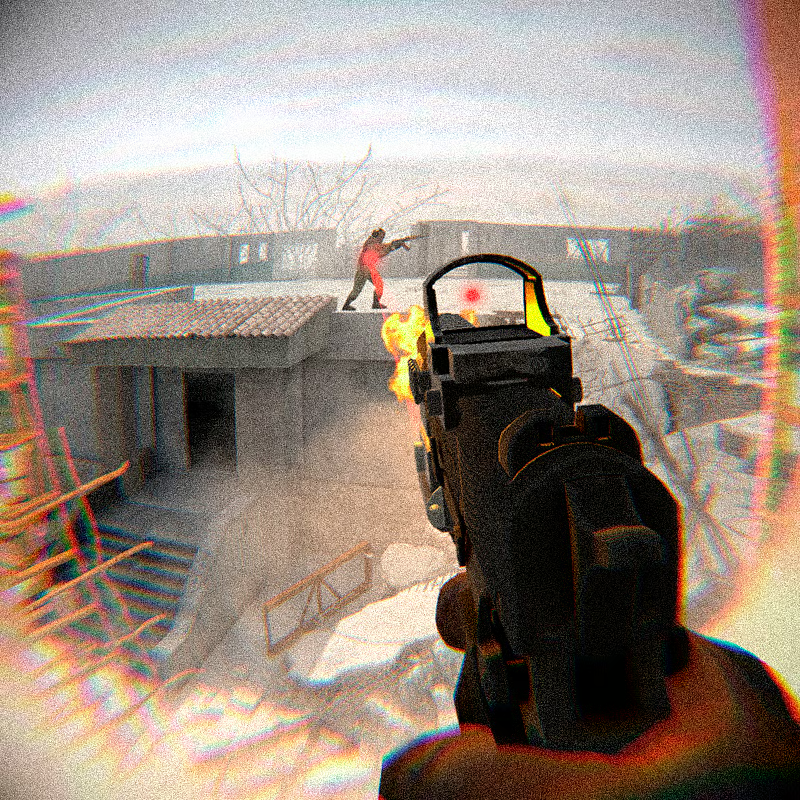
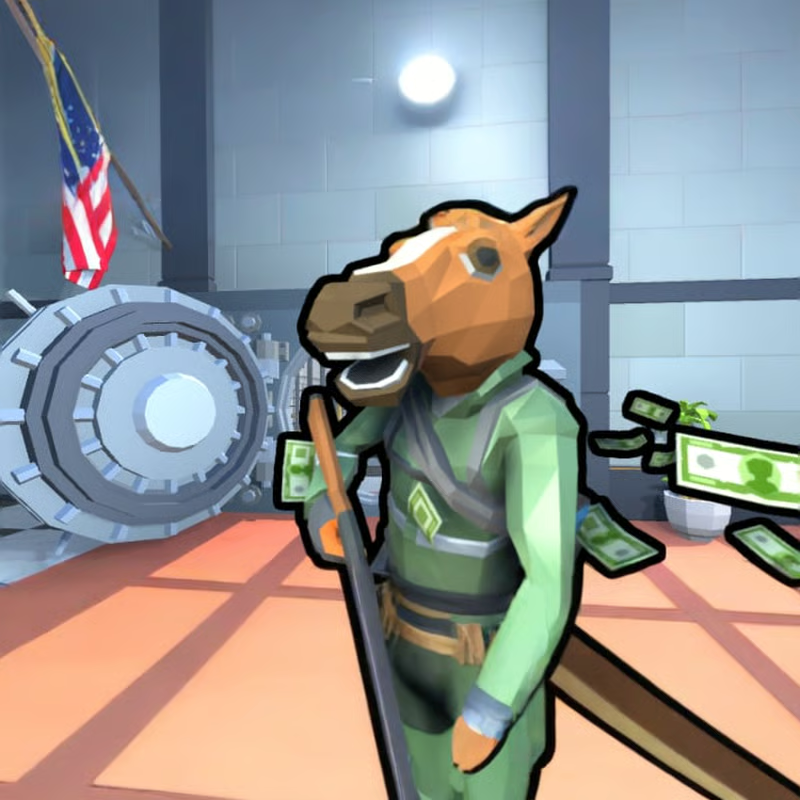
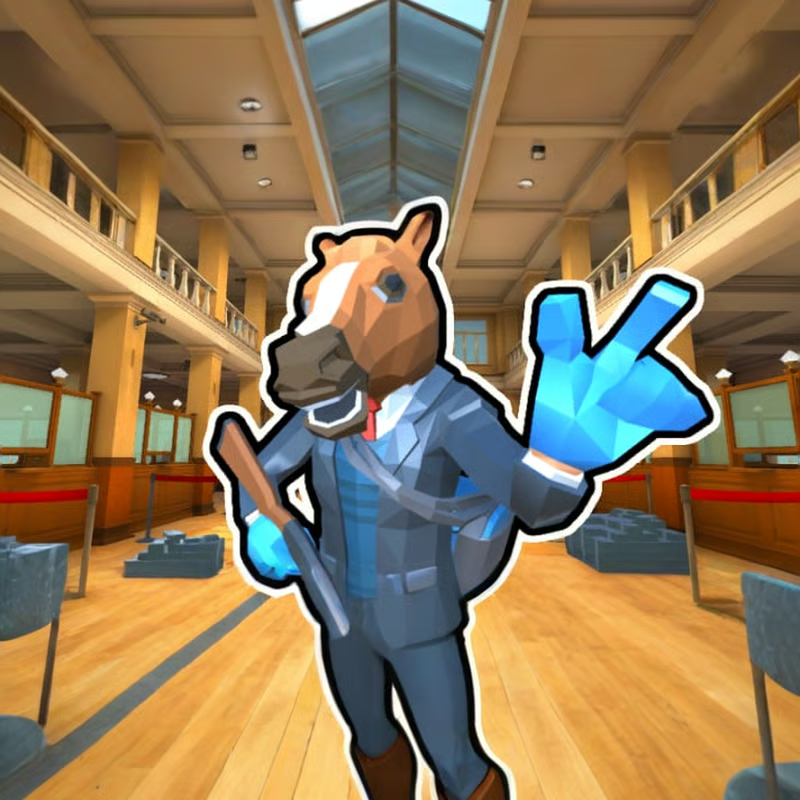
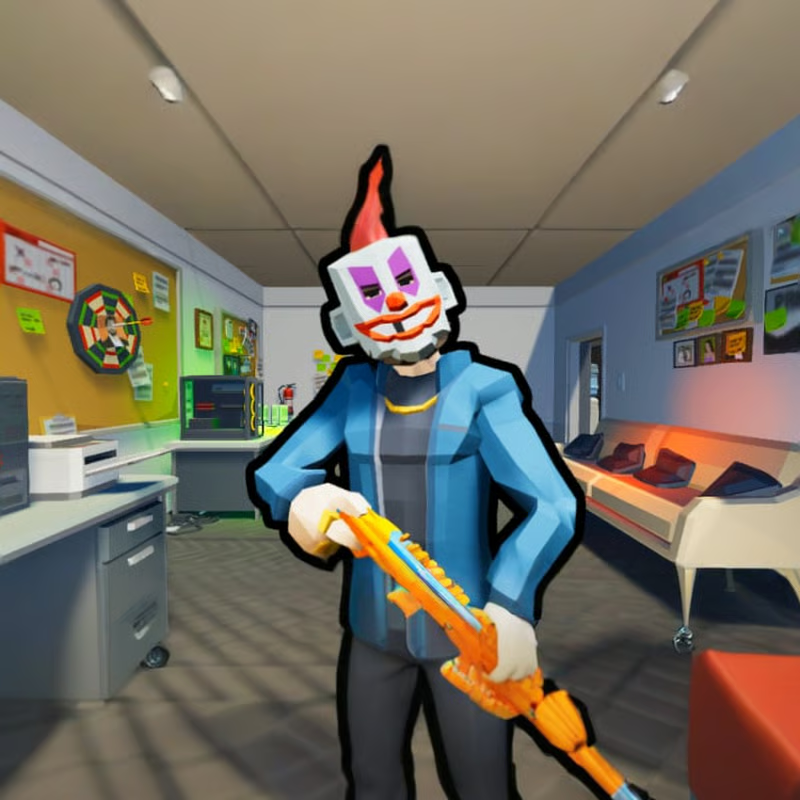
SkillWarz is a fast-paced first-person shooter built around movement, aim, and map control. The free browser build, often called Legacy Edition, focuses on quick cross-platform matches, while the paid Steam Early Access build adds a separate PC-only environment with more customization. Expect solo and team modes, fixed classes in browser play, slide-based movement with pads and teleporters, and progression through ranks, currency, contracts, and skins.
PC controls: move, slide, sprint, and fight
Learn these defaults first, because SkillWarz punishes standing still. Sprint to build speed, slide to stay low and keep momentum, then jump to chain movement around corners and pads.
| Action | Default key |
|---|---|
| Move forward, left, back, right | W, A, S, D |
| Sprint | Shift |
| Jump / mantle | Space |
| Crouch / slide | C |
| Fire | Left mouse button |
| Aim down sights | Right mouse button |
| Reload | R |
| Switch weapon | Mouse wheel or 1 / 2 |
| Melee attack | Q |
| Primary grenade | G |
| Secondary grenade / smoke | F |
| Use pickup bonus | 4 |
| Scoreboard | Tab |
| Menu | Tilde |
| Spray | T |
| Chat all / team | Y / U |
How to crouch-slide: sprint with Shift, then press C while moving. From the slide, press Space to do a slide-jump and keep speed into the next lane. Use normal WASD strafing and short jumps in tight rooms, and save full sprint-slide routes for open lanes, pad exits, and teleporter flanks.
New players often miss that there is no minimap and no default hip-fire crosshair. Until you unlock the Crosshair perk, aim down sights for precise shots and listen for nearby spawn and reload audio cues.
Which mode should you pick?
SkillWarz lists five core crossplay modes. The official count is Deathmatch, Team Deathmatch, Gun Game, Team Gun Game, and Skull Hunt across around 20 to 25 maps depending on build.
- Deathmatch: free-for-all solo scoring. Everyone fights alone, highest elimination count wins when time expires or the score cap is reached. Best for warmup, aim practice, and learning spawns.
- Team Deathmatch: two squads race to a team elimination target. Stick with teammates, trade kills, and avoid running alone into set crossfires. Small maps can feel crowded with 12 players, so smaller rooms often play cleaner.
- Gun Game: your weapon changes with each elimination. You must adapt quickly instead of relying on one favorite gun. Precision matters because every kill is progression.
- Team Gun Game: team version of weapon rotation. Coordinate pushes so teammates on weaker weapons get safer cleanup kills.
- Skull Hunt: team objective based on Team Deathmatch. Eliminated enemies drop skulls. Pick up enemy skulls to score for your team and collect teammate skulls to deny points and earn extra XP. Do not ignore the objective to chase kills away from skull drops.
Host presets can further change a lobby, such as sniper-only, Recon-only, low-gravity, Normal versus Hardcore damage, or custom score and time limits. Always check the room name and rules before joining.
Movement, pads, teleporters, and pickups
Movement is the main skill gap. Core tools are sprint, slide, jump, vaulting over low cover, climbing ledges, bunny hopping, and wall jumps once unlocked. Maps add bounce pads for vertical launches, teleporters for instant repositioning, and on newer maps ziplines for fast crossings.
- Learn one pad route and one teleporter exit per map first. Pads are strong for escaping, retaking high ground, and surprising campers from above.
- Do not run in straight lines after a pad launch or teleport. Strafe, slide, or jump on landing so you are harder to track.
- Health does not regenerate automatically by default. Look for health-kit pickups on the map instead of waiting behind cover.
- Watch for battle pickups that give temporary advantages. Grab them before a push, not after you are already weak.
- Some maps cycle between day and night versions, which changes visibility and sightlines. Re-check long angles after a lighting change.
Classes, weapons, and perks: fixed or customizable?
Crossplay and browser lobbies use preconfigured classes with fixed primary weapons, secondaries, grenades, and perks. Counts vary slightly by listing, commonly described as six ready-made classes with around 10 core weapons, with the developer overview noting 25 maps, seven classes, and 10 weapons in crossplay. Steam Mode adds more choice.
Common roles you will see:
- Assault: frontline rushing setup for mid to close range, usually with rapid-fire primaries and lethal grenades.
- Recon: marksman and sniper role for long lanes, built around scoped rifles and staying on head-level angles.
- Support: utility role with extra smoke and area control for team pushes and skull collection.
- Specialist and similar advanced slots: discussed as higher-level or special unlocks that break normal weapon pairing limits.
In the dedicated Steam Mode, players get three customizable class slots where they can equip unlocked weapons, attachments, and perks. Examples of perks reported in progression guides include faster reloads, reduced sniper sway and recoil, extra ammo and magazines, extra health, faster sprint, quieter footsteps, extra grenade chance, static hip-fire crosshair, reduced gravity, faster movement while aiming, and health regeneration after a delay.
Pick Assault or a mid-range setup while learning most maps, use Recon only on open sniper-friendly layouts, and bring Support smoke when your team keeps losing the same choke point.
Why cannot I wall-jump?
Wall jumping is rank-gated. In standard progression it unlocks around Rank 5, and some custom rooms also restrict movement through skill-level presets to protect new players. That is why wall jumps can stop working after a rank reset, prestige reset, or when you join a restricted lobby.
If wall jumps do nothing:
- Check your rank and play more matches to get past the early ranks.
- Try a different public room or ask the host which movement preset is enabled.
- Practice slides, jumps, vaults, and mantles first, since those work before wall jumps unlock.
Ranks, currency, contracts, and skins
Progression is earn-by-play. Matches, daily contracts, and challenges award in-game currency, which you spend in the shop on equipment, attachments, and skins. There are dozens of military-style ranks plus prestige-style resets, weapon unlocks through leveling, and seasonal leaderboards where high placements can grant exclusive skins.
Useful habits:
- Do daily contracts and challenges first if you want faster shop progress.
- Save currency for the weapon, attachment, or perk style you actually use instead of buying everything early.
- Remember Steam progression is separate. Browser progress does not transfer to Steam, so Steam starts fresh even for longtime browser players.
- Forum and in-game accounts are also separate systems. If login fails, make sure you registered inside the game client itself, not only on the community site.
Playing with friends, 1v1 duels, and bots
There is no dedicated one-click 1v1 queue. Duels use private password-protected custom lobbies. Create a room, set a password, choose a mode such as Team Deathmatch, Elimination, or Gun Game, then share the room name and password with your opponent.
For fair 1v1 games, use small maps such as Shipment, Broken Bridge, Garden, Sky, or compact community duel layouts. Private rooms generally disable public auto-balance health bonuses, so both players fight on consistent baseline stats.
For practice:
- Use Training HUB and Warmup modes for target practice, sliding routes, pad jumps, and weapon handling without lobby pressure.
- Add bots with adjustable difficulty to fill empty rooms or practice duels. Bot matches still need an internet connection because lobbies run through online services.
- Start on Recruit or low difficulty to learn angles, then raise difficulty once your movement feels automatic.
Free browser, Steam, mobile, and performance help
Free browser: the easiest way to start. The Legacy Edition runs directly in modern browsers with no install and supports crossplay. Progress saves to the browser account system, and clearing browser data without logging in can lose local progress.
Steam: paid Early Access release, listed around 9.99, launched in July 2026. It offers Crossplay Mode for matches with browser players plus a separate Steam Mode with customizable classes, extra weapons, extra maps and prototype playlists, higher-resolution textures and lighting options, expanded graphics and audio settings, and its own progression. Extra modes reported in Steam playlists can include Elimination and Capture the Flag alongside the five core modes.
Mobile: Android is described as in active development, not a full public release. Avoid random APK sites claiming to be SkillWarz, since unrelated apps and scam files use similar names. Use official browser or Steam builds while waiting for store announcements.
Minimum PC specs listed for Steam are Windows 10 64-bit or Ubuntu 18.04+, Intel Core i5-6400 or AMD Ryzen 5 1400, 4 GB RAM, GTX 660 or Radeon HD 7870 graphics, DirectX 11 on Windows, broadband internet, and about 6 GB storage. Recommended specs are newer CPUs such as i5-8600K or Ryzen 5 3600, 8 GB RAM, and GTX 1060 or RX 580 or better.
If the browser version lags or stutters:
- Close extra tabs and background launchers, then lower resolution and graphics presets.
- Use a wired connection or sit closer to Wi-Fi, and avoid downloads during matches.
- Keep the browser and graphics driver updated and enable hardware acceleration.
- Cap frame rate if GPU usage spikes, and reset settings from the login screen if the display looks broken.
- On weak laptops, choose smaller maps and smaller rooms before blaming aim.
Quick beginner plan
- Learn WASD, Shift sprint, C slide, Space jump, R reload, Q melee, G and F grenades, and Tab scoreboard.
- Start in Deathmatch with a mid-range class to learn spawns and health-kit locations.
- Practice one slide-jump route, one pad escape, and one teleporter flank per map.
- Rank up to unlock wall jumps and useful perks, then test custom Steam classes if you buy Steam.
- Move to Team Deathmatch and Skull Hunt for teamwork, and use password rooms plus bots for 1v1 practice.
Comments(2)
w
WWW