
































Time Shooter 3: SWAT Guide — Controls, Slow-Motion Tactics, Weapons, Shields and Hostage Rescue
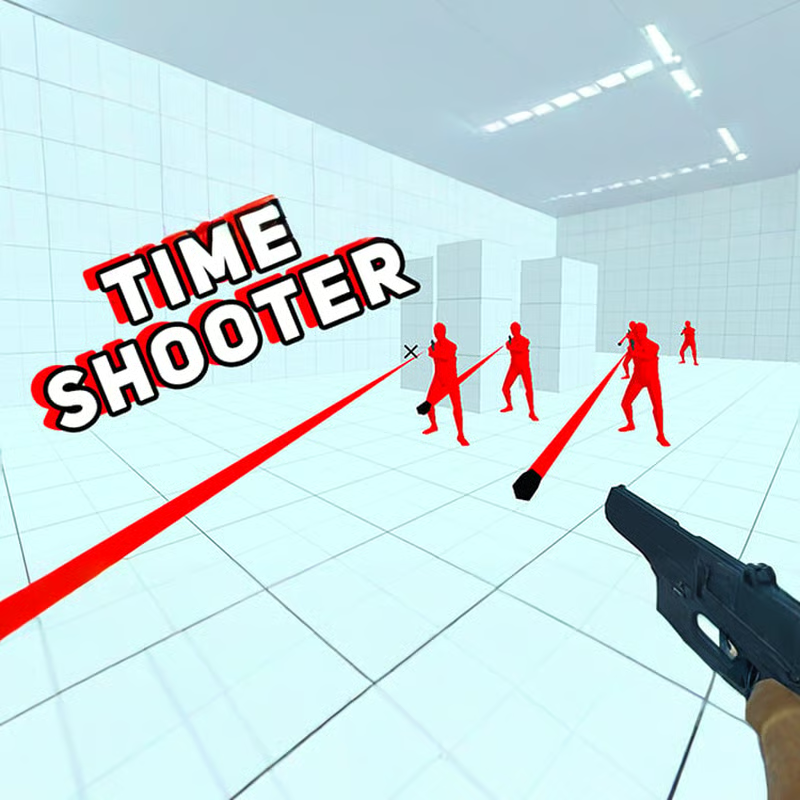
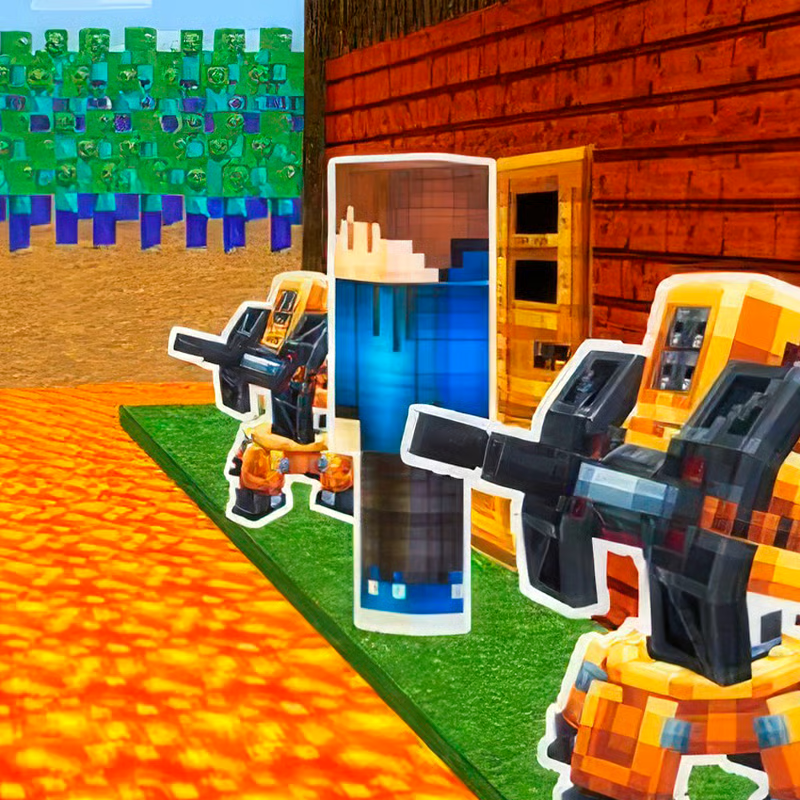
Time Shooter 3: SWAT is a slow-motion first-person shooter where time only moves when you move. You play as a SWAT operative clearing rooms full of terrorists and rescuing blue hostages. Stand still and bullets crawl almost to a stop so you can plan; walk, pick up a gun, or attack and time snaps forward again.
This entry is the sequel to Time Shooter 2, inspired by SuperHot. The big SWAT changes are hostages you must not hit, riot shields you pick up with F, purple doors you smash with a battering ram, enemies in helmets and body armor that deflect shots, and three shield-shaped lives per level instead of one-hit failure.
PC Controls and How to Play on Chromebook and Mobile
Use a desktop or Chromebook with mouse and keyboard for the best experience. The game runs in the browser with no download, and it also loads on mobile and tablet browsers with on-screen buttons, but precise aiming around hostages is much harder on touch.
- WASD or arrow keys: move and advance time. Mouse: look and aim.
- Left-click: pick up weapon or shoot. Walk to a gun on a table or on the floor and left-click to grab it.
- Right-click or R: throw weapon. Works even when the gun is empty — thrown guns stun and can knock out enemies.
- F: pick up or throw riot shield. Face a dropped shield and press F to equip it, press F again to drop or throw it.
If the game feels laggy or will not load, refresh the page, close extra tabs, switch to landscape and fullscreen, turn down browser zoom to 100%, and check that mouse clicks are going to the game frame. On school or work networks, performance depends on the connection and browser permissions.
Time Only Moves When You Move: How to Dodge Bullets
Standing still is your main defensive tool. Enemies almost freeze, so you can scan near to far for shooters, flying bullets, baton rushers, hostages, weapons, shields, gas cylinders, and doors.
Use the stop-scan, short-burst method:
- Stop completely. Find the nearest aimed gun and the nearest bullet line.
- Make one short move with a clear purpose: sidestep one bullet, shift to a better angle, grab one weapon, or fire one controlled shot.
- Stop again. Rebuild the picture before you move again.
For dodging, move sideways to the bullet path, not straight toward the shooter. Check your destination first so you do not step into another line of fire or next to an explosive. Long sprints speed up every enemy at once and are the most common reason players get hit in open rooms.
Empty Gun? Fire, Throw, Pick Up, Repeat
Every gun has limited ammo. Do not hold an empty pistol while enemies advance. The core ammo loop is fire, throw, pick up.
- Pistol: reliable and accurate for single hostage-safe shots.
- Assault rifle and machine gun: best for packed rooms and distant shooters after a door breach.
- Shotgun: strong up close and can hit a group or gas cylinder, but the spread is risky near hostages.
- Metal balls and gas cylinders: pink cylinders explode when shot and clear groups, but only use them when hostages are well clear of the blast.
When a room has three enemies facing you, a useful pattern is to shoot the side shooters first, then throw your empty gun at the center enemy to stun it while you move to the next dropped weapon. Thrown battering rams work the same way for one last hit when the ram is worn out.
Shields, Battering Ram, Armor and Hostages: Stuck Room Checklist
Most stuck moments come from the four SWAT systems working together. Work through them in this order:
1. Pick up and use the riot shield
After knocking out a shield carrier, press F to take the shield. Hold it between you and the active shooter while you advance, looking through the top window. It blocks bullets for a couple of hits before breaking, then pick up another. You cannot carry a shield and battering ram at the same time. Remember to check side angles — the shield does not cover flankers.
2. Breach purple doors with the ram
Purple doors hide hostages and more enemies. Find the battering ram, smash the door, then expect guns pointed at you on later levels. A safe routine is to leave your gun and shield beside the door, grab the ram, break in, throw the ram at the nearest threat, sidestep immediately, then grab your gear back. Do not linger in the doorway.
3. Aim around armor and shields
Terrorists wear helmets and body armor that deflect shots and knock the armor off. If your shot clangs off armor, stop, change angle, and follow up on the exposed part instead of firing repeatedly into the plate. For shield enemies, sidestep off their center line or handle an exposed shooter first, then return with a better angle.
4. Keep every shot hostage-safe
Blue figures are hostages. Hitting one restarts the level immediately, even if you still have lives left. Trace every firing line past the target. If a hostage is behind or beside an enemy, sidestep until the two figures separate. Avoid shotguns and explosions in crowded rescue rooms, and predict enemy drift before you fire rather than spraying.
Stuck in tight corridors vs. open rooms
- Tight corridor or doorway: stop before entering, slice the angle from the side, breach with the ram, throw at the center threat, then back out or sidestep to cover. Shotguns and shields are strong here.
- Wide open room: prioritize the shooter with a direct line on you, use short sideways bursts between cover, keep the shield facing the main threat, and clear one angle at a time before walking toward hostages.
How Many Levels, Lives and Restarts?
The game is endless with progressive difficulty. There is no final level to finish — later rooms add more shooters, tighter spaces, and layered armor, shield, and hostage threats.
You have three shield icons at the top of the screen. You can take hits and keep going within the same level, with a cracked-glass effect when you are hit. Lives reset for the next level. Shooting a hostage is different: it is an instant restart of the level regardless of remaining lives. Quick restart keeps runs fast, so treat each room as a short puzzle rather than a rush.
Quick progress checklist
- Early rooms: use baton enemies to practice stop-scan and pickup timing.
- From the first gun rooms on: expect return fire and always plan the dodge before the shot.
- After each clear: stop, locate all blue hostages, then pick a firing line that stays clear of them.
Time Shooter 3 vs. Time Shooter 2 vs. SuperHot
SuperHot created the time-moves-when-you-move idea. Time Shooter and Time Shooter 2 brought that style to free browser play with red enemies and one-hit runs. Time Shooter 3: SWAT keeps that slow-motion core but adds the SWAT layer: SWAT role, blue hostages to protect, purple doors and battering ram, riot shields with F, helmets and body armor that need follow-up shots, batons, and three lives per level.
Use Time Shooter 3 tactics for this game only. If you switch titles, controls and rules change, especially the shield key and hostage penalty.
FAQ
How do I throw a weapon?
Press right-click or R. Throw empty guns instead of holding them — the throw can stun an enemy long enough to grab its dropped gun.
How do I use the shield?
Press F near a dropped shield to pick it up, keep it facing the shooter, then press F again to drop or throw it when you need a gun or the ram.
Why do my shots bounce off?
That is helmet or body armor deflecting. The armor piece flies off on impact. Re-aim at the exposed area for the follow-up shot.
Why did I restart after one shot?
You likely hit a blue hostage. That restarts the level even with lives left. Reposition for a clean background before firing.
Can I play unblocked on Chromebook or mobile?
It runs in modern desktop and mobile browsers without a download. Desktop PC or Chromebook with mouse and keyboard gives the most accurate control. Mobile touch play works but is less precise for hostage rooms.
Comments(1)
good to laggy