












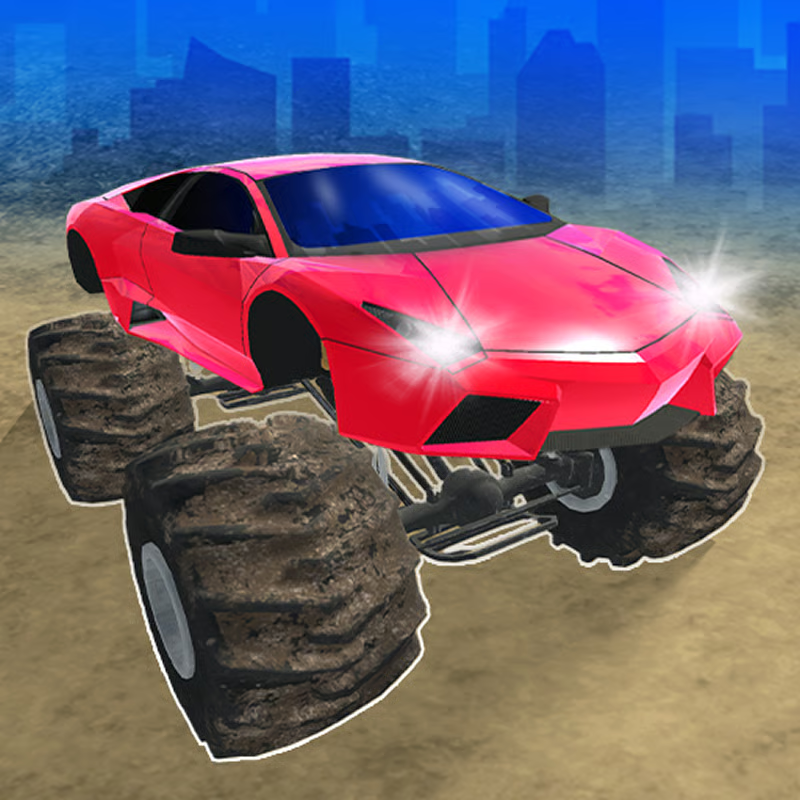








What is Derby Crash 3?
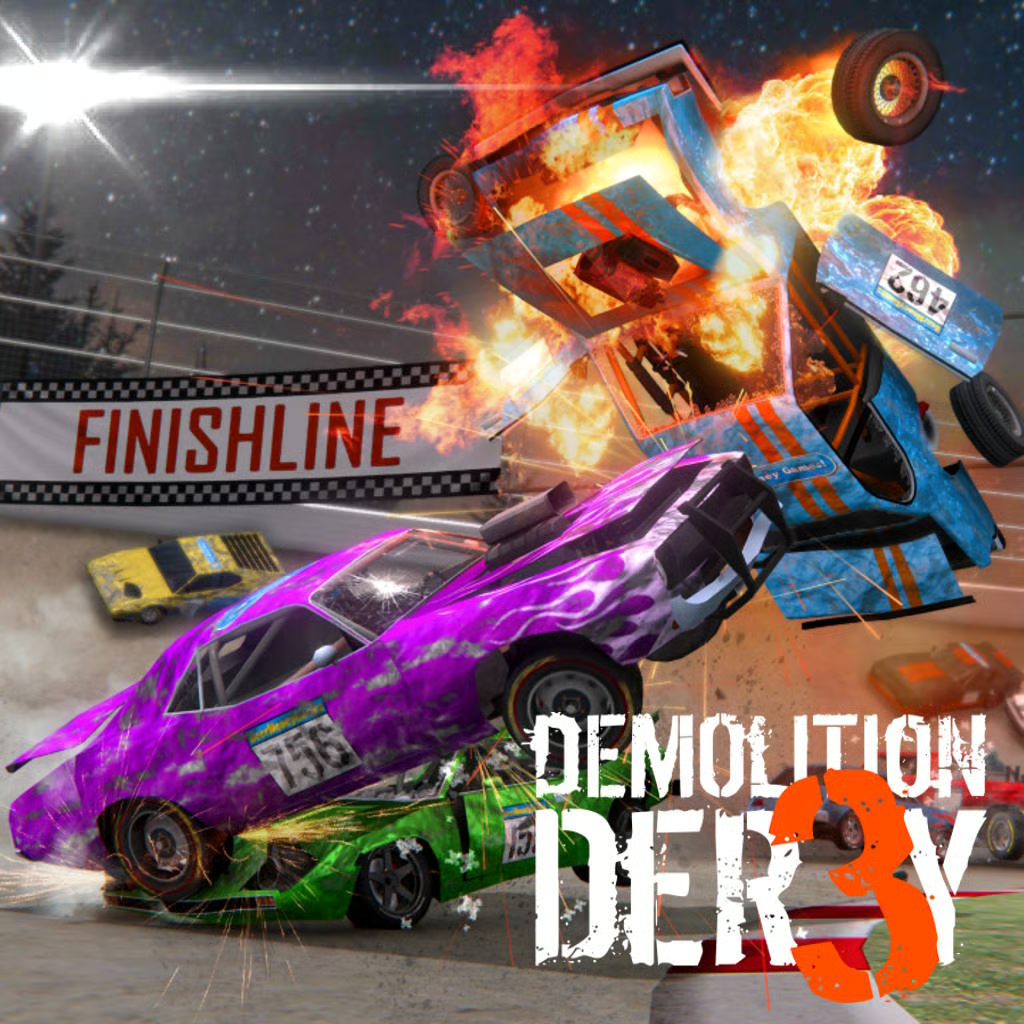
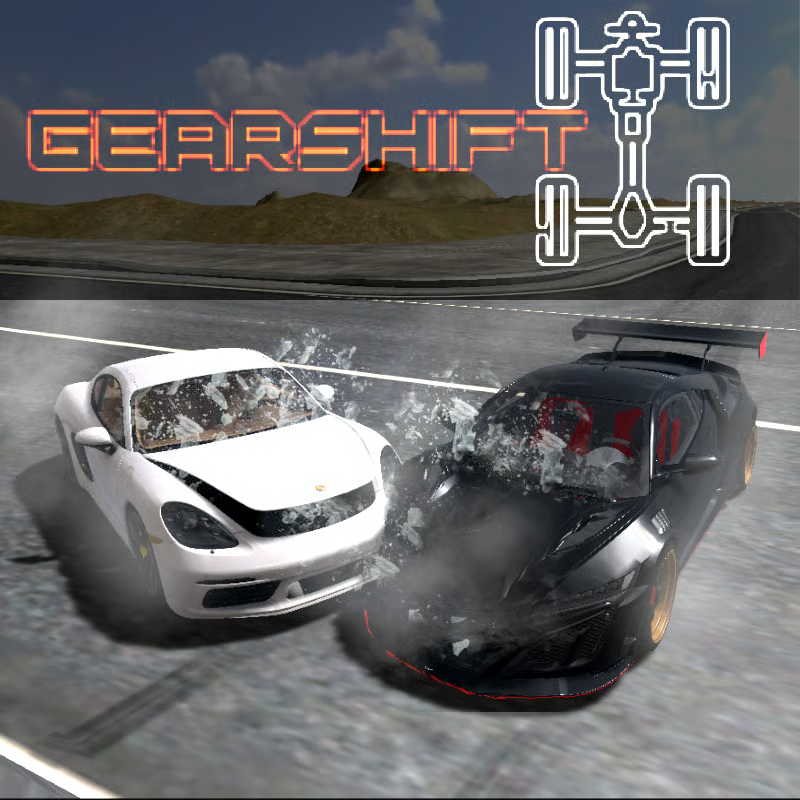
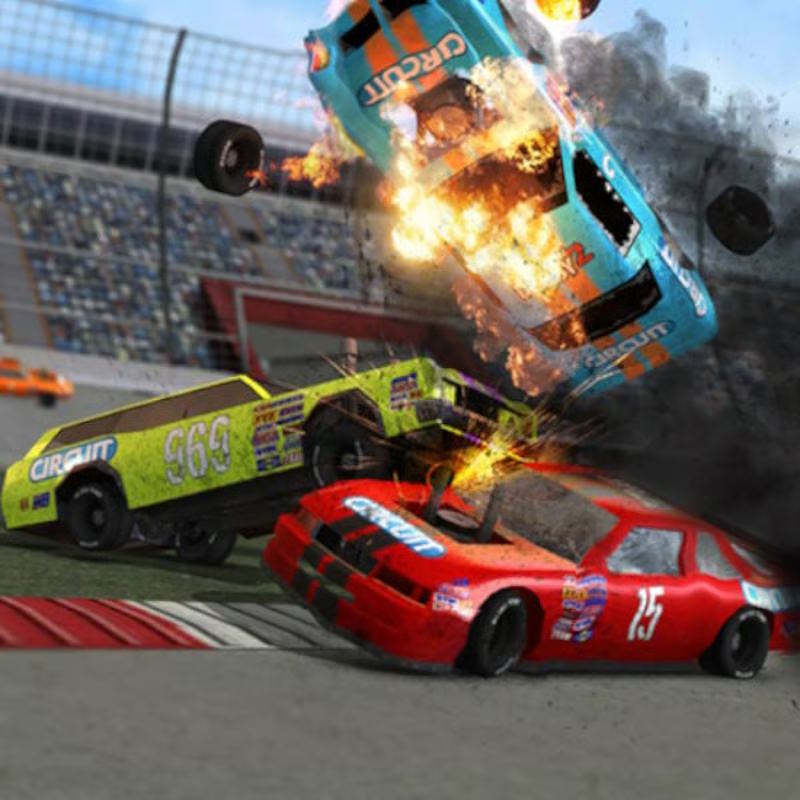
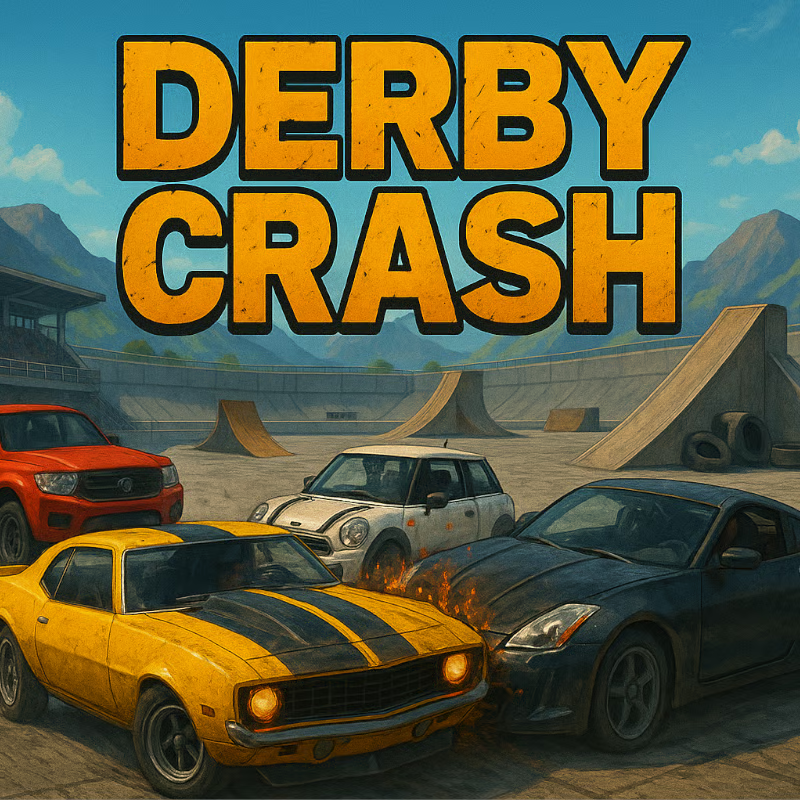
Derby Crash 3 is a free browser demolition-driving game focused on rally cars, crashes, and open exploration. You get a large desert free-roam map with side streets, open ground, ramps, and other traffic to hit. There is no race to win or career to finish: the goal described across guides is simply to explore, cause crashes, test vehicles, and see how much deformation your car can take.
The third chapter centers on rally-style cars, plus heavier options such as an armored box and a battle tank with a working cannon. Portals list either 6 or 7 vehicles depending on the version, so use that count as approximate rather than exact.
PC controls: repair, unflip, camera, and slow motion
Derby Crash 3 is built for keyboard play on desktop. These are the keys shown consistently in game instructions and portal guides:
| Key | Action | When to use it |
|---|---|---|
| WASD or arrow keys | Drive, steer, brake and reverse | Basic driving and drifting |
| Space bar | Handbrake | Sharper turns, drifts, and stopping slides |
| Enter | Unflip / respawn | Use when rolled over or stuck; puts you back upright |
| R | Repair | Restores a battered car with the instant repair system |
| C | Change camera | Switch camera views and enjoy crash views from another angle |
| T | Time frame / slow-motion view | Watch crashes in slow motion and inspect damage |
If you flip after a jump, press Enter first rather than steering while upside down. If the bodywork looks crushed, steering feels off, or damage keeps building, press R to repair and continue driving. C is useful when a wall or another car blocks your view, while T is best saved for big jumps and heavy impacts when you want a clearer slow-motion look. Exact slow-motion behavior can vary slightly by portal.
How to switch cars and how the tank works
You can quickly switch between vehicles instead of being locked to one car. Guides describe Next and Previous buttons at the top of the screen for browsing the garage. There is no verified upgrade, tuning, paint, or wheel system: one detailed guide states explicitly that there are no upgrades for any car.
The tank plays very differently from the rally cars:
- Movement is slower and heavier. Use it for pushing through traffic and surviving head-on hits rather than for speed or drifting.
- Aim with the mouse. Move the cursor across the screen to aim the cannon.
- Click to shoot. Click on the aimed spot to fire at other cars and increase destruction.
A practical pattern is to learn the map in a rally car first, then switch to the tank in a wide open area where you have room to aim. Because mouse control matters for the tank, desktop play is much more comfortable than a touch screen.
Which car should you pick?
All cars do not handle the same. A detailed guide reports that driving behavior differs by weight and speed limits: lighter rally and sports-style cars accelerate faster and drift more easily, while the armored box and tank feel heavier, more stable, and better for taking and dealing damage.
For speed, the same guide names the first default rally car as the fastest, but warns that it has strong steering sensitivity and takes practice. That is a guide-reported label rather than an official stat, and different portals count vehicles differently, so treat it as a starting suggestion:
- To learn and go fast: start with the default rally car on open roads before trying tight turns.
- For drifts and stunts: use a lighter sports-style car and tap the handbrake before corners and ramps.
- For maximum chaos: switch to the armored box or tank when you want to ram rather than outrun other vehicles.
Damage: can a car be fully destroyed?
Damage is central to Derby Crash 3. You will see wear on the bodywork and frame as crashes add up, and portal descriptions warn that a heavily damaged vehicle may explode.
At the same time, one guide FAQ says you can keep driving even in a heavily demolished state and cannot permanently destroy a car beyond use. In practice, players report both outcomes because portals and versions describe it slightly differently. The safe approach is:
- Keep driving while the car still responds, even if it looks badly crushed.
- Press R to repair when handling gets bad or before trying another big crash.
- Press Enter if you explode, flip, or get stuck, then pick another vehicle if needed.
Repair does not cost an upgrade or resource in the documented system; it is an instant reset for continued free-roam play.
Can you play on mobile, Chromebook, or unblocked?
Derby Crash 3 is a free online browser game with no download required. The most detailed major portal lists it as desktop-only, and other game pages list desktop and keyboard plus mouse aim for the tank.
Some aggregators also mention phones or tablets, so mobile support varies by site and version. Expect the best experience on a desktop or Chromebook with a keyboard:
- Desktop PC: full keyboard controls and easiest tank aiming.
- Chromebook: usually playable in the browser if keyboard input works, but performance depends on the device.
- Mobile or tablet: may load on some portals, but controls and tank aiming are harder without keyboard and mouse.
Sites that call it unblocked generally mean the free browser version loads without installation. School or work network access still depends on that network, so availability cannot be guaranteed.
Is there multiplayer or a way to play with friends?
No verified real multiplayer, lobby, friend invite, or global competition system was found in the retrieved game descriptions and guides. The game is described as a single-player free-roam demolition experience with other cars and AI traffic on the map.
Other cars you see are computer-controlled opponents to crash into, not live players. If you want to play alongside friends, the practical option is to take turns on the same map, compare damage runs, or try the same vehicle challenge rather than looking for an in-game multiplayer menu.
What to do if Derby Crash 3 lags or loads slowly
The 3D map and deformation physics can be heavy on low-end devices. One game guide includes a specific in-game setting for this:
- Look for the Settings button, usually at the top right of the game screen.
- Switch between graphics settings with the Previous and Next buttons.
- Choose a lower graphics option if movement stutters, then reload the page if loading stalls.
Also close extra tabs, avoid large downloads during play, and use a desktop browser with hardware acceleration. If progress saves in the browser cache, avoid clearing site data unless you accept losing local progress.
Derby Crash 3 vs. Derby Crash 4
Search results often mix these two titles. Derby Crash 3 is the rally-car chapter with an open desert field and tank play. Derby Crash 4 is documented as a separate episode with newer cars, an independent train running through the scenario, and a Terraform menu carried over from the second episode.
If you see a train or terrain-editing menu, you are looking at Derby Crash 4, not Derby Crash 3. For pure rally-car demolition and tank shooting without those extras, stay with Derby Crash 3.
Comments
No comments yet. Be the first to comment!