



















Which Race Clicker is this?
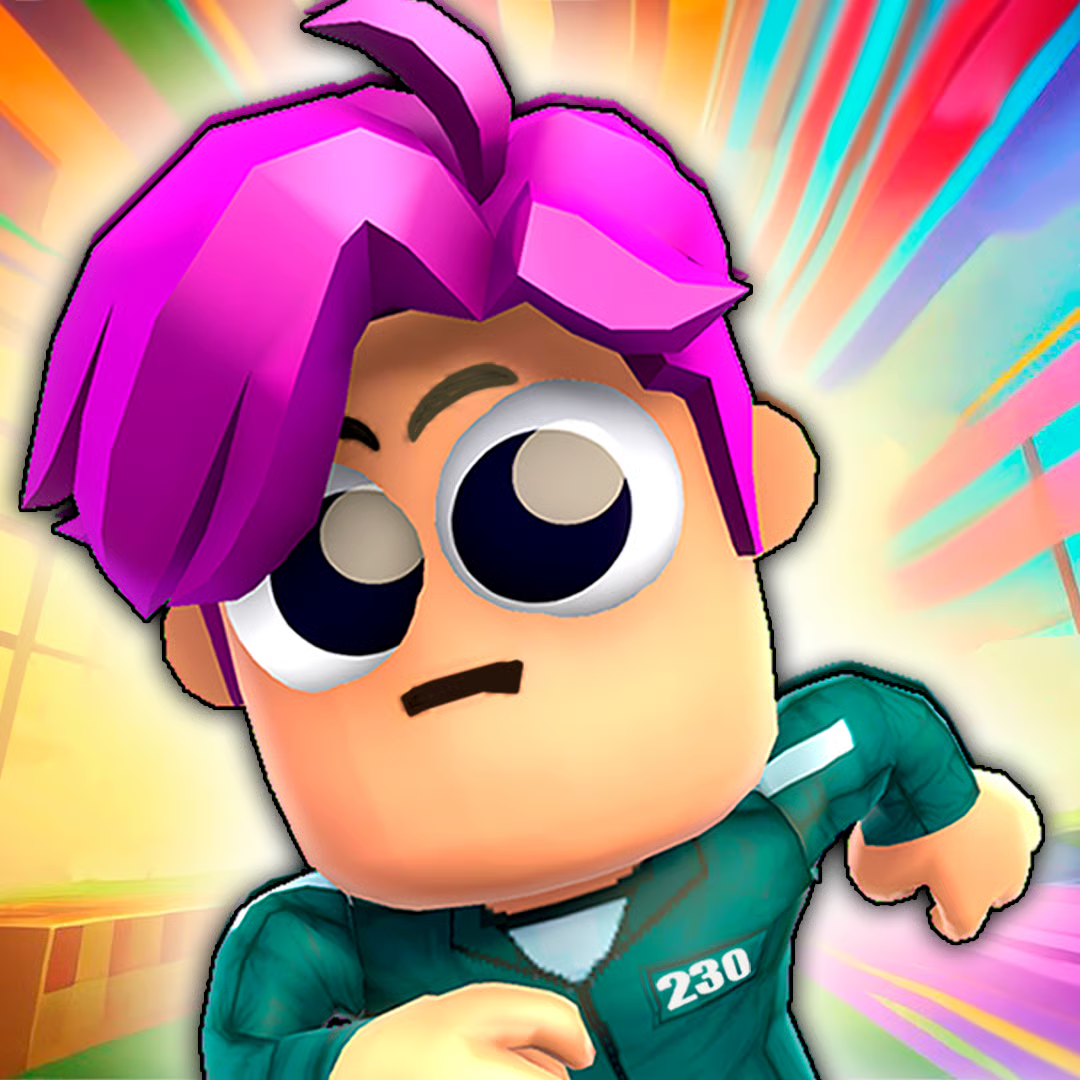
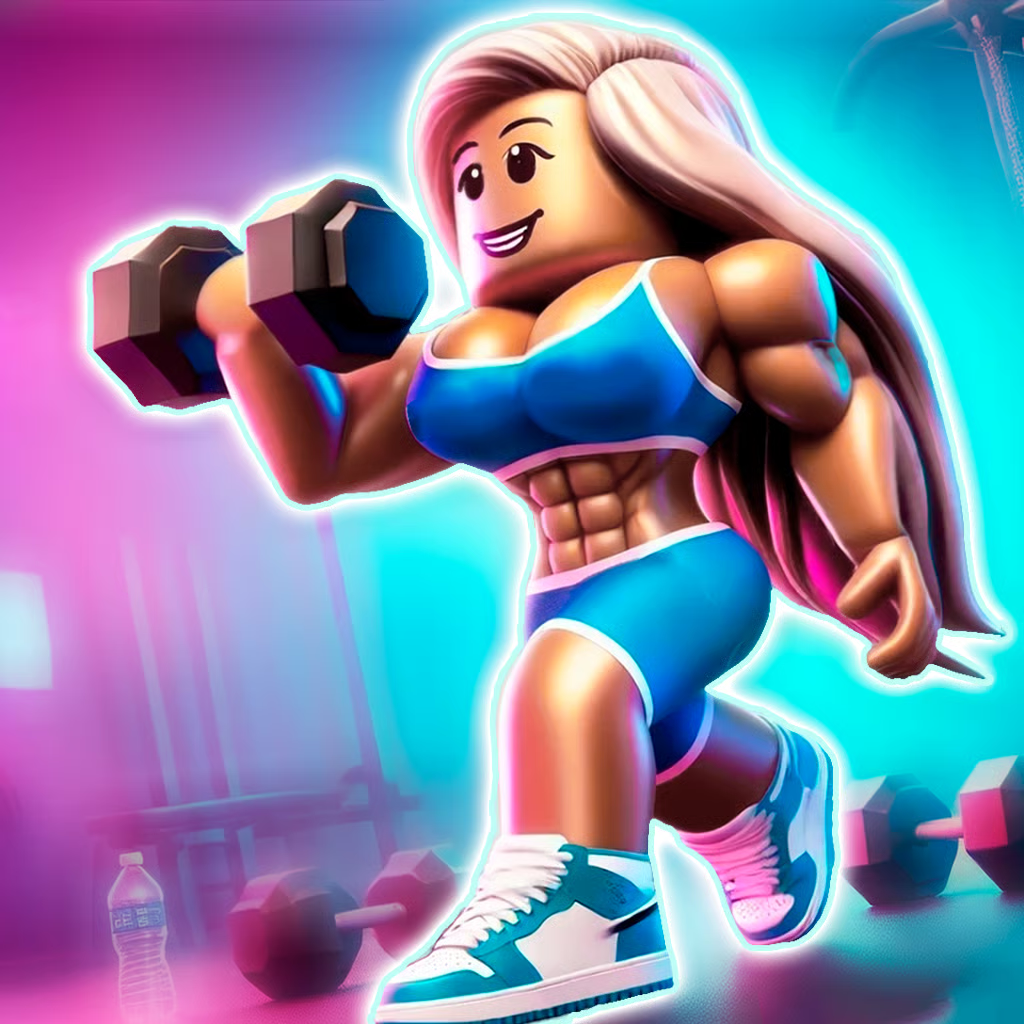
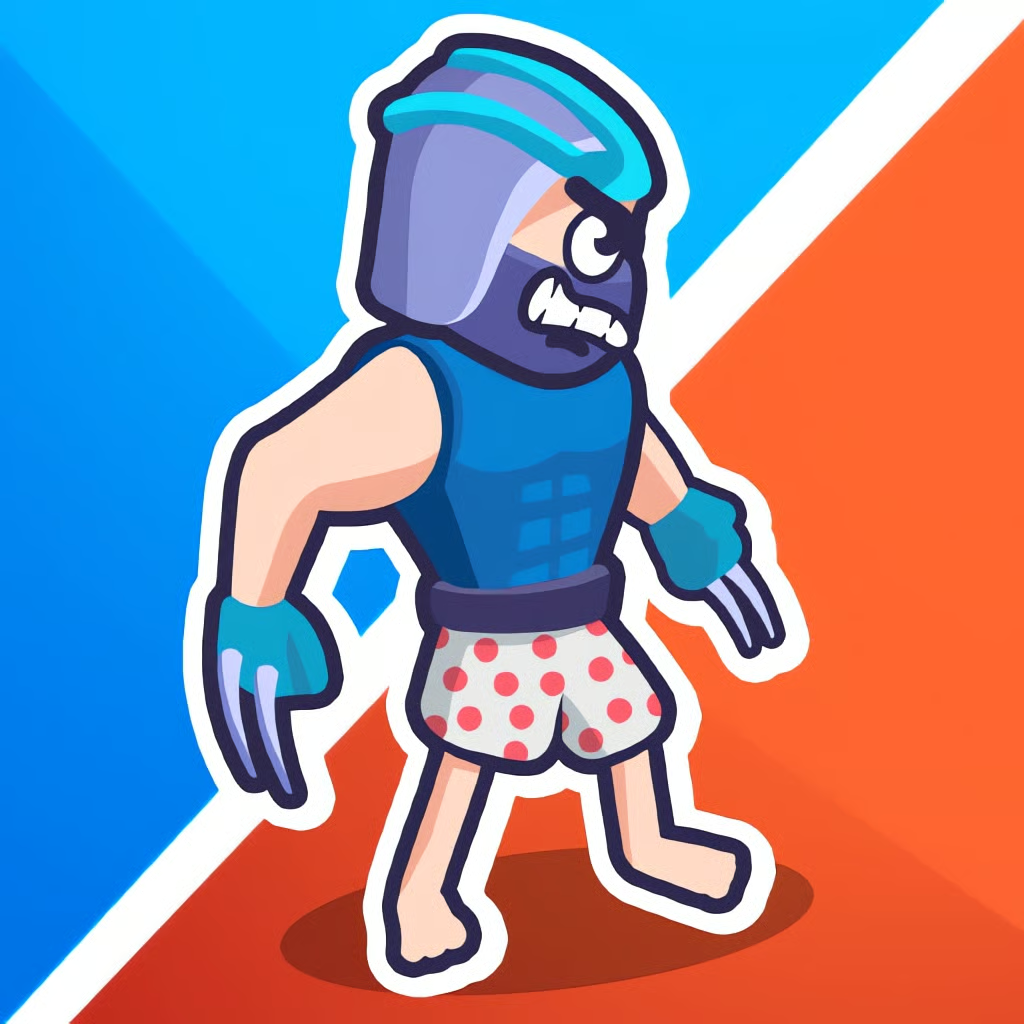
Race Clicker: Tap Tap Game on this page is a tap-to-run runner game. You control an athlete, tap to build running speed, steer through obstacle tracks, train muscle, speed, and endurance, and unlock skills and items. It is made for short browser and mobile sessions with portrait 3D tracks.
It is easy to confuse it with other games that share the name:
- Tap Tap runner version: train muscle, speed, and endurance, bump rivals on foot, avoid obstacles and tight turns.
- Race Clicker by Playsaurus: a separate desktop-only idle clicker racing game with a different developer and upgrade system.
- Roblox Race Clicker: a Roblox game known for eggs, pets, wins, boosts, rebirth, and redeemable codes. Those systems do not apply to the runner described here.
If a guide talks about hatching pets, entering codes for wins, buying engines and nitro, drifting cars, or turbo and shield power-ups, it is describing a different edition.
How to play and tap faster
The loop is simple: tap, build speed, race, earn rewards, upgrade, race again. Tapping or clicking anywhere makes your runner go from a jog into a sprint. Clicking also earns speed and money that you use between races.
- Start fast: At the race start, click or press Space rapidly to gain as much early speed as possible.
- Use bursts: Tap hard to pull ahead or catch a rival, then ease off to save stamina on tougher ground. Holding full pace the whole run drains energy fast.
- Watch the road: Look ahead for obstacles, tight sections, and changing terrain. Keeping momentum matters more than tapping nonstop into a wall of traffic.
- Pick a rhythm: Use two fingers or alternate clicks if that feels steadier, but keep control so you can still steer. Raw speed helps only if you stay on the track.
What to upgrade first: speed, strength, or endurance?
Spend race rewards on three main paths. There are no published cost breakpoints, so treat this as a priority order, not exact numbers:
| Upgrade | What it does | When to choose it |
|---|---|---|
| Speed | Raises top pace and early lead | Upgrade first when you are simply too slow |
| Strength / Muscle | Helps in collisions with rival runners | Upgrade when rivals keep knocking you out |
| Endurance / Stamina | Holds pace longer on demanding tracks | Upgrade when you fade late in longer races |
A practical plan is speed first, then strength if you lose fights, then endurance for longer tracks. After that, balance your weakest stat and unlock new skills and items to support sprints through rough sections.
Learn from losses: knocked out often means add strength, falling behind early means add speed, slowing at the end means add endurance. Avoid spending everything at once if one weakness is clearly costing you wins.
How to steer and knock rivals down
Tapping controls speed, steering is separate. On PC you move left and right while racing. On touch screens you steer with touch.
- PC race controls: Left-click or Space for the starting speed burst, then A and D or left and right arrow keys to change lanes.
- Stay ahead of collisions: Opponents can fight and try to knock you out, so do not run straight into a pack if your strength is low.
- Attack with momentum: Catch up from behind, aim at a rival, and bump them while moving faster. Higher strength improves your chance of winning the exchange.
- Keep position clean: Make small moves early before obstacles and tight turns. Late, sharp moves cost momentum and leave you open to being hit.
Do not be afraid of all contact, but pick your fights. If you are stronger and faster, bumping is a good way to clear the path. If you are weaker, focus on clean lines and burst past rivals in open space.
PC, mobile, and browser play
This edition is listed for browser on desktop, mobile, and tablet with portrait orientation, using HTML5 and WebGL, plus mobile app versions. That makes it suited to quick races without a download in the browser.
- PC: Mouse click for tapping and menu buttons, Space for the race-start burst, A / D or arrow keys for steering.
- Mobile and tablet: Tap the screen to accelerate and use touch controls to guide your runner. Portrait layout fits one-handed short sessions.
- Browser tips: Use a current browser, close extra tabs, and play in a stable window size if the frame rate drops. School or work networks may block game sites, and no browser trick can guarantee access.
Expect short sessions with training and upgrades between races. Player reviews often praise the simple controls and pushing action, while also mentioning frequent ads and cooldowns in app versions. Take breaks rather than forcing long tap sessions if your hand gets tired.
Quick checklist for more wins
- Burst at the start, then balance tapping and stamina on varied terrain.
- Upgrade speed first, add strength for knockouts, add endurance for late-race fade.
- Steer early, avoid tight obstacle clusters, bump rivals only with momentum.
- Spend win rewards on your biggest weakness and unlock skills and items over time.
- Ignore pets, codes, car garages, and rebirth guides — they belong to other Race Clicker editions.
Comments(1)
FUKCMFJJJFEJ
FUHBBHIHR
you need some milk