
































Horror Tale 1: Kidnapper walkthrough and stealth guide
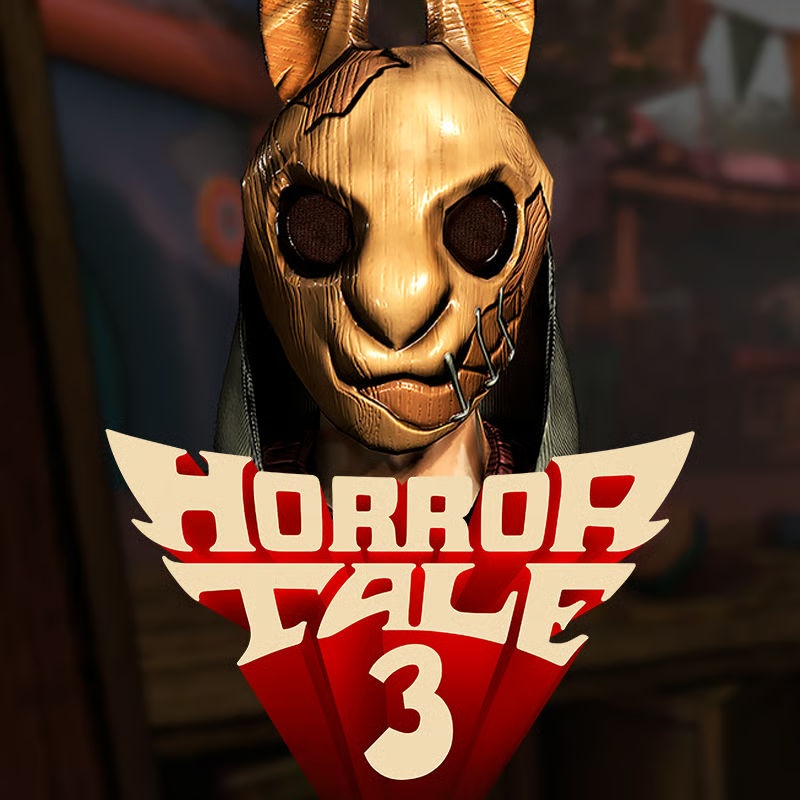
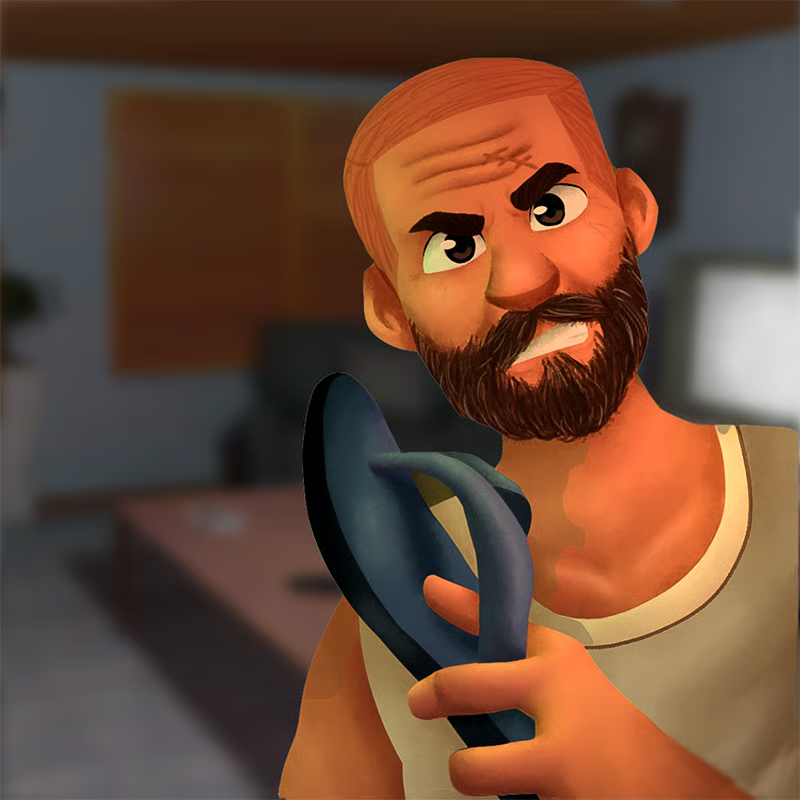
Horror Tale 1: Kidnapper is a first-person stealth horror adventure set in Lakewitch. You play as Tom, who is grabbed by the rabbit-mask kidnapper on his bike ride and wakes up locked in a barn. After you break out and fix the bike, you team up with Harry to fortify the treehouse and sneak through five areas: the Farm, the Kidnapper Lair, the Treehouse area, the Sawmill, and the School.
This guide covers the stuck points most players hit: barn escape and the missing bike wheel, how sound detection works, what items to look for, which difficulty to pick, controls, collectibles, and smooth browser play.
How to escape the barn and fix the bike
The opening is a short escape loop. Take it slow and watch the patrol before you act:
- Find a brick. Search inside the barn for a heavy object such as a brick.
- Break the weak wall section. Look for the cracked or weaker-looking part of the barn wall and use the brick on it to open a way out.
- Stay quiet and check windows. The kidnapper patrols outside and listens for noise. Peek through windows and doorways, crouch, and move only when he walks away.
- Find the missing bike wheel. Search the nearby Farm buildings and yard for the wheel Tom bike needs. Spots can differ between versions, so clear each shed, corner, and crate area methodically.
- Repair only when the area is clear. Hide behind crates or duck into a corner until the patrol leaves, then attach the wheel and head out to meet Harry.
If you get caught, break line of sight, hide, and wait. Use the hint menu if the objective text is unclear about where to go next.
How to avoid the kidnapper when he hears you
The kidnapper relies heavily on sound. Running, bumping objects, and breaking walls can draw him to you. Use this routine:
- Crouch most of the time. Crouching makes less noise than standing and running.
- Stop and listen. Before leaving cover, check windows, doors, and corners. If you hear fast music or footsteps, stay hidden.
- Hide behind crates, under tables, and in corners. Each area includes handy hiding spots. Duck in and wait until he leaves.
- Throw an object to distract him. Throw a spare item away from your path to pull his attention elsewhere, then crouch-move the other way.
- Do not sprint unless the path is clear. Sprint is for escape after you are spotted, not for normal searching.
On higher difficulties he moves faster and notices more sound, so allow extra waiting time between moves.
What to find to fortify the treehouse
After the Farm escape, the main goal is gathering supplies with Harry so the treehouse becomes a safer base. Expect an escape-style item chain where one tool opens another locked area.
Commonly needed supply types include:
- Nails, hammer, rope, and binoculars for basic fortification and scouting.
- Crowbar or screwdriver for nailed boards, locked drawers, and wooden doors.
- Boards, sticks, string, cans, batteries, and cameras for alarms, window reinforcement, and watching the kidnapper.
- Notes and papers that explain codes, poster clues, or where to use the next item.
Work area by area through the Farm, Lair, Treehouse surroundings, Sawmill, and School. Pick up everything you can carry, read notes, and press the hint button when stuck.
Which difficulty should you choose
The game usually offers Ghost, Easy, Normal or Medium, and Hard. The choice changes how stressful stealth feels:
- Ghost: Best for learning. The kidnapper cannot detect you, so you can practice routes, memorize item spots, and solve puzzles without chases.
- Easy: Slower patrol and more forgiving detection. Good first full run.
- Normal or Medium: Balanced tension for players who want stealth chases without constant pressure.
- Hard: Fast patrol and very sensitive hearing. Choose this for a challenge run after you know the maps.
If the barn or Farm feels too hard, restart on Ghost or Easy to learn the layout, then move up. Exact speed and detection values are not published, so treat the list as relative.
PC and mobile controls
| Action | PC | Mobile |
|---|---|---|
| Move and look | WASD plus mouse | Left joystick to move, right side to look |
| Interact | F | On-screen action button |
| Crouch quietly | C | On-screen crouch button |
| Hint menu | H | On-screen hint button |
| Drop or throw item | X to drop, G to throw | On-screen drop and throw buttons |
| Pause or skip cutscene | P | Pause icon |
On mobile, adjust interface transparency and camera sensitivity in settings if buttons block your view or turning feels too fast. On PC, crouch before picking up or throwing noisy items near the kidnapper.
Collectibles: 20 mannequins and the missable warning
Episode 1 has 20 small mannequin collectibles, four in each of the five main areas. They sit in hidden spots such as on barrels, under tractor wheels, on roofs, under porches, inside pipes, between crates, in trash piles, under pallets, and on rafters.
- Collect as you go. Progress can lock earlier mannequins after you return key story items to Harry, so do not rush the main objectives if you want full completion.
- Save bricks and balls. Many high spots need a thrown brick, and School roof spots may need a basketball. Those throwables are effectively unlimited, so keep trying different angles.
- Angle the camera up. Tire-swing, tree, roof, rafter, and tunnel-plank figures are easy to miss if you only look straight ahead.
- Retry a tricky grab. Some roof and swing spots can be fiddly. Leave and re-enter the spot or reload if a figure will not register.
Playing unblocked, on Chromebook, save and lag help
The browser version runs without download when WebGL is supported, which makes it handy for computers where installs are blocked:
- Use a current desktop browser with hardware acceleration on. Close extra tabs and pause downloads before loading Lakewitch.
- Lower lag first. Reduce browser zoom, close video or chat apps, plug in a Chromebook charger, and switch to a simpler difficulty while the game loads assets.
- Check for autosave. Recent versions include an autosave system, but do not rely on one checkpoint before a risky chase. Finish an objective and pause briefly to let progress save.
- If controls feel stuck, click once inside the game window to lock focus, then try pause and resume. On touch screens, reset camera sensitivity if looking drifts.
Quick FAQ
Why do I keep getting caught in the barn?
You are likely moving while the kidnapper is close. Wait for footsteps to fade, crouch, check the window, then break the wall and search for the wheel.
Where is the bike wheel?
It is hidden around the Farm buildings and yard. Search sheds and corners slowly while crouched, and fix the bike only after the patrol leaves.
What does Ghost mode do?
It lets you explore and solve puzzles without being detected. Use it to learn item locations, then replay on Easy or Normal.
Is Horror Tale 1 multiplayer?
No. It is a single-player story with Tom and Harry against the kidnapper.
Comments(3)
yes
good
this game is hard just like me
yes