
























What is Golf Orbit?
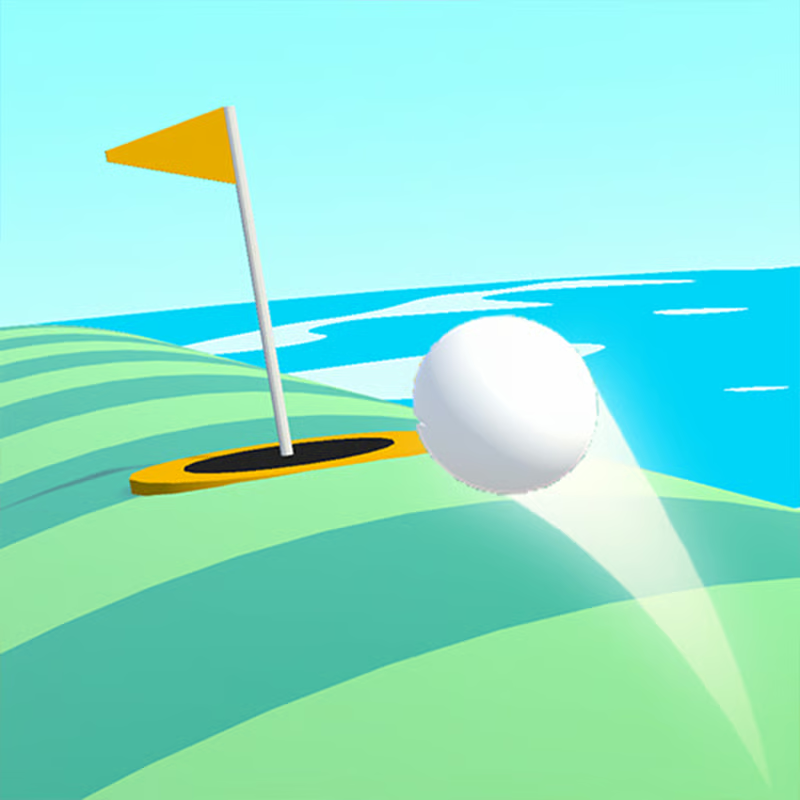
Golf Orbit is a casual one-button distance game. Instead of playing full holes, you time one swing, launch the ball as far as possible, bounce across the landscape, collect coins during flight, then spend coins on upgrades and try again. With stronger stats and better timing, shots go from short drives to huge flights past buildings, clouds and satellites toward Mars and other space-themed maps.
The loop is simple: swing, fly, earn coins, upgrade Strength, Speed and Bounce, unlock new looks and worlds, and beat your distance record.
How to control Golf Orbit and hit a Perfect shot
Most versions use a power meter with a moving needle or dial. The green zone is the Perfect zone for maximum power. A yellow or nearby zone usually gives a Great shot, but less speed and less ability to smash through obstacles.
PC and browser controls
- Hold and release with mouse: Press and hold the left mouse button to start the power meter, then release when the needle reaches the green Perfect zone.
- Spacebar version: On many web versions you can hold and release Spacebar for the same timing action.
- Triple-tap version: Some browser builds use tap once to start, tap again to lock power, then tap a third time to set angle and launch. Follow the control prompt shown in your build.
Phone and tablet controls
- Touch anywhere to start the meter, then lift your finger when the needle hits the green Perfect zone.
- Use a short, calm tap-hold. Releasing slightly early is usually better than holding too long and missing the zone.
- If the game runs in landscape, rotate your phone for a larger meter and easier timing.
A Perfect hit gives more launch speed and longer carry. Guides also describe a destruction effect where a Perfect ball can smash through trees, houses and other ground obstacles instead of bouncing backward. Poor timing still flies, but water, sand and bad landings cut the run short.
What should you upgrade first: Strength, Speed or Bounce?
Golf Orbit uses three stats:
- Strength: power of the first hit and initial ball speed.
- Speed: how fast the ball travels in flight and keeps momentum.
- Bounce: how well the ball rebounds and keeps rolling after landing.
A practical order for most players is:
- Strength first. Early on, raw launch power adds the most distance and helps clear low obstacles. Many guides suggest putting most early coins here.
- Add Bounce next. Once you clear hills and buildings, better bounces turn landings into extra hops instead of dead stops.
- Add Speed for long runs. Speed helps the ball keep moving through long flights and high-distance attempts, especially once Strength and Bounce are solid.
- Then balance. Upgrade the lowest stat when progress slows, rather than maxing only one stat. Costs rise quickly, so small balanced upgrades usually beat one expensive upgrade.
Exact prices and numbers differ by build, so treat this as a priority order, not a fixed formula. If your ball launches well but stops after landing, favor Bounce. If it bounces well but feels slow in the air, favor Speed.
How to get more coins and fly farther
You earn more coins for longer distance. The main way to raise income is simply to hit farther and upgrade after every few shots.
- Land clean and use boosters: Aim for rooftops, trampolines, treetops and other bounce objects when they appear. Good bounces keep the distance counter climbing without extra power.
- Goal bonuses: In versions with a green and hole finish, reaching the green for a birdie can multiply coins, often described as around triple coins, while a hole-in-one eagle can give a much larger multiplier. Practice putting accuracy when that finish appears.
- Save bonus spins: Many builds fill a jackpot or prize-wheel bar as you play, with coin multipliers up to very high values. Save a full wheel for a long personal-best flight or a birdie or eagle finish instead of using it after a weak shot.
- Use ad bonuses selectively: Some app versions offer triple coins for watching a short ad. Skip it after bad shots and save it for long flights or multiplied finishes.
- Collect during flight: Grab coins along the flight path when possible, then reinvest quickly so the next shot starts stronger.
Bonus names, wheel values and ad offers vary between browser and mobile editions. The core rule stays the same: longer flights fund faster upgrades, which fund even longer flights.
How to unlock new golfers, balls and worlds
Unlocks give you collection goals beyond distance records. Details vary slightly by version, but the pattern is consistent:
- Golfers: Sources describe about 24 unlockable golfer characters, from a standard pro golfer to funny options such as a clown, samurai, lion, Santa-style character and ballerina. Unlocks are tied to reaching new distance milestones and finishing shots, or to gift boxes bought with coins.
- Balls: Different ball colors and types can give permanent boosts such as extra speed, extra power or higher earnings. A golden ball with a strong multiplier is described in app guides as temporary, usually unlocked per use through ads or purchase, while gem-bought balls can be permanent.
- Worlds and maps: Commonly listed maps are Earth, Mars and Rainbow Planet or space-themed variants. New worlds generally unlock after hitting several distance milestones and completing the required finishes.
- Lucky wheel: Some builds include a free wheel spin for bonus coins or new ball colors. Spin it when available, but save jackpot multipliers for your best runs.
Character differences are mostly visual. Pick the look you like and focus coin spending on Strength, Speed and Bounce first if your goal is distance.
Can you play Golf Orbit free, unblocked and on Chromebook or phone?
Yes, Golf Orbit is widely offered as a free browser game with no download required. Browser listings support desktop, mobile and tablet, often in landscape mode. Mobile editions are also listed for iOS and Android.
- Browser: Best for quick sessions on PC, Chromebook or tablet. No install is usually needed.
- Phone: Touch controls work well for timing. Rotate to landscape if the meter feels cramped.
- School or work networks: Some mirror sites advertise unblocked access, but blocking depends on your school, browser settings and the specific site. If one page is blocked, behavior and saves may differ on another mirror.
- Lag and save tips: Close extra tabs, use landscape full-screen, and avoid switching apps mid-flight. Browser saves may depend on cookies or site storage, while app versions use device storage, so records may not transfer between browser and app.
Quick checklist for a new distance record
- Time release for the dark-green Perfect zone.
- Upgrade Strength first, then Bounce, then Speed.
- Aim for bounce objects and clean landings.
- Save the jackpot wheel and ad bonus for long or multiplied shots.
- Spend coins often, unlock golfers and worlds through milestones, and try again.
Comments(3)
GREAT GAME
no ads makes it so ezz bruhvvv
goated game
is that u paul