
























Crazy Office: Slap and Smash! - Floor-by-Floor Office Brawler
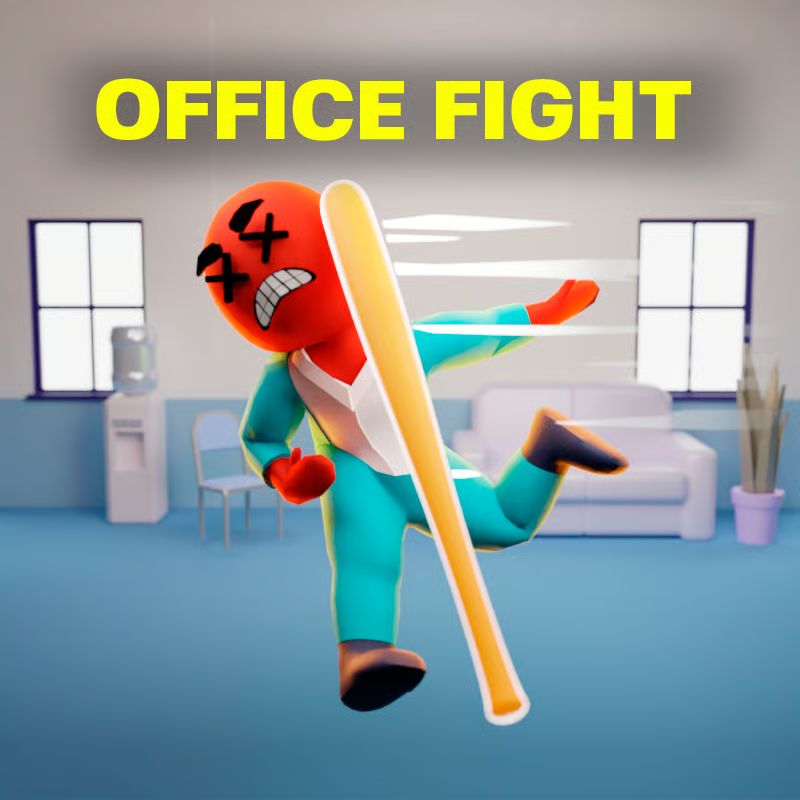
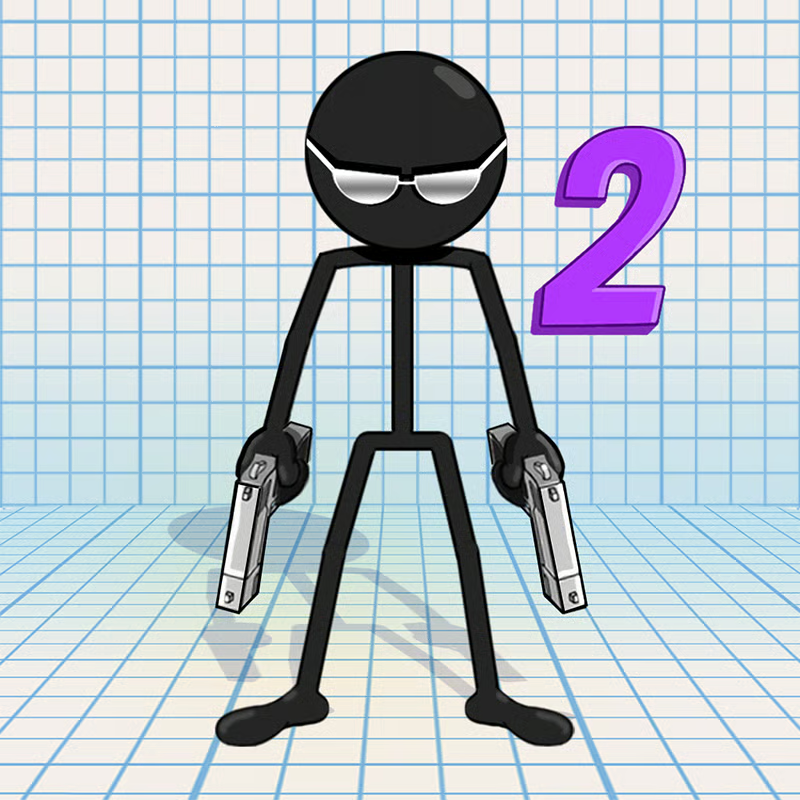
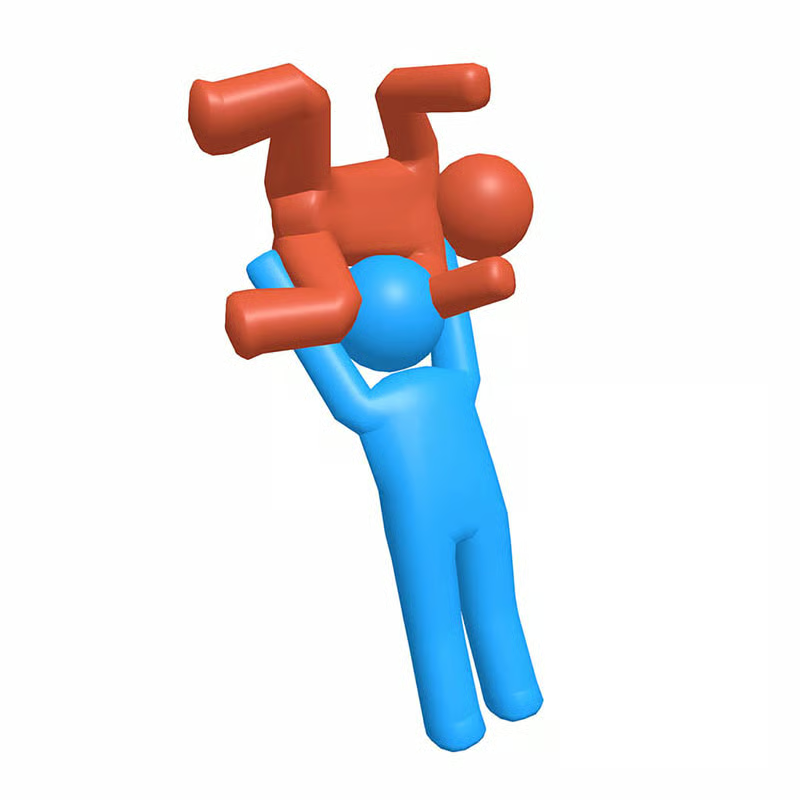
Crazy Office: Slap and Smash! by FreePlay LLC is a slapstick beat-em-up where you play a fed-up stickman worker fighting up an office building. Drag a bat through crowds of coworkers, throw chairs and office junk, smash desks, monitors and vending machines, and watch ragdoll enemies tumble across the room. Each floor is a short, self-contained fight, and the goal is to keep climbing until you reach the CEO for the final smackdown.
Controls on PC and Phone
The browser version uses only three inputs, and touch works the same way as mouse:
- Drag to swing: On PC, click and drag in the direction you want to hit. On phone or tablet, drag your finger to swing. Short fast drags make quick jabs for stunning one enemy, while long wide sweeps hit a whole group at once.
- Left mouse button / tap: Use this for in-game buttons and for picking up and interacting with objects.
- Space or left-click / tap for boss power attack: During boss fights, press Space or left-click when prompted to fire a charged smash. On touch screens, tap the attack button when it appears.
To throw an object, drag toward your target and release. The same drag-and-release motion works on both desktop and mobile.
Goal: Clear Floors and Reach the CEO
The structure is simple: you drop onto a floor, fight everyone on it, then take the elevator to the next one. Lower floors have sparse melee coworkers, middle floors add denser crowds and ranged workers who throw supplies, and upper floors mix enemy types together. Every few floors the regular crowd is replaced by an unhinged floor boss with a big health bar. Clearing a boss floor is the real checkpoint. At the very top waits the CEO, the final opponent of the climb.
How to Beat Floor Bosses and the CEO
Normal drag swings work on regular coworkers, but bosses need timing. Bosses can shrug off wild swings and punish you with a heavy counter if you keep mashing.
- Watch the tell: Most bosses show a wind-up before a charge, heavy swing, or furniture throw.
- Bait, then punish: Let the boss commit to the heavy move, move out of range, then trigger your Space or left-click power attack while it recovers. This interrupts the attack and deals chunk damage.
- Do not spam the power attack: It has a cooldown, so save it for the wind-up moment. If you miss, back off and reset instead of trading hits.
- Use reach and space: Poke with a long weapon like a golf club, keep moving so ranged coworkers cannot pin you down, and pull groups into doorways or between cubicles so one sweep hits several enemies.
The CEO fight follows the same idea at a faster pace: keep moving around the office, dodge the heavy attacks, and answer with timed power attacks rather than constant swings.
Weapons and Office Objects You Can Use
You do not carry a fixed loadout. You grab whatever is closest and the office itself becomes your arsenal:
- Baseball bat: Your default melee weapon, balanced for speed and reach.
- Office chair: Heavy throw that knocks enemies flat. Travels slower but launches ragdolls much farther.
- Golf club: Long reach, useful for poking bosses from a safer distance.
- Monitors, desks, water coolers and vending machines: Heavy, destructible props that deal big damage and can flatten a wide area when tipped or smashed.
- Staplers, mugs and small supplies: Light, fast projectiles for tagging distant or ranged coworkers.
A good opening throw often removes one coworker for free. Heavy items are best for knockback into walls, ledges or hazards, while light items are easier to aim at workers who keep their distance. Knocking one enemy into another can knock both down, which helps control crowds.
Single Player Only, No Multiplayer
Crazy Office: Slap and Smash! is a single-player brawler with no online play, no co-op and no voice chat. Every run is solo: clear floors, beat bosses, and cause as much destruction as you can on the way up. You can start a quick session and stop after a few minutes without waiting for teammates.
Free, Unblocked and Easy to Play on School Devices
The browser edition is free with no download and no plug-in. It runs as an HTML5 game inside the tab, so where browser games are allowed it also works on school Chromebooks, Macs, Windows PCs, iPads and phones, adapting to the screen you open it on. If the page loads, the game should run. The same feel is also available as free apps for Android and iOS if you prefer playing on a phone.
If you see a loading error or black screen, it is usually a WebGL issue: use an up-to-date browser, turn on hardware acceleration in the browser settings, and avoid very old hardware or a network that blocks game assets. Refreshing after the game frame finishes loading also helps.
Is It Safe for Kids?
The violence is cartoonish slapstick rather than realistic gore: exaggerated swings, floppy ragdoll falls and loud impacts, similar in tone to a silly cartoon. There is no multiplayer chat to worry about. Because the whole premise is beating up coworkers with sports equipment, guides and store listings generally point to ages 12 and up. Parents of younger children should decide whether that office-revenge humor is a good fit.
Progress Disappeared? Save and Loading Fixes
- Guest play may not save: If you play as a guest, floor progress may not be stored locally. Log into your portal or app account where cloud backup is offered so progress syncs between sessions.
- Keep one browser and stay logged in: Switching browsers, clearing site data or playing logged out can make it look like progress was reset.
- Loading problems: Enable hardware acceleration, update the browser, close heavy tabs, and retry on a stable connection. The browser version needs WebGL to render the ragdoll scenes.
Quick Tips to Clear Floors Faster
- Open a crowded floor with a wide sweep, then finish survivors with short jabs.
- Grab a chair or monitor before engaging for a free opening throw.
- Keep moving to avoid thrown staplers and supplies from ranged workers.
- Save the boss power attack for the boss wind-up, not for neutral trading.
- Sweep groups toward walls so knockback pins them for a second hit.
Comments
No comments yet. Be the first to comment!