


































Merge & Construct: How to Merge, Build, and Finish Every Trial
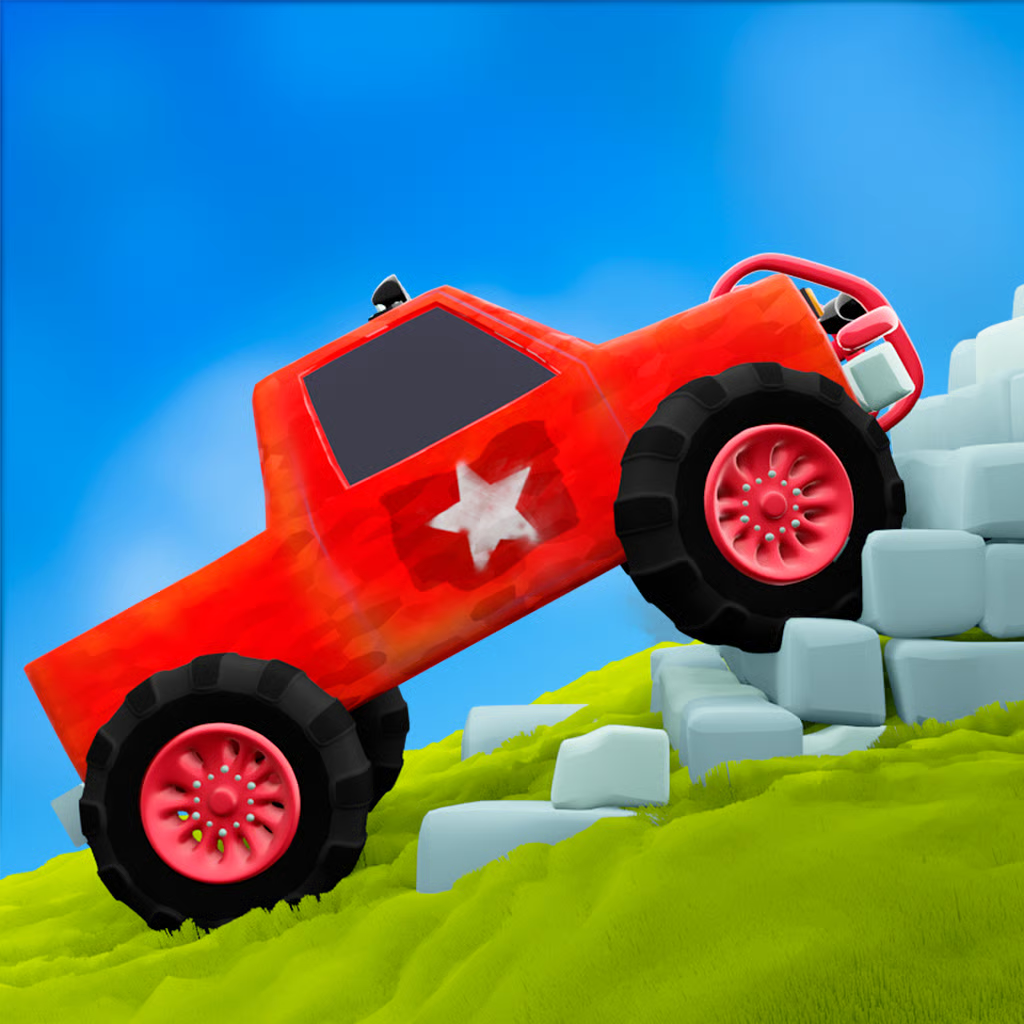
Merge & Construct is a browser arcade physics game by Antar Games, released in July 2023. You snap parts together into a custom vehicle, then drive it through obstacle courses and crash tests to reach the finish gate. The loop is simple: build, race, crash, adjust, and try again.
Each run tests balance and power. A low, well-spaced build rolls over hills and ramps, while a top-heavy or underpowered build flips over or stalls. This guide explains the merge system, controls, stable and flying builds, coin upgrades, and how to play free on PC, mobile, and Chromebook.
How the merge and build loop works
Before every run you work in the construction area. Drag matching parts onto each other to fuse them into a stronger, higher-tier version. Merging the same type is almost always better than adding lots of weak parts, because a single strong part takes less space and performs better.
- Wheels: give traction and rolling speed on rough roads and climbs.
- Body and frame: add weight and collision mass for smashing barriers, but too much weight slows climbs.
- Engines and thrusters: add forward force and climbing power for slopes and ramps.
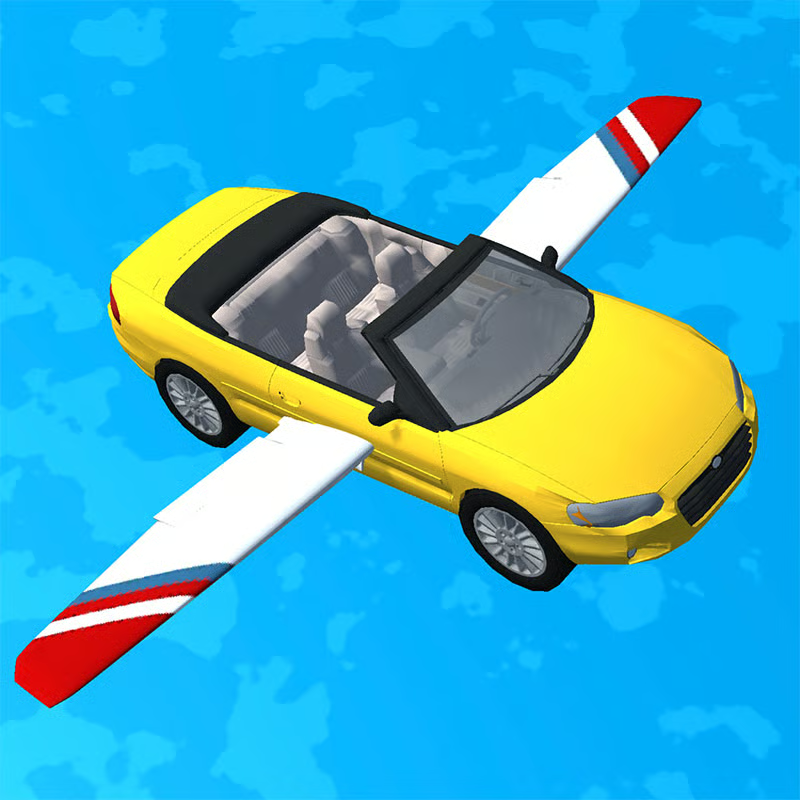
- Wings, fins, and propellers: help with lift, ramp jumps, and stability in the air.
- Balance gear: extra wheels or supports that change weight distribution and keep the machine level.
Once the vehicle is placed, test it immediately. If it fails, look at where it broke down: lost wheel, tipped nose, stalled slope, or scattered parts on a drop. Fix that one problem before adding extras.
Controls for PC and mobile
There is no steering. Momentum and vehicle shape do the work. You only control gas and brake.
| Action | Desktop | Mobile and tablet |
|---|---|---|
| Move forward | Hold W, Space, or left mouse button | Touch and hold the screen |
| Brake or stop | Release the key or button | Lift your finger |
| Merge parts | Drag with mouse | Drag with finger |
Short taps work for small adjustments on flat ground. On hills and steep descents, hold longer for power, then release early to settle the landing. If a mirror says tap to move, treat it as touch-and-hold so you keep steady throttle.
Best stable build for ground trials
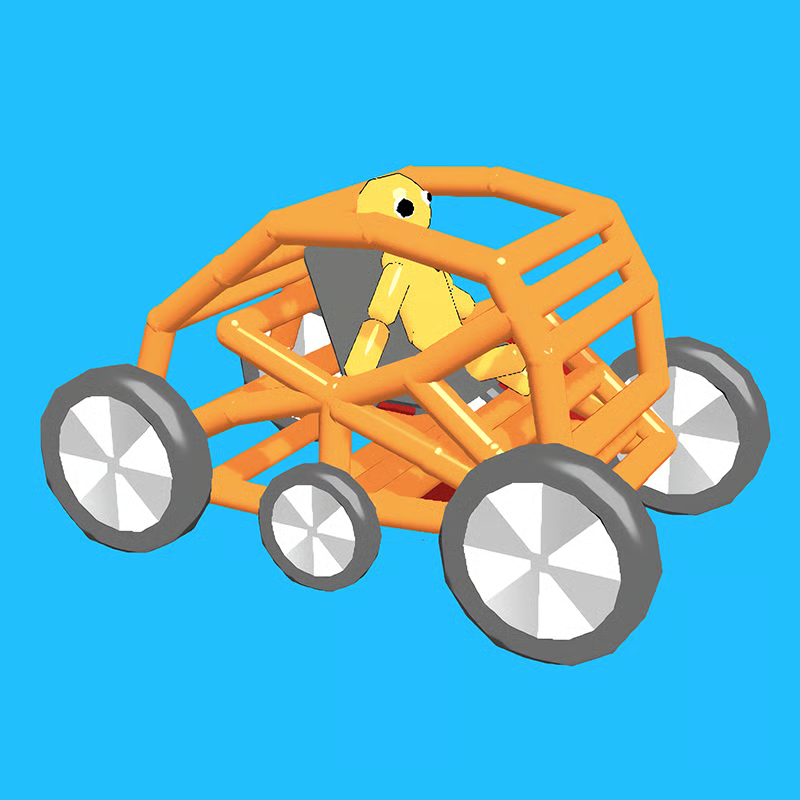
For rough roads, sharp drops, blocked paths, and stone walls, use a low and wide setup:
- Keep the center of gravity low. Do not stack heavy parts high, because tall builds flip on the first sharp ramp.
- Spread the wheels wider for side-to-side stability on uneven ground.
- Merge wheels and engine first before adding gadgets. One strong engine beats several weak ones.
- Add thrust when you stall on a slope instead of adding more body weight.
- Ram barriers straight on with speed. Stone walls and enemy groups break when the build has enough mass and momentum.
- Ease off on steep downhills. A fast descent can shake the build apart and scatter parts before the line.
When to use a flying build
Flying and gliding builds help on jumps, gaps, and courses with long airtime, but they are less stable on rough ground. Add wings or lift parts only after your ground build can already climb and brake cleanly.
- Keep the frame light when using lift parts. Extra armor makes takeoff harder.
- Use steady throttle off ramps instead of full gas, so you do not nose over in the air.
- If you tip forward in flight, move weight lower or remove a top part rather than adding more wings.
- For mixed courses, a ground build with one lift part is often safer than a full flying machine.
How to stop flipping and pass crash tests
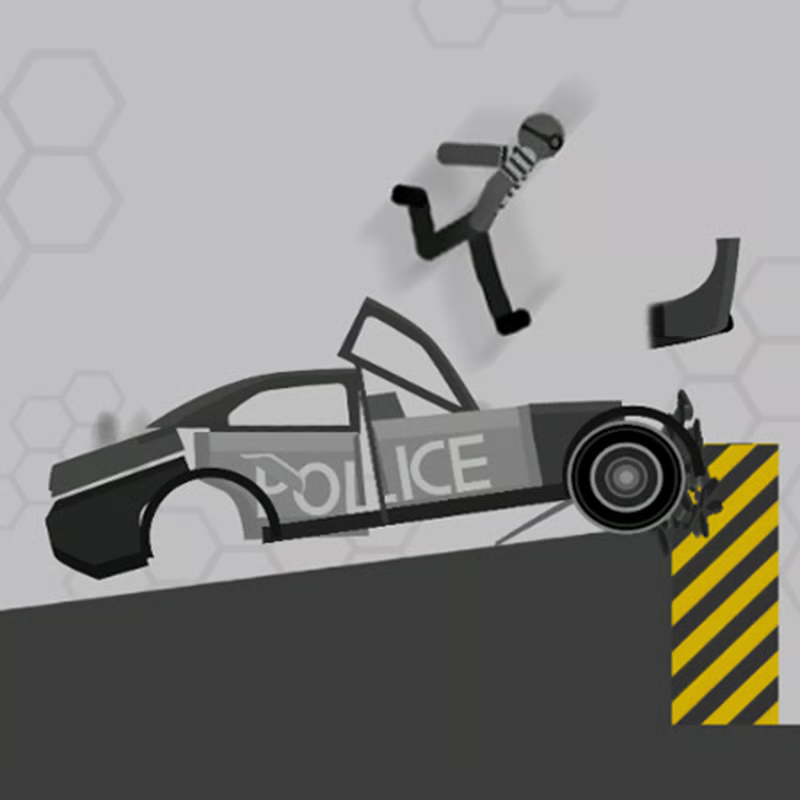
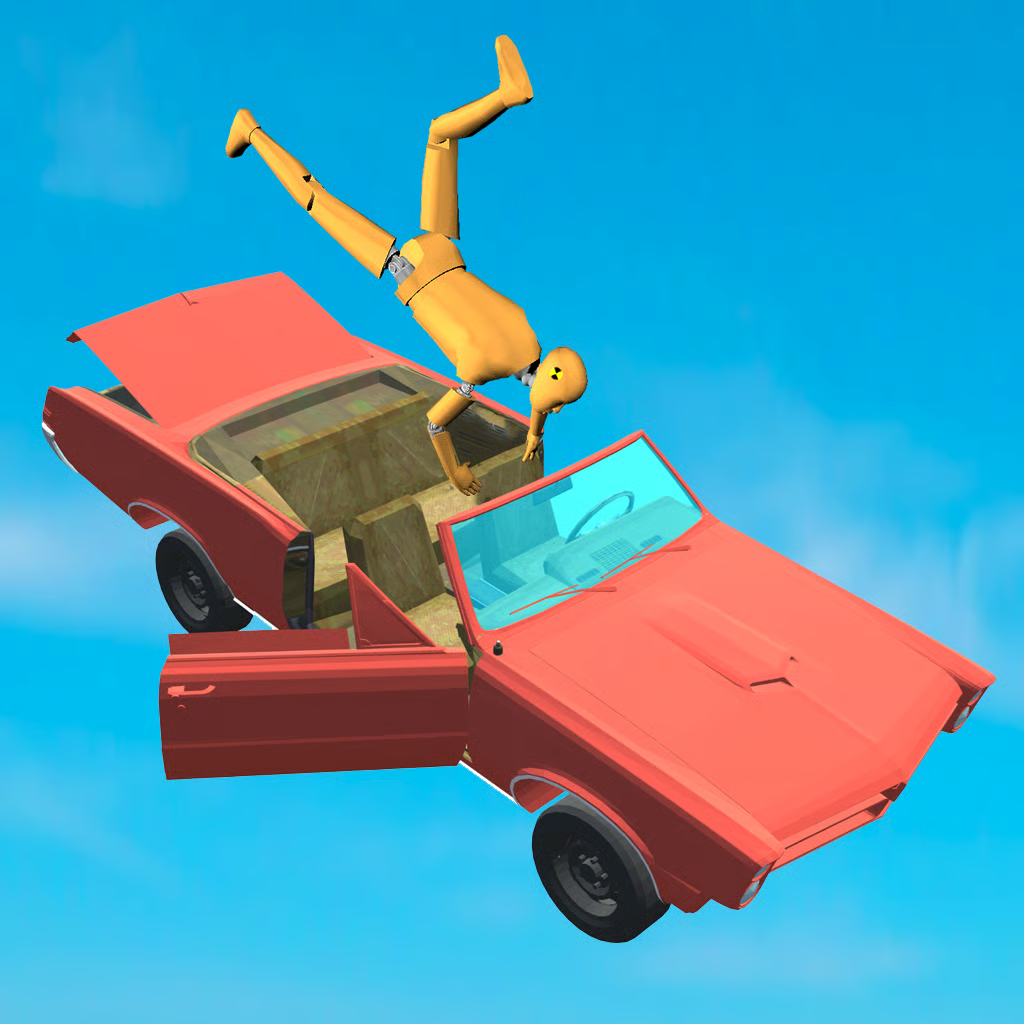
Flips are the most common reason runs end early. Crash tests are feedback, not failure: each one shows which part of the design broke.
- Flips on ramps: lower the body, widen the wheels, and slow down before the crest.
- Stalls halfway up: merge to a stronger engine or thruster and remove unneeded weight.
- Breaks apart downhill: release the gas early and brake by letting go, then reapply gently at the bottom.
- Spins on landing: land with less speed and keep heavy parts centered rather than front-loaded.
- Fails a crash wall: add merged frame strength and hit straight, not at an angle.
Test after every major part change, not only when the build looks finished. Small fixes are easier to spot than a full rebuild.
Coins, upgrades, and progression
Gold coins sit along the route. Collect them during runs, then spend them on new parts and upgrades between attempts. Later areas bring different terrain and tougher resistance, so keep upgrading in this order:
- Merge matching wheels and engines you already own.
- Buy parts that fix your last failure, such as thrust for stalls or frame strength for crash walls.
- Save specialty parts like propellers and boosters until the base build is stable.
- Keep the build grid tidy. Merging clears space, which makes the next upgrade easier to place.
Part prices and unlock order can differ between versions, so focus on pairs and roles rather than exact names or numbers.
Play free, unblocked, on mobile and Chromebook
Merge & Construct is free to play in a modern web browser with no download or account. It works on desktop, phones, tablets, and Chromebooks through the browser, with touch-and-hold driving on mobile.
It is widely played as an unblocked-style browser game because it needs no special plugins. On school or work networks that allow browser games, it should load normally, but filtering varies by network and cannot be guaranteed.
If the game will not load or stalls during loading:
- Refresh the tab and wait for the game frame to finish loading.
- Use an updated browser such as Chrome, Edge, Firefox, or Safari.
- Clear cache, close extra tabs, and turn off heavy extensions.
- Try fullscreen and landscape orientation on phones and Chromebooks.
- If touch feels laggy, switch to a desktop browser for precise throttle control.
Quick FAQ
Why does my vehicle keep tipping over?
It is usually top-heavy or the wheels are too close together. Lower the body, spread the wheels, and slow down before bumps and ramp edges.
Should I add more parts or merge first?
Merge first. Two matching parts combined into a stronger version usually outperform two separate weak parts.
Is Merge & Construct single-player?
Yes. It is a single-player build-and-race game focused on obstacle courses and crash tests.
Comments(1)
fun