
























What is MX Offroad Master?
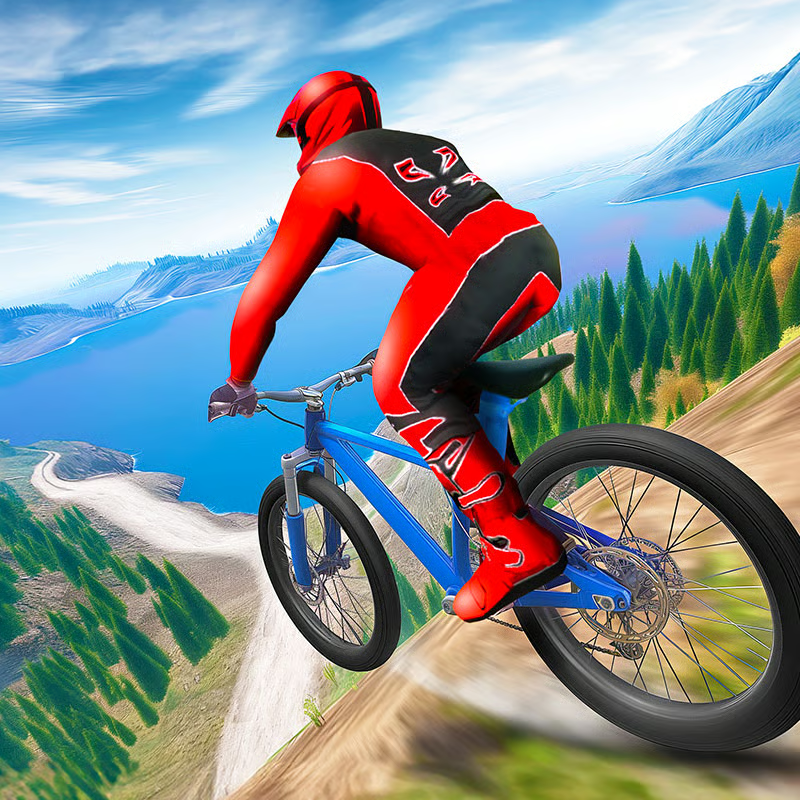
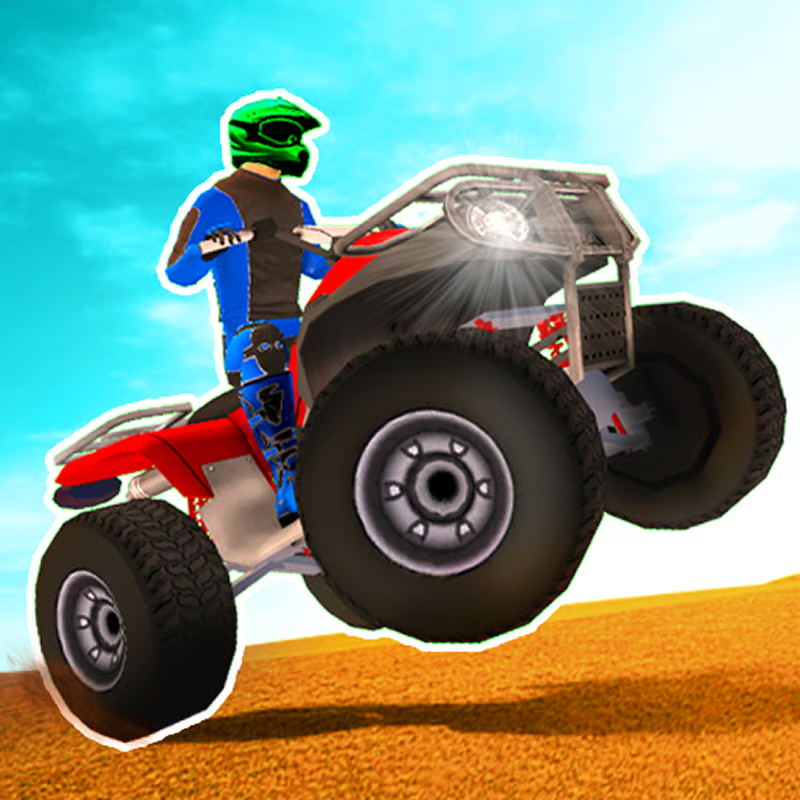
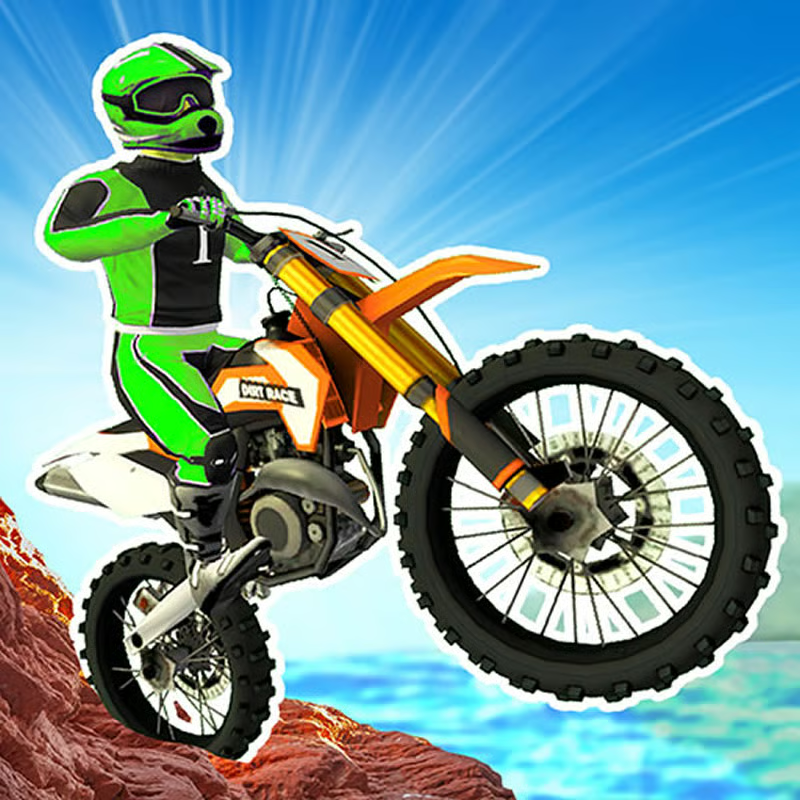
MX Offroad Master is a 3D downhill mountain biking game. You ride steep, bumpy trails, balance speed and control, hit ramps for airtime, and survive to the finish without too many crashes. It has four mountain bikes, two game modes, and solo or local 2-player racing on the same screen.
Choose your path at the start: practice stunts freely in Free Ride, or push through timed downhill courses in Mountain Ride to earn currency and unlock gear.
Controls: Player 1 vs Player 2
MX Offroad Master uses a full keyboard. Player 1 rides on the left side of the keyboard, Player 2 rides on the arrow keys. There is no online multiplayer, all versus play is local.
| Action | Player 1 | Player 2 |
|---|---|---|
| Ride / steer | W, A, S, D | Arrow keys |
| Front brake | Space | Right Shift |
| Rear brake | S | Down Arrow |
| Camera switch | C | O |
| Restart position | R | P |
How to use the brakes: Use the front brake to scrub speed on steep drops and before rough ground. Use the rear brake for tighter speed control and sharper turns. Braking early keeps the bike stable. Sudden full-speed charges into rocks, wooden paths, and big drops usually end in a crash.
Camera and restart: Tap the camera key to change views and find a better angle for jumps and landings. Some versions describe this as a first-person and third-person switch. If you get wedged on rocks, fall off the line, or flip the bike, press the restart key to go back to position or the last checkpoint instead of losing more time.
On touch devices, use the on-screen buttons to steer, pedal, brake, and change camera. Layout can vary by version, so play one Free Ride session first to learn where the brake and camera buttons are.
Free Ride vs Mountain Ride: which mode to pick
Mountain Ride is the timed progression mode. You race downhill from start to finish across 14 levels set across winter and spring maps. Tracks get longer, rougher, and tighter as you advance. Finishing a course earns in-game currency and opens the next mountain course.
Free Ride is an open practice arena with no finish timer. It has hills, ramps, stunt areas, and collectibles scattered around. You earn currency for stunts and pickups while you practice movement, jump angles, and landings at your own pace.
Simple rule:
- New player: start in Free Ride for 10-15 minutes to learn braking, steering, and jump control.
- Want progress and unlocks: play Mountain Ride levels in order.
- Want to farm currency or learn tricks safely: return to Free Ride between Mountain Ride attempts.
- Playing with a friend: try both modes, timed races for competition and open-area sessions for stunt battles.
How to play local 2-player on the same keyboard
Both modes support local 2-player. Two riders share one keyboard and race on the same course or stunt area.
- Select 2-player mode from the menu.
- Player 1 uses WASD plus Space for front brake, S for rear brake, C for camera, and R for restart.
- Player 2 uses Arrow keys plus Right Shift for front brake, Down Arrow for rear brake, O for camera, and P for restart.
- Race Mountain Ride downhill tracks for best time, or use Free Ride for casual stunt sessions.
Use a full-size keyboard so both players have room. Laptop keyboards work but feel cramped. The shortest-looking line is often not the fastest, so watch your opponent line and keep speed for clean checkpoint progress rather than sprinting flat-out into rough sections.
Bikes, coins, diamonds, and shop unlocks
The game has four mountain bikes plus rider gear such as helmets, costumes, and chains or bike decorations. More advanced equipment costs more, so plan your spending.
Currency names differ slightly by version. Most pages list coins and diamonds, others call them gold coins and rubies or gold and diamonds. They work the same way: common coins fund basic purchases, rarer diamonds or rubies fund better bikes and gear.
Fastest way to earn:
- Finish Mountain Ride courses. Each completed run pays out and unlocks the next level.
- Do stunts in Free Ride. Airtime spins, 360-degree rotations, flips, and clean stunt landings earn bonus currency.
- Collect pickups on the track. Grab coins and diamonds or rubies during runs instead of riding past them.
- Repeat clean runs. Fewer crashes means more finishes per hour and faster shop progress.
Shop priority for most players is: try all starter bikes first, then unlock one stable bike you like for Mountain Ride, then helmets and costumes, then decorative chains. Bike choice changes handling feel, so test a new bike in Free Ride before taking it into a hard timed level.
Stunts, landings, and crash survival
Stunts pay, but crashes can end the run. A minor hit sends you back to a checkpoint. After three hits, the attempt ends and you must start from scratch. That makes clean riding more valuable than risky air on every ramp.
Safer stunt method:
- Brake before bumps. Slow early before sharp bumps, drops, and rough ground to keep stability.
- Hit ramps straight and with controlled speed. Too much speed makes rotation hard to control.
- Use airtime to level the bike. Steer in the air to straighten up for landing.
- Land with both wheels as flat as possible. Landing sideways or nose-heavy causes most crashes.
- Skip the trick when the landing looks bad. A clean landing beats a failed 360.
- Practice full rotations in Free Ride first. Learn spins and flips in the open area before trying them in timed runs.
After a crash: you restart from a checkpoint. If you are stuck, upside down, or far off line, press R as Player 1 or P as Player 2 right away. Safe checkpoint progress matters more than top speed, especially on later winter and spring courses with narrow sections and bigger jumps.
Devices, browsers, unblocked play, and lag fixes
MX Offroad Master runs in a modern web browser with no download. Listings describe support for desktop computers plus mobile and tablet browsers, with some versions noted as desktop-focused. Touch controls are available on mobile versions.
If you play at school or work, unblocked availability depends on your network. If one browser portal is blocked, that is a network restriction, not a different game version.
If the game stutters or loads slowly:
- Use an updated Chrome, Edge, Firefox, or Safari with WebGL enabled.
- Close extra tabs and pause downloads or video streams.
- Plug in a Chromebook or laptop and turn on hardware acceleration in browser settings.
- Play in a smaller window and close overlays that use the same keys.
- On phones, use Wi-Fi, close background apps, and rotate to landscape for better steering room.
Keyboard play is best on desktop for 2-player and precise brake control. Mobile is fine for short solo Free Ride sessions.
Quick FAQ
How many levels are there?
Mountain Ride has 14 downhill levels across winter and spring settings.
Is it solo or 2-player?
Both. Play solo or share one keyboard for local 2-player in Mountain Ride and Free Ride. There is no online multiplayer.
How do I unlock bikes?
Finish tracks and do stunts to earn coins plus diamonds or rubies, then spend them in the shop on bikes, helmets, costumes, and chains.
What ends a run?
Three crash hits end the attempt. Minor hits send you back to a checkpoint.
Comments(4)
hi
heil snitzel
hi
hi