











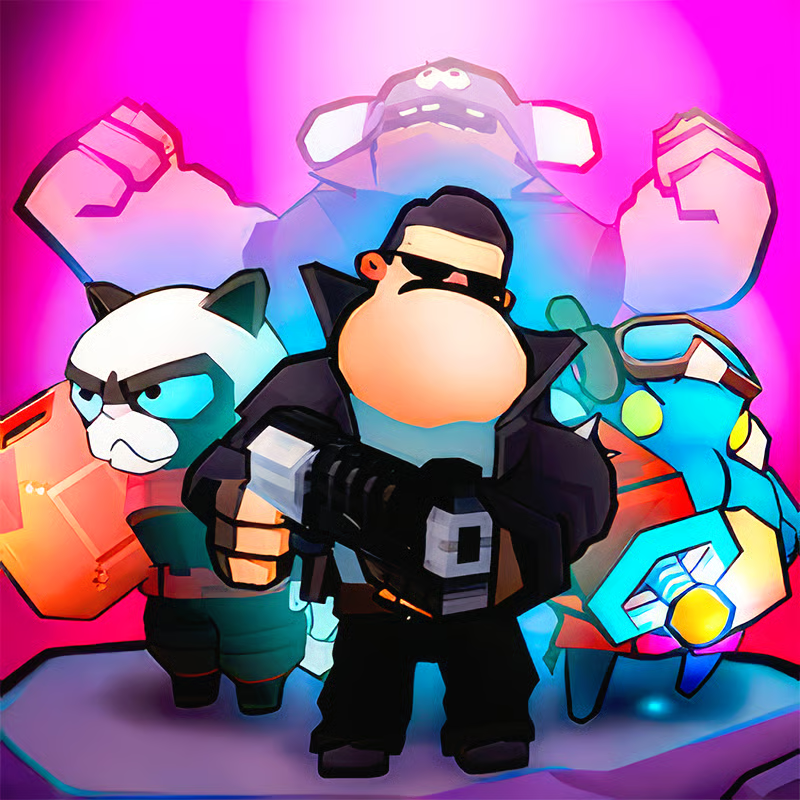







Boom Slingers ReBoom is a fast 1v1 turn-based physics battler where two slingers trade shots with wild weapons until one team is knocked out. Each turn you pick a battle card, drag to aim and set power, then fire and watch the chaos unfold. Matches are short, destructible arenas keep every round different, and quick matchmaking makes it easy to jump straight into another fight.
How to aim and shoot on PC and mobile
Start your turn by selecting a card, then sling from your active character. On PC you click or press and drag with the mouse to set angle and power, then release to fire. On touch screens you drag on the screen to aim in the same way. Use your move time to grab better cover or a cleaner angle, since positioning matters as much as raw aim.
- Aim with drag: Pull back to charge power and adjust direction before releasing. Short pulls work best for close targets and bouncing shots.
- Move before you shoot: Reposition your slinger to escape bad cover, reach high ground, or avoid being knocked out of the arena.
- Switch weapons wisely: Browser and mobile versions may show different buttons, but look for a weapon icon or switch key to change your active card once per turn.
- Save bullet-time for hard shots: Slow time is best for tricky ricochets, moving targets, or shots through broken terrain rather than wide-open hits.
Weapons and battle cards for beginners
Weapons appear as collectible battle cards, divided into Common, Rare, and Epic groups. Common cards are simple and reliable, Rare cards add more utility, and Epic cards are the flashiest picks. Collecting duplicate cards lets you upgrade them for stronger stats over time.
- Lasers and bullets: Great first picks for direct damage because they fly straight and are easy to aim.
- Grenades, bombs, and mines: Good for breaking cover, hitting behind walls, and bouncing around corners.
- Baseball bat: A classic close-range option for big knockback and shoving rivals off ledges.
- Cow, anvil, and other joke weapons: Fun physics picks that can surprise opponents with odd arcs, drops, and heavy impacts.
- Heal, jump, teleport, and utility cards: Keep one movement or survival option ready instead of filling every slot with damage.
New players do best by learning one straight shooter, one explosive, and one movement card first. Upgrade the cards you actually hit with rather than spreading resources across everything.
How to unlock heroes and characters
ReBoom features over 50 unlockable heroes, while the wider Boom Slingers collection includes even more characters with hats and accessories. Heroes are collected by playing battles, earning rewards, and progressing through the game. Different slingers can feel slightly different in health, movement, or weapon handling, plus they change your look.
If progress feels slow, focus on daily play, events, and chests or reward boxes when they appear. Pick a favorite slinger for style first, then try bulkier or nimbler characters once you understand your preferred range.
Can you play with friends and custom maps?
Yes, friendly battles and custom maps are a big part of Boom Slingers. The mainseries lets players fight friends in custom arenas, practice trick shots, and test new weapons without ranked pressure. Custom arena tools let creators build maps to share and play with friends or bots.
For the browser ReBoom edition, check the in-game menu for friendly, custom, private, or with-friends options, since the exact buttons can change by update. Friendly games are the best place to learn bounces, test bullet-time shots, and settle who is the true slinger in your group.
Free browser play, unblocked access, and lag fixes
Boom Slingers ReBoom is designed as a free browser game with no download, working on desktop, mobile, and tablet. Many listings describe it as instant play, but it still runs on live servers, so a stable internet connection is required.
- If it will not load: Wait for the game frame to finish loading, refresh once, then try another modern browser.
- If it lags or disconnects: Use a stable Wi-Fi or wired connection, close extra tabs and background downloads, and avoid peak congested networks.
- If controls feel off: Switch to landscape view, enlarge the play area if possible, and use touch controls on mobile instead of a tiny mouse cursor.
- School or work networks: Some networks block game hosts, so availability can vary by location. There is no guaranteed unblocked version.
If loading problems continue, the issue is often server-side or connection-side rather than your aim. Try again later with a stronger signal before changing settings.
Comments(1)
absolutly love it gng its the best