Super Star Car – Free Online Racing Game for PC Browser
Madalin Stunt Cars 2
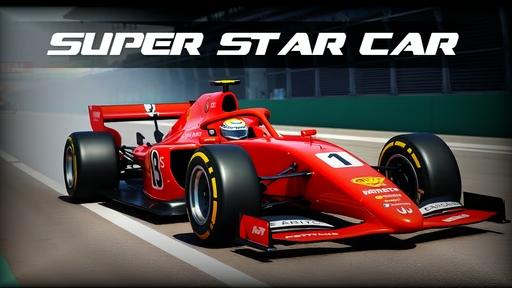
Super Star Car
Madalin Cars Multiplayer
Mr. Racer - Car Racing
Sandbox City
City Car Driving Simulator: Stunt Master
GT Cars Mega Ramps
Car Drawing Game
Ultimate Flying Car
Cyber Cars Punk Racing

Pepi Hospital: Learn & Care
Real Cars in City
Cars vs Skibidi Toilet
City Car Driving Simulator: Ultimate 2
Sportcars Crash
CarBall.io
Endless Hot Pursuit
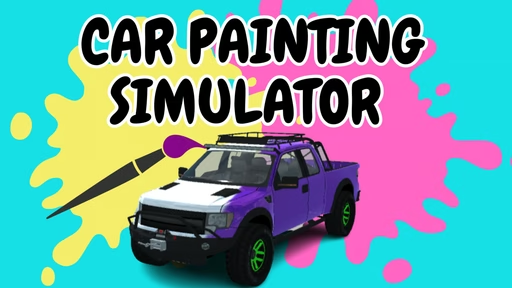
Car Painting Simulator
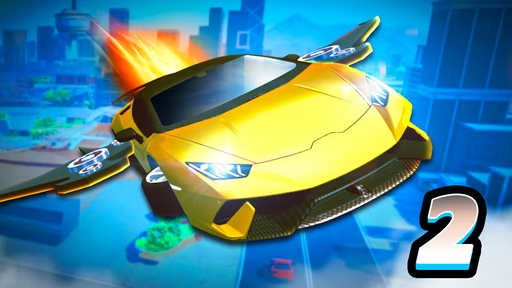
Ultimate Flying Car 2
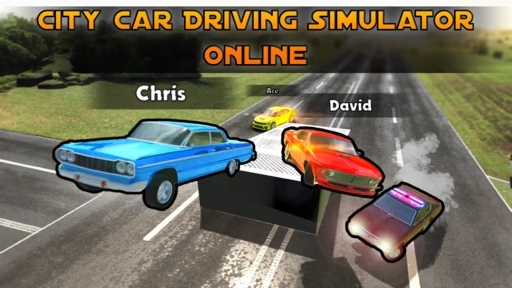
City Car Driving Simulator: Online
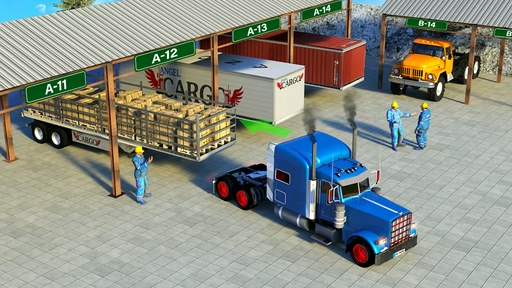
Offroad Cargo Transport Truck
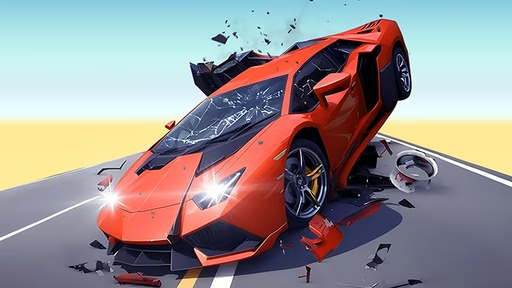
Hyper Cars Ramp Crash
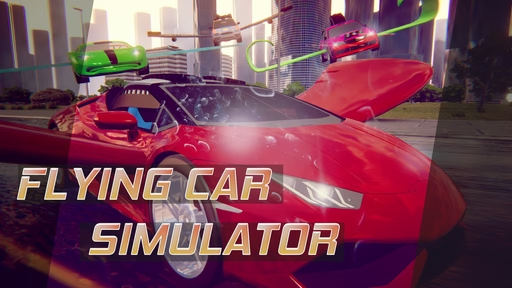
Flying Car Simulator
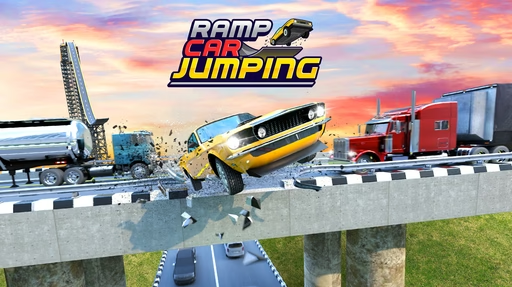
Ramp Car Jumping
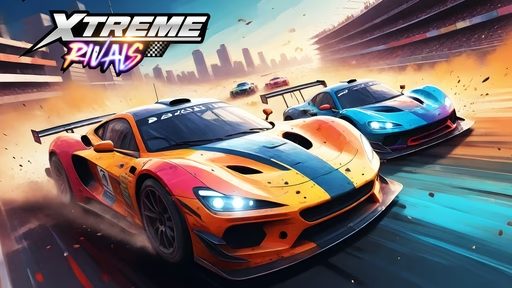
Xtreme Rivals: Car Racing
Monster Cars: Ultimate Simulator
Super Star Car – Free Online Racing Game for PC Browser
Super Star Car brings high-speed championship racing straight into your browser, no downloads or installations required. Jump into the cockpit of a sleek, open-wheel race car, grip the virtual steering wheel, and battle through intense laps against rival drivers on detailed circuits inspired by real-world tracks. Whether you’re using a desktop or laptop, you can dive into this fast, responsive racing experience directly from your PC with just a modern web browser.
This game is designed for anyone who loves the rush of motorsport but wants the convenience of instant play. You don’t need a powerful gaming rig or a complicated setup. Super Star Car runs smoothly in the browser, giving you quick access to tight corners, long straights, and the thrill of overtaking at the very limit of grip. It captures the feel of Formula-style racing with simple keyboard controls and a clean, easy-to-understand interface.
On our PC browser game hub, Super Star Car sits among the most popular online racing titles thanks to its balance of realism and accessibility. New players can get into the action within seconds, while experienced drivers can chase perfect lap times and fine-tune their racing lines. If you’ve ever dreamed of lining up on the grid surrounded by roaring engines and bright trackside lights, this is your chance to experience that excitement free, in your browser.
What Is Super Star Car?
Super Star Car is a fast-paced, top-quality racing game where you drive a high-performance single-seater car in competitive events. The game blends arcade simplicity with just enough realism to make every corner feel satisfying. You’ll race against AI opponents across multiple circuits, learning track layouts, braking points, and the ideal racing line as you go.
Each track offers a slightly different flavor: some focus on long straights where you can unleash maximum speed, while others challenge you with technical sections full of chicanes, hairpins, and sweeping turns. As you progress, you’ll find that mastering each circuit requires a mix of quick reactions and careful planning.
Super Star Car is ideal for quick play sessions, but it also supports longer runs where you work through multiple races in a row. It rewards consistency, smooth driving, and patience. One small mistake can send you wide or drop you several positions, and clawing your way back up the field is a big part of the fun.
How to Start Playing on Your PC
Getting into Super Star Car on PC is incredibly simple. The game is built for browser play, so there’s no need to download large files or install extra software. Just open your favorite modern browser on Windows, macOS, or a compatible laptop, navigate to our PC game collection, and select Super Star Car.
Once the loading bar completes, you’ll typically see:
-
Main Menu – From here, you can start a race, adjust settings, or return later to try different modes.
-
Mode or Race Selection – Choose a race type or track, depending on what the game offers at launch.
-
Countdown to Start – After confirming your options, you’ll be taken to the starting grid and see a countdown before the race begins.
All of this happens inside the browser tab. There’s no registration requirement to start driving, so you can go from zero to racing in moments. If you prefer a full-screen experience, use your browser’s full-screen option for a more immersive view of the track.
Core Gameplay and Race Flow
At its heart, Super Star Car is about clean, competitive racing. The basic race structure usually works like this:
-
You line up with a grid of AI drivers.
-
As the lights go out or the countdown finishes, you accelerate away from the start.
-
You complete a set number of laps, battling for position while trying to avoid mistakes.
-
Your final position depends on your consistency, speed, and ability to out-maneuver rivals.
The AI drivers aim to follow the ideal line, but they aren’t perfect. They’ll occasionally brake early or leave a gap, giving you the opportunity to slip through. At the same time, they punish aggressive driving: if you charge into corners too fast or bump into other cars, you may lose control and watch the field pull away.
Many players enjoy the feeling of slicing through the pack from a lower grid position, while others prefer to defend the lead from the very first turn. Super Star Car supports both styles by offering a clear track view, responsive car handling, and race layouts that encourage overtakes on straights and exits of slower corners.
Cars, Tracks, and Difficulty
Super Star Car focuses on a single type of vehicle: a nimble, high-downforce racing car built for circuit competition. That means you’re not juggling dozens of car models; instead, you learn to master the behavior of one powerful machine.
The tracks are where the variety shines:
-
Fast circuits with long straights test your ability to carry speed and choose the right moment to brake.
-
Technical circuits with sharp curves and complex sections demand precision and rhythm.
-
Mixed layouts combine high-speed sections and tricky corners, giving you a complete driving challenge.
Difficulty is mostly defined by how aggressive and fast your AI rivals are, as well as how well you understand the tracks. Early races may feel straightforward, but as you get used to the car’s handling, you’ll start pushing harder – braking later, turning in more sharply, and accelerating earlier. Each improvement shaves tenths of a second off your lap times, and that’s often the difference between finishing third and winning the race.
Controls and Handling on PC
Super Star Car is built around simple, intuitive keyboard controls, making it easy to pick up and play on PC. A typical control scheme looks like this:
-
Arrow keys or WASD to steer left and right and control acceleration and braking.
-
Space bar or another assigned key for handbrake (if supported by the game).
-
Possibly R or a similar key to reset the car if you spin or go off track.
Because the game runs in a browser, you don’t need to set up controllers or steering wheels unless you want to. The default keyboard layout is enough for precise driving, and you’ll quickly learn how sensitive steering and braking feel.
Handling is designed to feel responsive but manageable. You’ll notice:
-
Braking too late makes the car understeer, pushing wide in corners.
-
Smooth steering inputs result in more stable cornering.
-
Gentle throttle application on corner exits helps maintain traction and speed.
It’s a satisfying system: straightforward enough for casual players but with enough nuance that experienced racers can still find room to improve.
Tips to Win More Races in Super Star Car
If you want to dominate the grid rather than just survive it, a few simple habits will help you unlock faster lap times and better race results:
1. Learn the Track Before Pushing to the Limit
Spend your first lap or two learning where the track tightens, where the long straights are, and which corners require heavy braking. Once you know the layout, you can begin braking later and turning in with more confidence.
2. Brake in a Straight Line
Try to complete most of your braking before you start turning. Braking while steering can cause the car to slide or drift off the ideal line, especially in faster sections. Slow down in a straight line, then release the brake and guide the car smoothly through the corner.
3. Focus on Corner Exits, Not Just Entries
Going into a corner too fast might feel exciting, but it ruins your exit speed. Instead, approach at a controlled pace, aim for the apex, and prioritize getting on the throttle early and cleanly. Strong exits often allow you to overtake on the following straight.
4. Use the Full Width of the Track
Whenever possible, approach corners from the outside, clip the inside apex, and drift back out to the opposite edge as you exit. This classic racing line lets you carry more speed with less steering angle, improving both lap times and stability.
5. Stay Calm After Mistakes
Everyone overshoots a corner or runs wide at some point. Instead of panicking and overcorrecting, gently guide the car back onto the track, reset your rhythm, and focus on the next braking point. Races are often several laps long, so there’s time to recover.
Why Play Super Star Car in a Browser on PC?
There are many racing games available today, but Super Star Car stands out because it delivers the feel of a high-speed championship race without any friction. You don’t have to worry about disk space, updates, or installation problems. The game runs directly in your browser, which makes it perfect for:
-
Quick breaks during work or study.
-
Casual evening sessions where you want pure racing without complex menus.
-
Trying out racing games before committing to larger, more demanding titles.
Because it’s browser-based, you can easily switch between Super Star Car and other games on our PC mini-game collection. If you’re waiting for a download to finish or just need a fast adrenaline boost, you can jump into a race, complete a few laps, and move on with your day.
The game also works well even if you’re playing on a modest laptop rather than a dedicated gaming PC. As long as your browser is up to date, you can enjoy smooth frame rates, clear track visuals, and the satisfying feel of racing at the edge of control.
Perfect for Both Casual and Competitive Players
Super Star Car hits a sweet spot between casual fun and competitive challenge. If you’re new to racing games, you’ll appreciate:
-
Simple controls that don’t overwhelm you.
-
Clear visuals that make track layouts easy to understand.
-
Short races that fit into a busy schedule.
If you’re more experienced, you’ll find:
-
Tight handling that rewards precise inputs.
-
AI opponents that put up a real fight.
-
Plenty of opportunity to experiment with braking points and racing lines.
Many players enjoy treating the game like a time-trial challenge, trying to keep each lap cleaner and faster than the last. Others focus on wheel-to-wheel battles, taking advantage of every overtaking opportunity the AI presents. Super Star Car supports both approaches with its solid driving model and well-designed tracks.
Frequently Asked Questions About Super Star Car
Do I need to download anything to play?
No. Super Star Car runs entirely in your browser. Just open the game page on your PC, wait for it to load, and you’re ready to race. There’s no installer, no client, and no extra launcher.
Does it work on laptops as well as desktop PCs?
Yes. As long as your laptop has a modern browser and can run basic online games, you can play Super Star Car. The keyboard control scheme makes it easy to enjoy on both desktops and laptops.
Can I play with a controller or steering wheel?
The game is built around keyboard controls, but depending on your browser and system, some controllers may work if they are mapped correctly. For most players, the keyboard is more than enough to drive competitively.
Is there a way to pause or restart a race quickly?
Most versions of the game offer a pause menu or restart option accessible with a single key or on-screen button. If you have a rough start or spin out on the first lap, you can usually restart and try again immediately.
Is Super Star Car suitable for short play sessions?
Absolutely. Races are compact and focused. You can complete a full event in just a few minutes, making the game ideal for short breaks or a quick burst of racing excitement.
Final Thoughts: Take Your Place on the Grid
Super Star Car brings the energy of top-tier open-wheel racing to your PC in a format that’s easy to access and endlessly replayable. With responsive handling, clean visuals, and rewarding track layouts, it offers a satisfying driving experience without the barriers that many bigger titles have.
If you’re ready to test your reflexes, learn racing lines, and fight for the top step of the podium, fire up your browser, head to our PC game collection, and start your first race in Super Star Car. The lights are about to go out, the engines are roaring, and the grid is waiting for one more contender – you.