


















Stickman Clash: ragdoll arena brawler
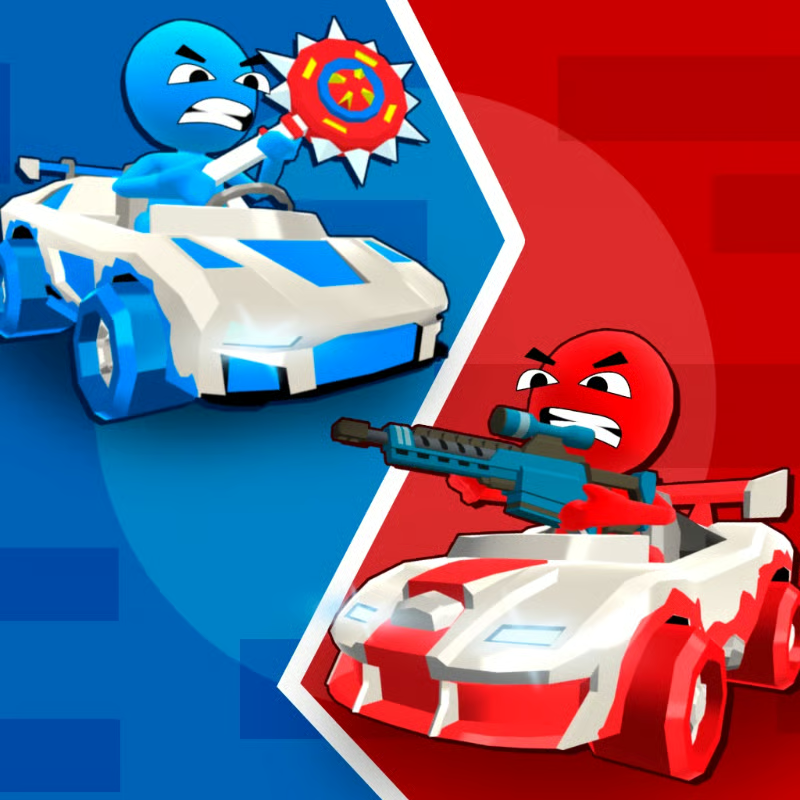
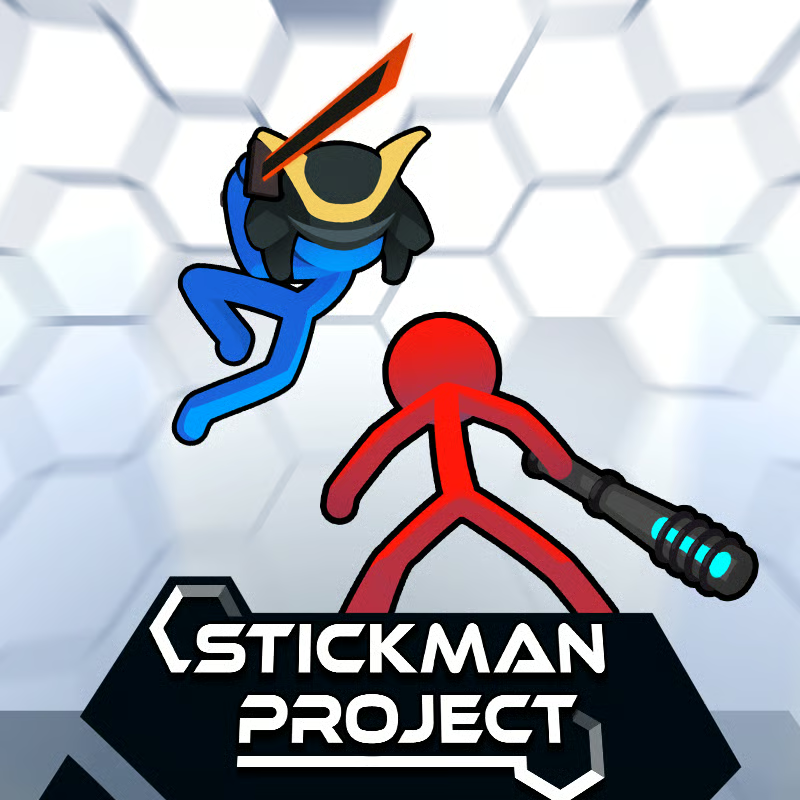
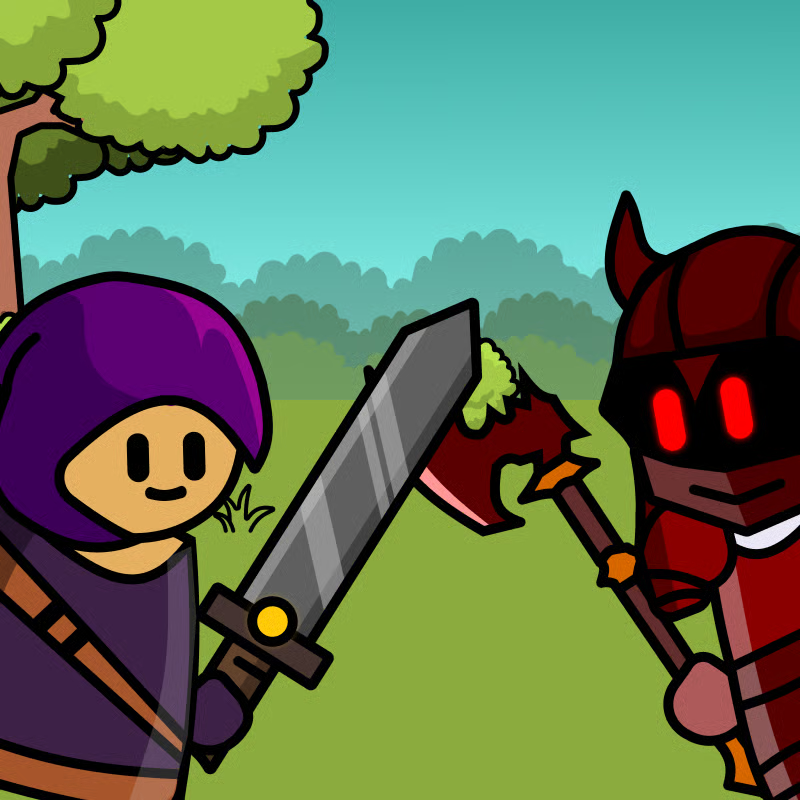
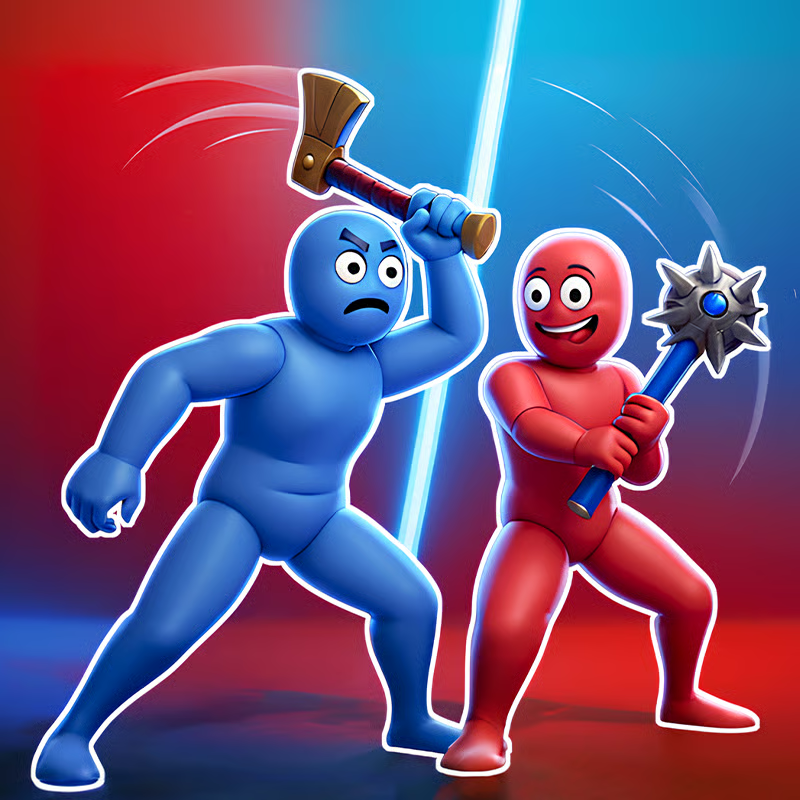
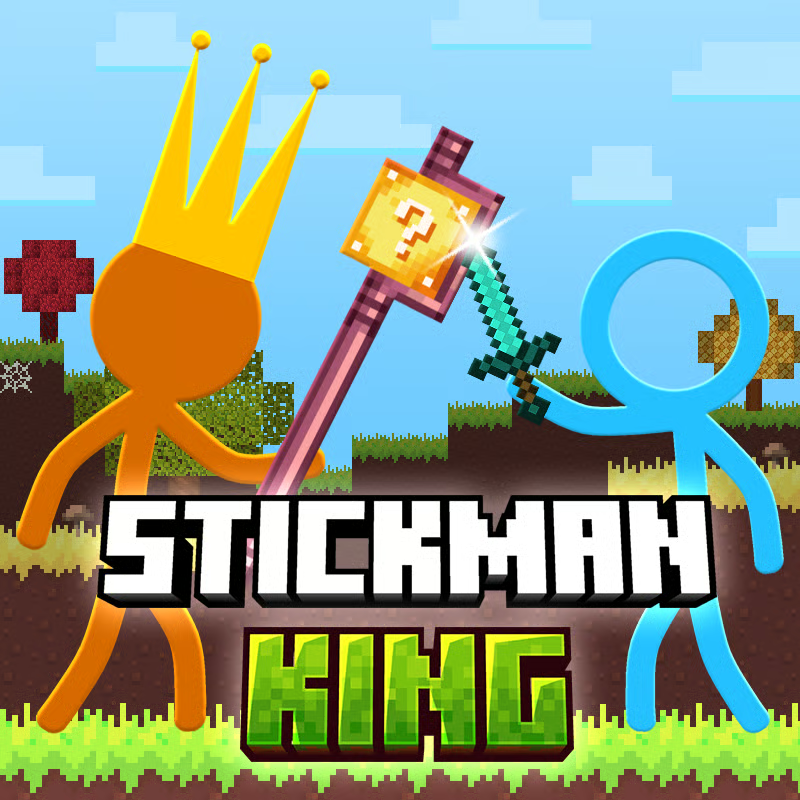
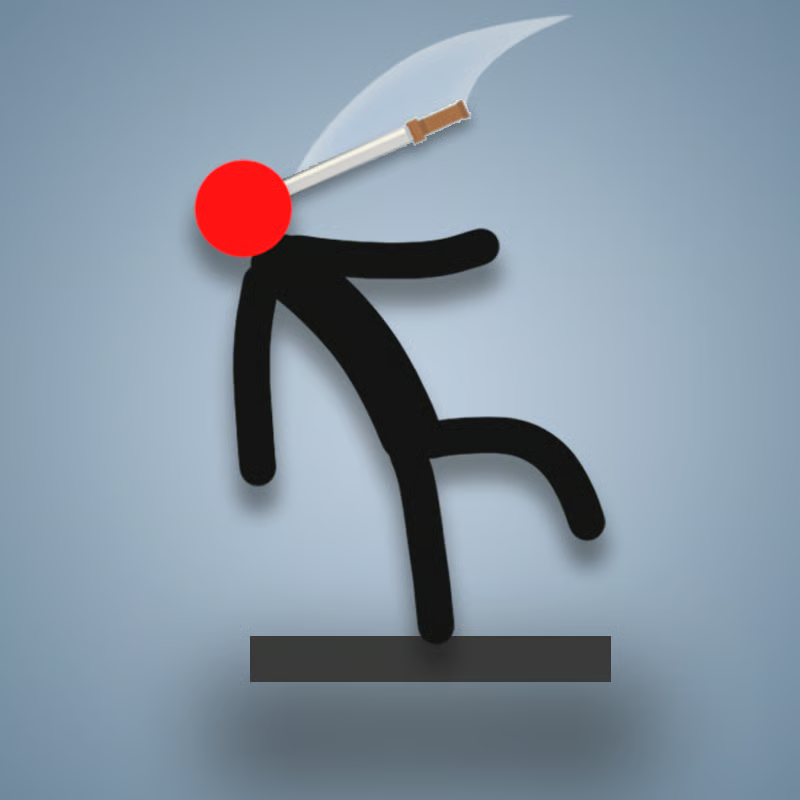
Stickman Clash is a fast, funny physics arena brawler where wobbly stickmen knock each other out with strange weapons. Rounds are short, movement is loose and momentum-based, and the stage itself often decides the winner. You can play solo against computer fighters or share one keyboard with a friend for local party battles, with computer fighters filling the arena to keep 4-fighter chaos.
Matches use 9 arenas with different layouts and hazards, and more than 40 weapons plus color and head customization to tell fighters apart. Other builds add Survival wave defense, a Boss Fight Tournament, and a Football party mode, so pick the mode that fits whether you want quick duels, co-op defense, or silly physics soccer.
Solo vs local multiplayer setup
Choose solo when you want to practice movement, weapon timing, and balance without keyboard crowding. Choose local 2-player when a friend is next to you on the same device. In the commonly available setup you get 1 or 2 human players, and the game fills the remaining slots with AI so there are still up to 4 fighters on screen.
- Solo: you plus AI opponents. Best for learning arenas, testing weapons, and Survival waves.
- Local 2-player: Player 1 on WASD plus Player 2 on arrow keys on the same keyboard. Empty slots become AI fighters, so even a 1v1 setup can turn into a 4-way brawl.
- Extra slots: some versions mention 3-player and 4-player local slots as planned or version-dependent. If your lobby only shows 1-player and 2-player options, that is normal; play with AI fill and check for updates in your version.
This is local same-device play, not online matchmaking. For parties, take turns, keep your eyes on your own color, and use short rounds so everyone gets a turn at the keyboard.
Controls for Player 1, Player 2 and Player 3
The core inputs are move forward and backward, jump, and shield. Shield is defensive: hold it to charge it and absorb hits to protect your health, then move or jump again when you see an opening. On mobile you use on-screen touch buttons and a joystick for the same moves.
| Player | Jump | Forward | Backward | Shield |
|---|---|---|---|---|
| Player 1 | W | D | A | S |
| Player 2 | Arrow Up | Arrow Left | Arrow Right | Arrow Down |
| Player 3 | I | J | L | K |
Player 2 looks reversed because forward is Arrow Left and backward is Arrow Right in this layout, so test direction once before a serious match. Some portal builds describe extra attack keys or a fourth TFGH layout, but controls vary by portal and version. If your version shows mouse, Space, or other attack prompts inside the game window, follow the on-screen prompt for that build and use the table above for movement, jump, and shield.
For shared-keyboard play, give each player elbow room, use a full-size keyboard when possible, and expect occasional missed presses on older keyboards when many keys are held at once. That key ghosting is a keyboard limit, not a skill problem.
Weapons and stickman customization
The arsenal is the biggest power swing in a round. Documented examples include boxing gloves, daggers, katanas, scythes, guitars, bombs, portal guns, boots, hammers, and joke weapons like ice cream cones and roller skates. Even silly pickups hit hard because ragdoll physics turns any swing into a launch.
- Grab fast: the first weapon often sets the pace. Run to the nearest pickup instead of waiting.
- Do not marry one weapon: drops are short-lived. A disarmed player with good balance often beats a greedy player swinging a heavy item near an edge.
- Match range to distance: short blades want close pressure, longer or thrown items like bombs and portal guns want space. Back off after a miss instead of chasing.
- Bombs need care: great for crowds in Survival and Boss fights, but they can hurt teammates, so call out throws in co-op.
Before a match you can change your stickman look with colors, heads, and skins. That does not change physics, but it helps you track your fighter when four wobbly bodies pile up. New skins, colors, heads, and weapons open through playing matches and gaining experience. The exact unlock order and costs are not consistent across portals, so expect gradual progression rather than a fixed shop list.
How to win fights: ragdoll, balance and arena hazards
You win by knocking opponents out of the arena, not by landing clean combos. Balance beats aggression because one over-committed swing near an edge can throw you out instead of your target.
- Keep moving: a moving target is harder to hit and harder to predict. Small steps and jumps beat standing still.
- Hold the middle: controlling center stage gives you more escape options. Let aggressive rivals take edge risks, then clean up.
- Use the shield: charge and hold shield to absorb damage when pressured, especially against fast weapons. Do not hold it forever; reposition while the attacker recovers.
- Let the stage help: edges, traps, holes, cliffs, low-gravity zones, and hazards like the sea arena with a giant octopus can finish rivals for you. Push or bait opponents toward danger instead of forcing every hit.
- Respect trampolines and gravity areas: they can launch you into a quick knockout. Use them to escape or to toss rivals in, but slow down before you jump if you are already near the blast line.
If you keep falling out, you are probably swinging too much near edges. Pressure from a safe distance, wait for the other stickman to overreach, and save big swings for center stage.
Game modes: Survival, Boss Fight Tournament and Football
Names can vary slightly by portal, but these three co-op and party modes appear across many versions alongside standard arena brawls:
- Survival mode: you and a partner defend a base against continuous monster waves. Stay together, split sides of the base, and use bombs for crowds without hitting your teammate. Survival rewards stamina and positioning more than flashy kills.
- Boss Fight Tournament: staged PvE fights against large, hard-hitting bosses, including a pickaxe-wielding boss that punishes face-tanking. Keep distance, dodge first, then counter with well-timed bombs or hit-and-run attacks during recovery windows. Teamwork and timing matter more than rushing.
- Football mode: the same wobbly physics applied to scoring goals instead of knockouts. Hits carry like tackles, so own-goals are common. It works best as a short party break between serious brawls.
Start new players in quick arena fights or Football to learn momentum, then try Survival for teamwork and Boss fights for spacing practice.
Browser, Chromebook, mobile and lag fixes
Stickman Clash is a WebGL browser game with no download required in the browser version, plus mobile and app builds on some portals. Desktop uses keyboard, mobile uses touch controls. It runs on modern Chrome, Firefox, Edge, and Safari, including many school Chromebooks when the site itself is allowed.
- If it will not load: refresh the tab, make sure your browser is updated with WebGL enabled, and close heavy tabs or video streams. A restart of the Chromebook or browser often clears repeated loading loops.
- If it lags: close other tabs, unplug extra displays if the frame rate drops, lower in-game quality if offered, and use a stable Wi-Fi spot. Keep moving simply instead of mashing inputs during spikes.
- If Play Again disappears: this is a known glitch in some builds. Refresh the tab to return to the lobby; progression is usually kept.
- For shared keyboards: if several keys stop registering together, release and re-press, spread hands to avoid extra held keys, or try a different keyboard.
No page can guarantee unblocked access on a school network because filters differ by school. If the game site is blocked, ask permission rather than trying to bypass filters, and use the browser or mobile app version your school or family allows.
Quick FAQ
Can two people play on one keyboard?
Yes. Player 1 uses WASD and Player 2 uses arrow keys, with AI filling empty slots so matches can still have up to four fighters.
How do I unlock skins and weapons?
By playing matches and gaining experience. Expect colors, heads, and weapons to open gradually; the exact order varies by version.
Why do I keep flying off the map?
Usually over-attacking near edges. Grab a weapon, hold middle, shield under pressure, and let hazards do part of the work.
Comments(3)
please work on the game more
Pls fix it
A stupid bug is not letting the game lode.