






















What Is Turbo Dismounting in the Browser?
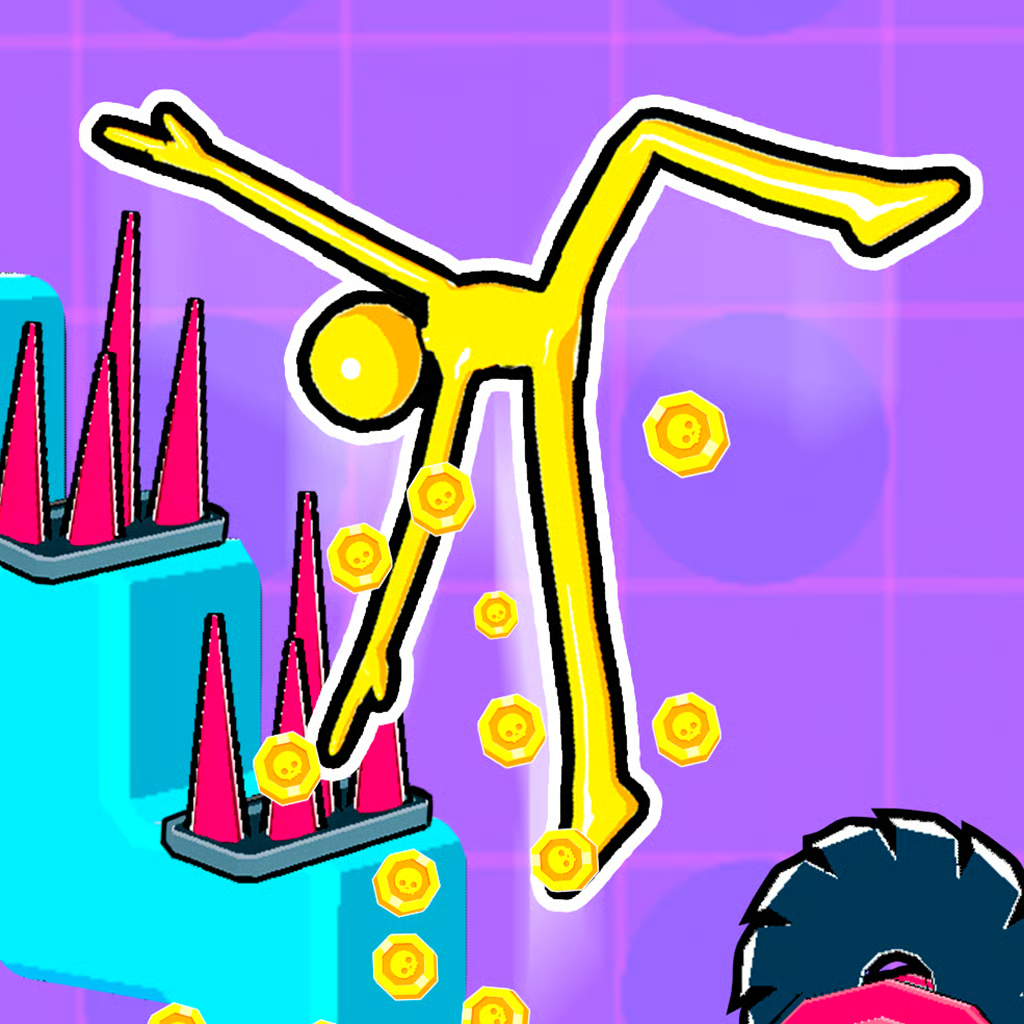
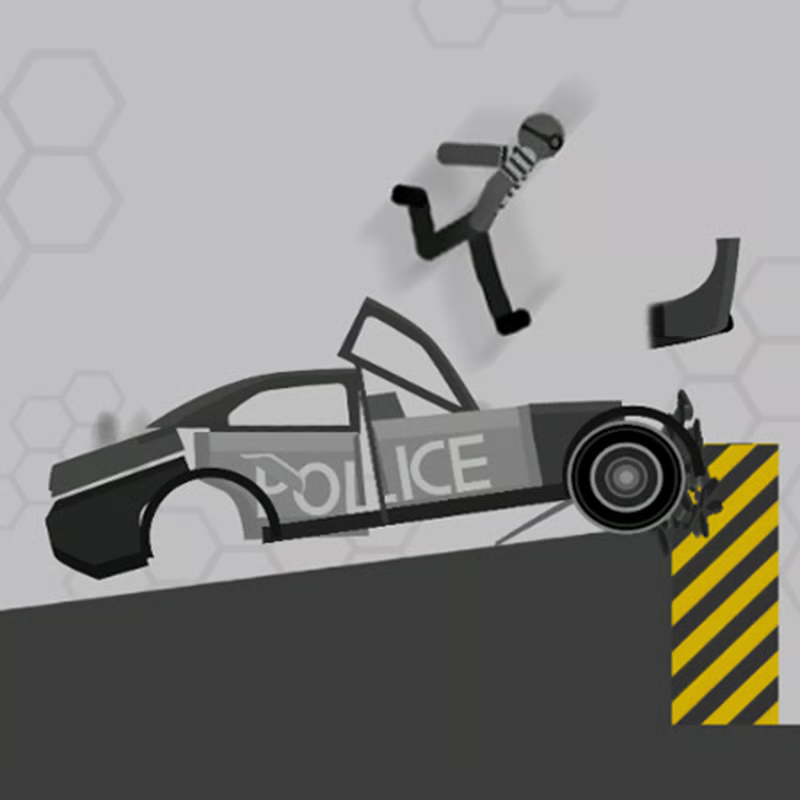
Turbo Dismounting is a free browser physics crash simulator starring a stickman test dummy. Your goal is simple: launch the stickman down stairs, into walls, over ramps, or into traffic and cause as much damage as possible before he stops moving.
This guide covers the free Unity browser edition released in 2018 that you find on desktop game portals — with starting money, 20 hazard maps, vehicles from a cart to a bulldozer, changeable stickman pose, detailed statistics after each scene, and replay. It is different from Turbo Dismount by Secret Exit, the paid 2014 Steam and mobile game, and from Turbo Dismount 2. If a guide talks about 25 Steam levels, Workshop maps, manual driving, or Mr. Dismount characters, it is describing the other series.
How to Launch: Controls and Power Meter
The browser round has a short loop once you enter a scene:
Pick a map and vehicle with your starting money. You start with enough money to purchase a level and get into the game. Choose one open stair scene first so you can learn the timing.
Hold the start button to build power. Press and hold with left mouse click, or hold Spacebar where supported. A green bar around the start button and a moving gauge show push power. The longer you hold, the stronger the push, up to full.
Release to launch. Let go to send the stickman and vehicle flying forward. Many players wait for full power on stair and ramp maps, then experiment with slightly less power when they keep overshooting traps.
Adjust position before launching. Where available, use the arrow keys to change starting position and angle. If your portal build does not show the arrow prompt, follow the buttons shown inside the game frame.
There is no steering after launch in this browser edition. All of your control happens in setup: map choice, vehicle choice, pose, starting position, and power. If controls feel different on another portal, follow the in-game prompts — key mapping can vary slightly by embed.
How Damage Scoring Earns Money to Unlock Maps and Vehicles
After the stickman lands, the game calculates damage points from impacts, flips, and broken bones, then awards points and money. That money buys access to more maps and vehicles.
To build your collection faster:
Farm damage, not just wins. More destruction means more money for the next purchase. A long tumbling run with many hits usually pays better than a single hard hit into a flat wall.
Replay a cheap early map. Use your starting money on one level, learn its edges and traffic spots, and repeat it with different power levels until your damage per run improves. Then spend earnings on the next map or vehicle instead of spreading money too thin.
Aim for multiple contacts. Try to bounce off a stair edge, then into a wall or passing traffic, rather than stopping on the first impact. Flips and secondary hits add to the total.
Portals do not publish a fixed payout formula or prices, so treat exact earnings as run-dependent. If a run scores poorly, change only one variable next time — power, pose, or vehicle — so you know what helped.
Best Vehicles and Maps for Maximum Damage
The browser edition lists vehicles from a cart to a bulldozer and 20 maps with different objects. Portals do not publish full stats, so think in general styles rather than exact numbers:
| Choice | What it tends to do | Try it when |
|---|---|---|
| Small cart, scooter, shopping cart style rides | Lighter feel, easier to flip and fly off ramps | You want high air, long tumbles, and stair-edge hits |
| Heavy machinery such as bulldozer style vehicles | More momentum to push through obstacles | You face concrete walls or heavy traffic sections |
| Jumping without a vehicle | Direct ragdoll fall with no vehicle protection | You want to test a clean line down steep stairs |
For maps, staircases with steep edges are good for learning because every step can add damage. Maps with ramps, spikes, walls, and traffic create bigger chain crashes but are easier to waste with the wrong power. A practical method is:
Test each new map once with medium power to see where the stickman naturally lands.
Replay with full power and aim for the sharpest stair edge or narrow gap.
Swap to the opposite vehicle type — if a heavy vehicle plowed straight through, try a light cart for flips, and vice versa.
Place your flight path through traps or traffic when the map includes them, rather than launching parallel to them.
How Pose, Replay, and Statistics Help You Score Higher
Three built-in features make improvement much faster than blind retrying:
1. Change the stickman pose
The browser edition includes changeable stickman pose. A tucked pose can tumble differently than a spread pose, changing which limbs hit first. If you keep landing flat and sliding to a stop, try another pose with the same map, vehicle, and power to see how the fall changes.
2. Watch the replay in slow motion
You can watch a replay after a crash, with slow-motion replay and different camera views on supported portals. Use it to answer two questions: where did speed get lost, and which hit actually scored? If the stickman stops early on a ledge, lower the power slightly or adjust start position. If he flies over everything, raise power or pick a map with more vertical drops.
3. Read the detailed statistics
After each scene you get detailed statistics tracking damage and broken bones. Compare runs by looking at whether total damage rose after a change, not just whether the crash looked dramatic. Keep the setup that consistently raises your average, then experiment again from there.
Simple improvement loop: same map + same vehicle, change pose once, check stats, watch replay, then change power once. Small, repeatable tests beat random big changes.
Where to Play Free, and What to Expect on Chromebook and Mobile
The 2018 Turbo Dismounting browser game is listed as free to play directly in the browser with no install. It is built for landscape play and often offers fullscreen mode for a clearer view of the crash and replay.
Device notes based on portal help pages:
Desktop is best. One major portal notes the game is designed for desktop play and works best on computers using a keyboard or mouse. Use Chrome, Edge, Firefox, or Safari on PC, Mac, or Chromebook with a mouse and keyboard for the hold-and-release launch and arrow adjustments.
Chromebook: it can run in a modern desktop browser, but school-managed Chromebooks may block game sites or slow down Unity playback. If a school network blocks the page, that is a filter setting, not a game bug — try at home or ask permission rather than looking for bypasses.
Mobile and tablet: listings vary. Some portals list mobile support, while others say desktop only and warn that a small screen cannot start the game. Touch may work for tapping the start button on some embeds, but arrow-key positioning and precise power control are harder without a keyboard and mouse.
Do not confuse this free browser game with the paid Steam series. Turbo Dismount and Turbo Dismount 2 offer extras like level editing, Workshop sharing, police chases, manual steering, and many more vehicles and poses that are not part of the 20-map browser edition. For this page, focus on hold-to-charge power, pose choice, and damage farming — that is the whole browser progression loop.
Quick Troubleshooting
Game will not load: wait for the game frame to finish loading, refresh once, and make sure the browser allows the Unity content to run. A paused or blocked frame often looks like a freeze.
Weak launches: you released too early. Hold until the green bar and gauge show higher power, then release cleanly instead of tapping.
Low damage on a new map: run it once at medium power to scout, watch the replay, then switch vehicle weight class or pose before buying another map.
Progress resets: browser saves are tied to the site and browser data. Clearing cookies or switching portals can reset money and unlocks.
Comments(1)
it doesn't work
oh okay