










































Haunted School: finish the priest's exorcism
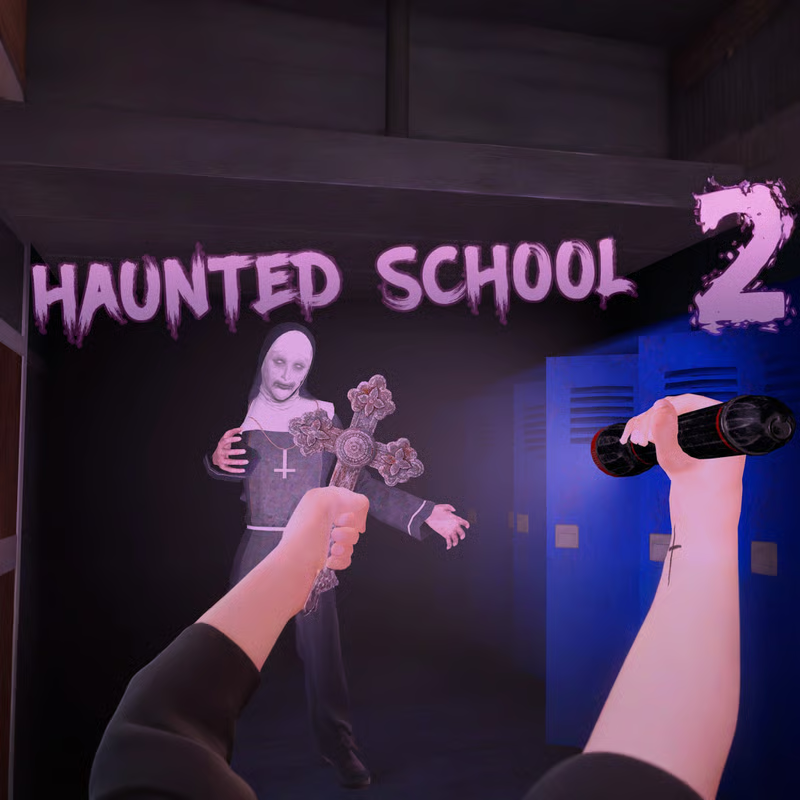
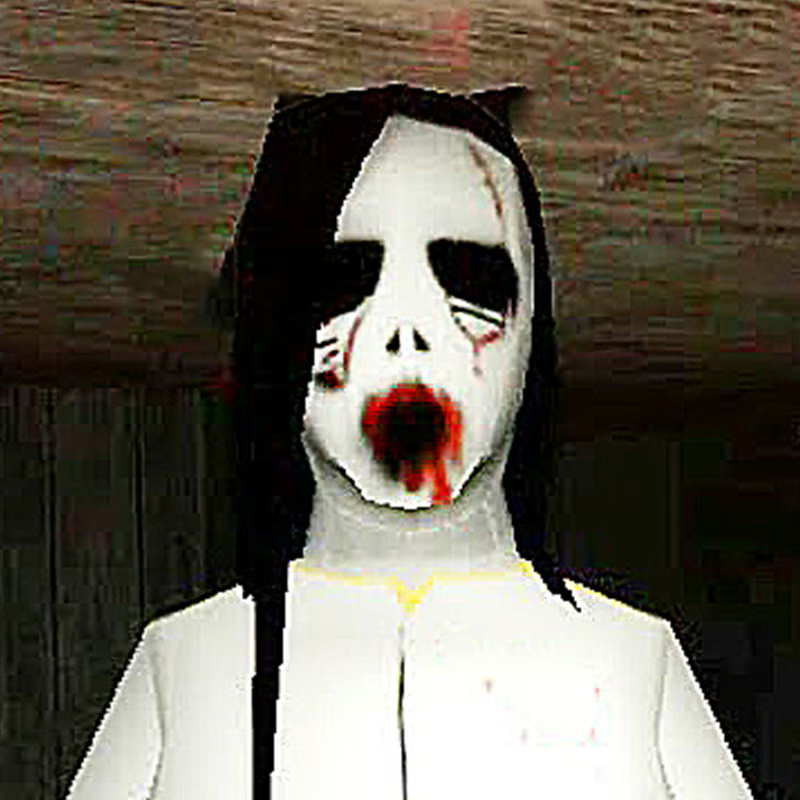
Haunted School is a first-person survival horror browser game where you enter a ravaged, abandoned school to finish an exorcism a priest started but could not complete. You are hunted by a demonic girl while you search classrooms and corridors for clues, keys, ritual objects, and the priest's missing tools, then use them to banish her.
This guide covers the 2022 Unity browser game by Tonny Nevel. It is a different game from the old 2009 dog-finding Flash game with the same name and from the co-op Haunted School map in Demonologist, so basketball-court sacrifices, statues, and puppy guides do not apply here.
PC controls that actually matter
Learn these before you worry about rituals. Most runs fail because players fumble inventory or reload at the wrong moment.
| Action | Keys | When to use it |
|---|---|---|
| Move / look | WASD or arrow keys + mouse | Default movement. Click inside the game window first to capture the mouse. |
| Pick up / interact | E | Grab tools, ammo, notes, keys, candles, and supplies. Also used for doors and puzzle objects. |
| Drop item | G | Free a slot when your hands are full. Useful for stashing supplies. |
| Swap slot | 1 / 2 | You only have two active slots, so decide what stays ready. |
| Reload | R | Reload only in a quiet moment. Reloading while she closes in often ends runs. |
| Crouch | C | Move slower and quieter. Best for listening and slipping away. |
| Sprint | Shift on most guides; portal also lists left-click | Use to break contact and cross open halls. Faster but noisier. |
| Shoot | Left mouse button | Fires the shotgun. Save it for when cornered. |
| Pause | ESC | Pauses and releases the mouse. Click back inside to recapture it. |
Control note: listings disagree on sprint. Some pages list left-click as both sprint and shoot, while other guides list Shift as sprint. If sprint feels inconsistent, try Shift to run and keep left-click for shooting. If your cursor escapes, press ESC, then click back inside. For fullscreen, use the portal fullscreen icon when available or browser fullscreen.
How exorcism works: follow the priest's notes first
Winning is not just escaping the building. You win by gathering what is needed to complete the exorcism and banish the demonic girl.
- Read every priest note. Notes explain what happened and point toward the next tools you need. Players who skim them usually wander the same corridors twice with the girl behind them.
- Collect ritual and survival supplies. Guides mention candles, lighters, keys, holy symbols, quest items, first-aid supplies, and shotgun ammo. They are scattered and sometimes hard to see, so check desks, drawers, shelves, and dark corners.
- Expect keys and puzzles to gate progress. If you are stuck, you probably missed a note, key, or small interactable in a visited room.
- Do not expect an exact fixed map. Placements are described as scattered or hidden and are not consistently documented, so work systematically.
A practical loop is: enter quietly, read the note before grabbing the item, grab only what fits your two slots, remember your exit, then decide what to stash and what to carry forward.
Shotgun: delay, not a solution
You find a shotgun early, and it feels like safety. It is not. A shot drives the demonic girl away only temporarily, buying a few seconds to run, grab an item, or get through a doorway. You cannot kill her with it and she keeps returning. Ammo is limited, so once shells are gone, running and hiding are the only reliable options.
- Do not shoot at sounds, shadows, or long distance. If you can run, run.
- Save shells for bottlenecks: blocked exits, small rooms, elevator areas, and moments when she is already too close to outrun.
- Reload before reading a note or picking up a quest item when you have a quiet second. Many chases start right after an interaction.
- If you burned shells early, play much more cautiously afterward.
How to survive chases
The girl actively searches while you explore. Breaking contact beats fighting head-on.
- Crouch to stay quieter. Crouching helps when listening or slipping behind furniture and out of sight.
- Sprint to break line of sight. When spotted, sprint around a corner or through a doorway, then stop running once hidden. Constant sprinting makes you easier to track.
- Listen before entering. Footsteps, laughter, static shifts, and creaks often signal she is near. Pause, crouch, and check the next room from cover.
- Do not trap yourself. Small rooms with one exit are dangerous. Note the way out before looting and learn the central halls and staircase for escapes.
- Sweep one room fully, then move on. Lingering in cleared areas wastes time while danger builds.
If she blocks a narrow exit and you have no escape, that is the moment for the shotgun: fire, sprint out immediately, and turn away to break sight.
Where to search in the school
The school works as one connected building, not separate levels. Classrooms, hallways, utility areas, and upper floors link together, so learning the layout is as important as finding items.
- Start notes-first, not loot-first. Let the latest priest note decide the next area. It saves backtracking.
- Sweep rooms completely. Open doors one at a time, check corners, desks, and shelves, then leave.
- Track keys and blocked doors. The item you need is usually behind careful searching elsewhere, not behind shooting.
- Make a drop spot. Because you only have two slots, you cannot carry shotgun, light, puzzle items, and healing at once. Drop spare candles, first-aid kits, or extra tools with G near a central staircase or safe hallway and return when needed.
- Revisit with a plan. Backtracking is normal. Return through known routes rather than exploring new dark wings while low on ammo or health.
Unblocked, Chromebook, mobile, and lag help
This is a no-download Unity WebGL browser game. It is listed for desktop, mobile, and tablet browsers, but keyboard and mouse on desktop is the most reliable way to handle shooting, crouching, slot swaps, and fast escapes.
- Unblocked play: availability depends on your school or work network, so no page can guarantee access. If the game loads, use fullscreen and keep audio clear so cues are easier to hear.
- Chromebook: it can run in a browser, but as a 3D Unity WebGL game with dynamic lighting, performance depends on hardware and whether hardware acceleration is enabled. Close other tabs and keep background load low if hallways stutter.
- Mobile and tablet: touch browser play is reported as supported, but aiming, quick slot changes, and kiting the ghost are harder without keys. Use a larger screen and stable connection when possible.
- Lag, black screen, or load failure: reload the page, make sure hardware acceleration is on, try Chrome or Edge, close video and extra tabs, and switch to fullscreen after the game captures the mouse. Older integrated graphics may drop frames in large hallways.
Quick checklist when stuck
- Did you read the last priest note fully before moving on?
- Did you fully sweep desks, drawers, and dark corners for a key, candle, lighter, or tool?
- Are you carrying the right two items for the next step, with the rest stashed safely?
- Is your shotgun loaded before the next pickup or doorway?
- Do you know the exit before you loot a dead-end room?
If you answer those five, most stuck runs start moving again. Conserve shells, follow notes, search systematically, stay quiet until you must run, and finish the ritual instead of trying to shoot your way through the school.
Comments
No comments yet. Be the first to comment!